
Automatically apply for jobs with Zippia
Upload your resume to get started.
Multimedia technician skills for your resume and career
15 multimedia technician skills for your resume and career
1. Video Production
- Possess knowledge of the most current equipment available to maintain day-to-day operation of a professional audio and video production facility.
- Assist with video production services including digital photography, lighting and audio support
2. Technical Support
Technical support or tech support are the services provided by any hardware or software company to users. They help in solving the technical difficulties the customers face with their products or services. Moreover, the tech support employees maintain, manage, and repair the IT faults. They are also responsible for resolving the network problems, installing and configuring hardware and software.
- Performed administrative work related to technical support activities.
- Provided emergency technical support between offices.
3. Video Conferencing
- Trained college professors and other faculty members on emerging technologies such as video conferencing, distant learning, and E-learning.
- Provided first and second tier support for web and video conferencing for internal and external clients.
4. Photoshop
- Teach technology skills (video editing, Photoshop, InDesign, Illustrator, 3D CAD software, and web development).
- Create DVD covers in Adobe Photoshop to be used on the outside of the customers' DVD case.
5. Video Cameras
- Set up and operate video cameras.
- Used video cameras to capture/document Army training operations and command ceremonies.
6. Troubleshoot
Troubleshooting is the process of analyzing and fixing any kind of problem in a system or a machine. Troubleshooting is the detailed yet quick search in the system for the main source of an issue and solving it.
- Traveled to customer site to install services, troubleshoot repair and maintain telecommunication equipment.
- Installed, configured, troubleshoot, and maintained classroom hardware and software.
Choose from 10+ customizable multimedia technician resume templates
Build a professional multimedia technician resume in minutes. Our AI resume writing assistant will guide you through every step of the process, and you can choose from 10+ resume templates to create your multimedia technician resume.7. Projection
- Assisted with technical setup (PA systems, projection, video recording) for special indoor/outdoor events.
- Operate live audio, front and rear projection of video and Microsoft Power Point slide show presentations.
8. Audio Visual Equipment
- Set up, operated & instructed how to use all audio visual equipment to administrators, teachers, & faculty.
- Provided support on a large range of equipment from PC's, Mac's and Audio Visual equipment.
9. Videoconferencing
- Arranged technical set-ups utilizing various audio and videoconferencing technologies.
- Provided AV, computer and videoconferencing support for meetings and special events throughout the Firm.
10. Mac
A media access control or simply MAC is a network policy that identifies or determines how the data is being transferred in two particular servers through a network cable. The purpose of a MAC protocol is to prevent network or technical issues and simplify transferring the information or data.
- Deployed varied A/V equipment, digital whiteboards, & custom PC/Mac computers.
- Updated lab Mac systems to keep software current and operational.
11. VTC
VTC stands for video teleconferencing. VTC is a technology that allows and facilitates high-quality audio and visual communication between multiple users in different areas.
- Provided electronic setup for required conference electronic equipment for VTC's.
- Oversee configuration and installation of VTC and telecommunication network equipment and changing the components of existing equipment for efficient operation.
12. PC
- Lead PC upgrade for all conference room PCs hospital wide, and also at remote locations.
- Manage software to insure protection from miscellaneous online activities, troubleshoot and repair hardware and software to maintain PC stability.
13. Animation
- Character animation and rendering for Missouri television public service announcements.
- Design and implementation of digital animation & graphics.
14. Computer System
- Design customer websites Assist in troubleshooting network difficulties Responsible for performing software and hardware upgrades and installations, building custom computer systems
- Managed student financial transactions for computer systems access, and oversaw company purchase card expenditures for office supplies and administrative merchandise.
15. Technical Issues
- Utilize "Service Now" for user related technical issues as well as manage IAC request.
- Resolved any technical issues that professors may encounter throughout a presentation.
5 Multimedia Technician resume examples
Build a professional multimedia technician resume in minutes. Browse through our resume examples to identify the best way to word your resume. Then choose from 5+ resume templates to create your multimedia technician resume.

What skills help Multimedia Technicians find jobs?
Tell us what job you are looking for, we’ll show you what skills employers want.
List of multimedia technician skills to add to your resume
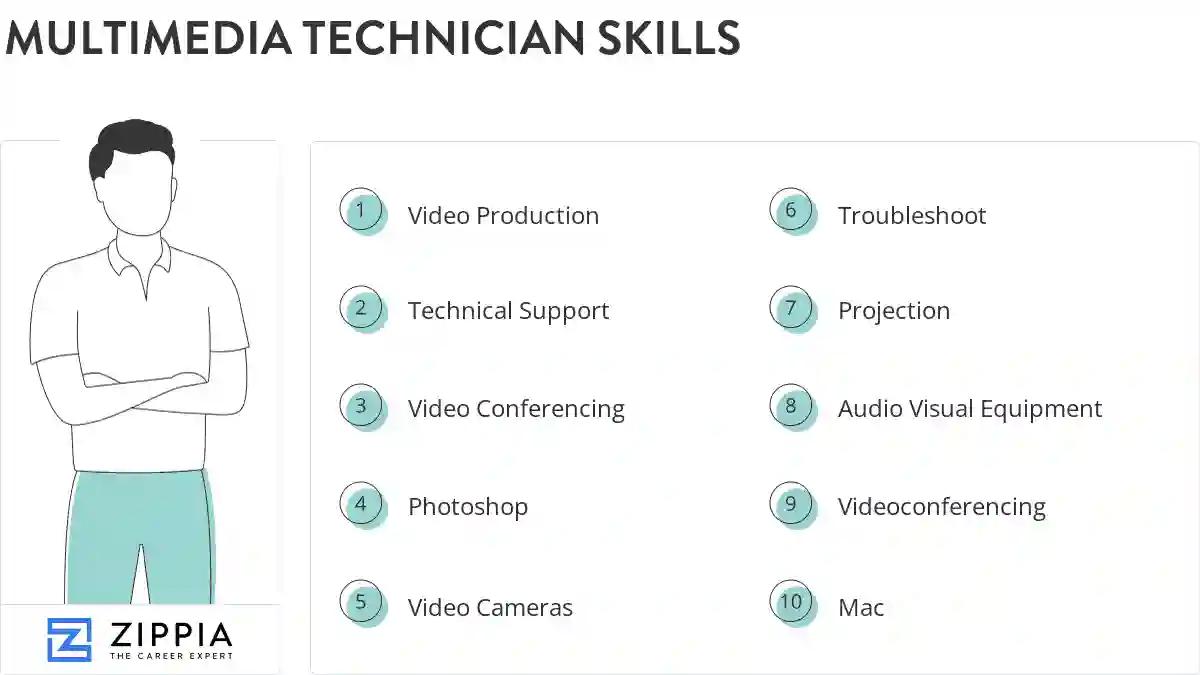
The most important skills for a multimedia technician resume and required skills for a multimedia technician to have include:
- Video Production
- Technical Support
- Video Conferencing
- Photoshop
- Video Cameras
- Troubleshoot
- Projection
- Audio Visual Equipment
- Videoconferencing
- Mac
- VTC
- PC
- Animation
- Computer System
- Technical Issues
- Multimedia Services
- Emerging Technologies
- Apple
- Teleconferencing
- Video Equipment
- Polycom
- Crestron
- Live Events
- Video Conferences
- Multimedia Equipment
- HTML
- MCU
- DVD
- Classroom Technology
- PowerPoint
- Linux
- Troubleshooting Support
- Multimedia Support
- AMX
- Slide Projectors
- Sony
- DSL
- Management System
- Sound Systems
- Electronic Equipment
- LCD
- Proactive Measures
- ISDN
Updated January 8, 2025
