By clicking Download, you agree to Zippia’s Privacy Policy and Terms of Use.

By clicking Download, you agree to Zippia’s Privacy Policy and Terms of Use.

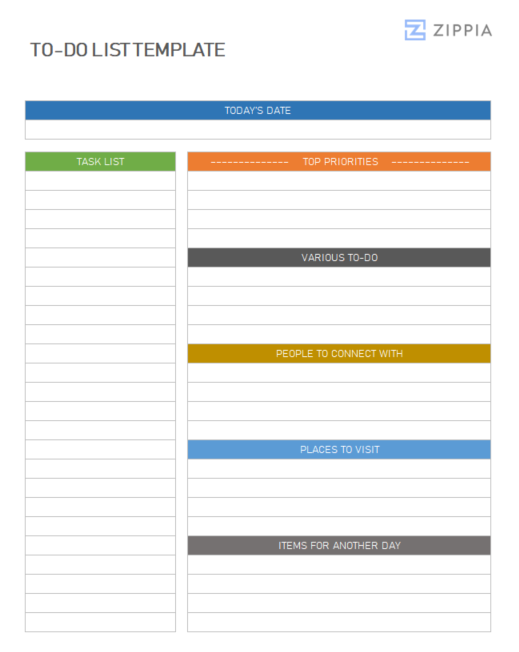
A to-do list is a fundamental yet highly effective organizational tool that aids in tracking tasks that need to be addressed. It serves as a structured list where individuals can outline all tasks they intend to accomplish within a specified timeframe.
How to Create an Effective To-Do List
Creating a productive to-do list involves several key steps:
-
Gather all tasks, ideas, or goals you plan to achieve within a day, week, or month.
-
Document each task individually. Ensure clarity and specificity to maintain focus.
-
Prioritize tasks based on urgency, importance, and deadlines to address the most critical tasks first.
-
Break larger tasks into smaller, manageable steps to make them less overwhelming.
-
Regularly review and update the list, checking off tasks as they are completed.
How to Utilize a To-Do List Template
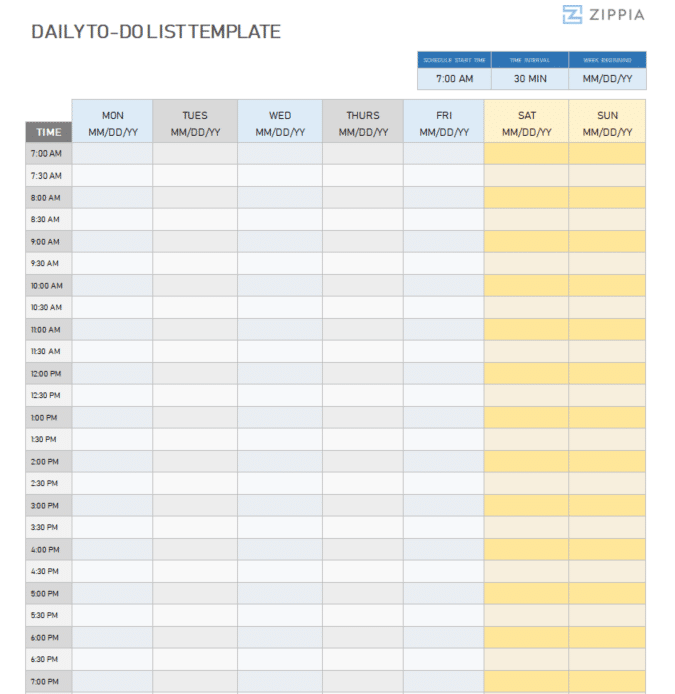
Using a to-do list template can simplify your task management process. Here’s how to effectively use one:
-
Choose a to-do list template that aligns with your personal style and specific needs.
-
Replace the template’s placeholder text with your tasks.
-
Customize the template to suit your requirements, such as adding sections for priority levels or deadlines.
-
Regularly update the template as you complete tasks or when new tasks arise.
-
Utilize the template to track your progress and adjust your tasks and priorities as necessary.
Frequently Asked Questions about To-Do Lists
-
Why is a to-do list important? A to-do list is vital for maintaining organization, enhancing productivity, maintaining focus, providing direction, and delivering satisfaction from completing tasks.
-
Should I opt for a digital or paper to-do list? The choice between a digital or paper to-do list depends on personal preference. Some individuals favor paper lists for their tactile nature, while others prefer digital formats for their convenience and accessibility.
-
How often should I revise my to-do list? You should revise your to-do list regularly, but the frequency depends on your workflow. Some individuals prefer daily updates, while others may do so weekly. It is crucial to assess your list frequently to stay on top of your tasks.
-
What if I can’t complete all tasks on my to-do list? If you cannot finish all tasks, add them to your to-do list for the next workday. It is common not to complete every task. Prioritizing can help manage what gets done. If a task remains unfinished for an extended period, consider breaking it into smaller steps, delegating it, or reevaluating its importance.

Author

Matthew Zane is the lead editor of Zippia's How To Get A Job Guides. He is a teacher, writer, and world-traveler that wants to help people at every stage of the career life cycle. He completed his masters in American Literature from Trinity College Dublin and BA in English from the University of Connecticut.