Find a Job You Really Want In
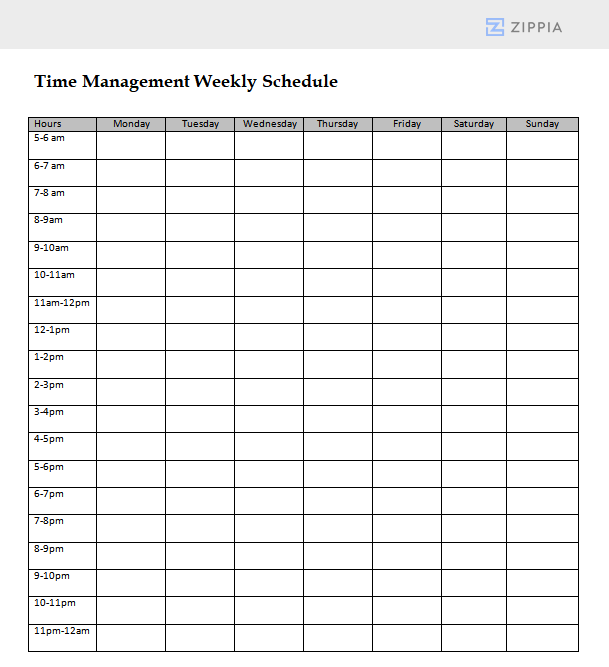
A weekly schedule is an essential planning tool that outlines activities, tasks, and commitments for the week ahead. It enhances time management, boosts productivity, and helps track appointments, deadlines, and significant dates.
By clicking Download, you agree to Zippia’s Privacy Policy and Terms of Use.

How to Create an Effective Weekly Schedule
Follow these steps to create a weekly schedule that enhances your productivity:
-
Compile all your tasks, appointments, and commitments for the upcoming week.
-
Assign specific days and times to each task or event.
-
Ensure to include adequate time for breaks and leisure to maintain a balanced schedule.
-
Build in flexibility to accommodate unexpected tasks and emergencies.
-
Regularly revise and update your schedule to reflect any changes throughout the week.
Using a Weekly Schedule Template
Utilizing a weekly schedule template can streamline your planning process, saving time and ensuring that crucial components of your week are not overlooked. Choose a suitable template, fill in your tasks and appointments, and customize it to suit your personal or professional needs. Regular updates will help keep your schedule accurate and functional.
Frequently Asked Questions About Weekly Schedules
-
Should I use a digital or paper-based weekly schedule? The choice between digital and paper-based schedules depends on your personal preference. Digital schedules offer flexibility and accessibility, while paper schedules provide a tactile experience. Both can be effective if used properly.
-
How rigid should I be with my weekly schedule? A weekly schedule should function as a guideline rather than an inflexible mandate. Life is unpredictable, so it’s essential that your schedule allows for adjustments as needed.
-
Do I need to create a new weekly schedule each week? Yes, creating a new weekly schedule each week is advisable. Each week can present new tasks, goals, and commitments, so updating your schedule weekly is crucial for maintaining effectiveness in organization and productivity.

Author

Matthew Zane is the lead editor of Zippia's How To Get A Job Guides. He is a teacher, writer, and world-traveler that wants to help people at every stage of the career life cycle. He completed his masters in American Literature from Trinity College Dublin and BA in English from the University of Connecticut.