
Automatically apply for jobs with Zippia
Upload your resume to get started.
Desktop support lead technician skills for your resume and career
15 desktop support lead technician skills for your resume and career
1. Desktop Support
- Lead technician for all desktop support related issues for a Texas Instruments/National Semiconductor engineering campus.
- Function as team lead managing a team of 6 technicians handling external field service calls and internal end-user desktop support issues.
2. Remote Desktop
- Provide customer computer support using remote desktop via Dame Ware.
- Used Apple Remote Desktop and JAMF Casper Suite to control/inventory/push software packages for 600+ Mac Clients.
3. PC
- Coordinated departmental moves including PC installation and network availability and installation.
- Created standard PC software configuration images and maintained image library.
4. Computer System
- Project lead for an enterprise level computer refresh program consisting of the installation of new computer systems and associated data backups.
- Constructed desktop computer systems for graphic design department and used VMware vSphere to set up virtual desktops for employees.
5. Troubleshoot
Troubleshooting is the process of analyzing and fixing any kind of problem in a system or a machine. Troubleshooting is the detailed yet quick search in the system for the main source of an issue and solving it.
- Led a team of 4 techs for deploy/support troubleshoot all Printers problems and coordinated the installations and repairs with vendors.
- Install and troubleshoot hardware for network connectivity, and wiping the old desktops to be sent off site.
6. Technical Support
Technical support or tech support are the services provided by any hardware or software company to users. They help in solving the technical difficulties the customers face with their products or services. Moreover, the tech support employees maintain, manage, and repair the IT faults. They are also responsible for resolving the network problems, installing and configuring hardware and software.
- Provided escalated support and acted as subject matter expert for advanced technical support and troubleshooting.
- Collaborated with technical support department to resolve complex tasks.
Choose from 10+ customizable desktop support lead technician resume templates
Build a professional desktop support lead technician resume in minutes. Our AI resume writing assistant will guide you through every step of the process, and you can choose from 10+ resume templates to create your desktop support lead technician resume.7. Network Printers
- Performed 1st level printer support on HP, Canon and various network printers.
- Installed new workstations, network printers, routers and peripherals.
8. SCCM
- Develop and Build reference images for OS Deployment via SCCM; vet and schedule updates and service packs.
- Ghost and SCCM imaging for Windows XP and Windows 7 installation.
9. Mac
A media access control or simply MAC is a network policy that identifies or determines how the data is being transferred in two particular servers through a network cable. The purpose of a MAC protocol is to prevent network or technical issues and simplify transferring the information or data.
- Provided support for Windows XP/Vista, Windows Server 2003, Mac OS X and Exchange '07.
- Prepared and deployed Windows, Mac, and Linux desktops and laptops for faculty and staff.
10. OS
In technical terms, OS stands for "Operating System". It is a software that is used to run programs on the computer. An operating system acts as a link between the user and the hardware components. Windows, macOS, iOS, Linux are examples of an operating system.
- Helped team facilitate the migration of all current XP users to current Windows OS.
- Managed OS migration over 800 users at multiple branch location of EMPIREBLUE densification upgraded.
11. Remedy
- Managed incoming tasks and incidents in remedy and troubleshooting.
- Created and implemented new measures for managing customer service requests and incident reports using change control procedures and REMEDY software package.
12. Asset Management
Asset management describes the management of assets that are invested on behalf of various industries. It is the process of developing, operating, maintaining, and selling assets for profit and managing the money for individuals and companies through stocks, bonds, and cash equivalents, among other things.Alternatively, asset management enables a business to keep track of all of its assets, helps ensure correct depreciation rates, helps identify and manage risk, and removes ghost assets from business inventory.
- Develop asset management plans for tracking the delivery of new workstations and disposal of old hardware.
- Conducted track and asset management systems (BMC and SDE) with Help Desk Ticket.
13. Windows XP
- Performed hardware upgrades and installed updates to client operating systems for Windows XP, 7, 8, and 10.
- Coordinated a successful migration of 290 staff computers from Windows XP to 7 prior to Microsoft's end of support.
14. Software Issues
Software issues are challenges related to the software installed in a computer that can be resolved by troubleshooting, bug fixes, and in extreme cases by a programmer. Software issues can cause the software to lag in the system, malfunction, or affect the entire function of the computer system in general.
- Use technical manuals, forums, journals and the internet to research computer hardware and software issues.
- Assist customers (internal and remote) with desktop and software issues.
15. VPN
A Virtual Private Network, VPN encrypts a device's internet access, activity, and identity through a secure server, making data theft and third-party traceability more difficult, and increasing the privacy and security of public and private networks, the internet, and Wi-Fi hotspots. The VPN is designed to protect one's system and network from being compromised.
- Support Blackberry, iPhone, Android and Windows Mobile operating systems, configure VPN for remote users.
- Configured and troubleshot Mobile Access Service on laptops when using Cisco Secure Client (VPN).
5 Desktop Support Lead Technician resume examples
Build a professional desktop support lead technician resume in minutes. Browse through our resume examples to identify the best way to word your resume. Then choose from 5+ resume templates to create your desktop support lead technician resume.

What skills help Desktop Support Lead Technicians find jobs?
Tell us what job you are looking for, we’ll show you what skills employers want.
What desktop support lead technician skills would you recommend for someone trying to advance their career?
Kate Marek Ph.D.
Director and Professor, Dominican University
What type of skills will young desktop support lead technicians need?
Joshua Davis Ph.D.
Lecturer, Carleton College
List of desktop support lead technician skills to add to your resume
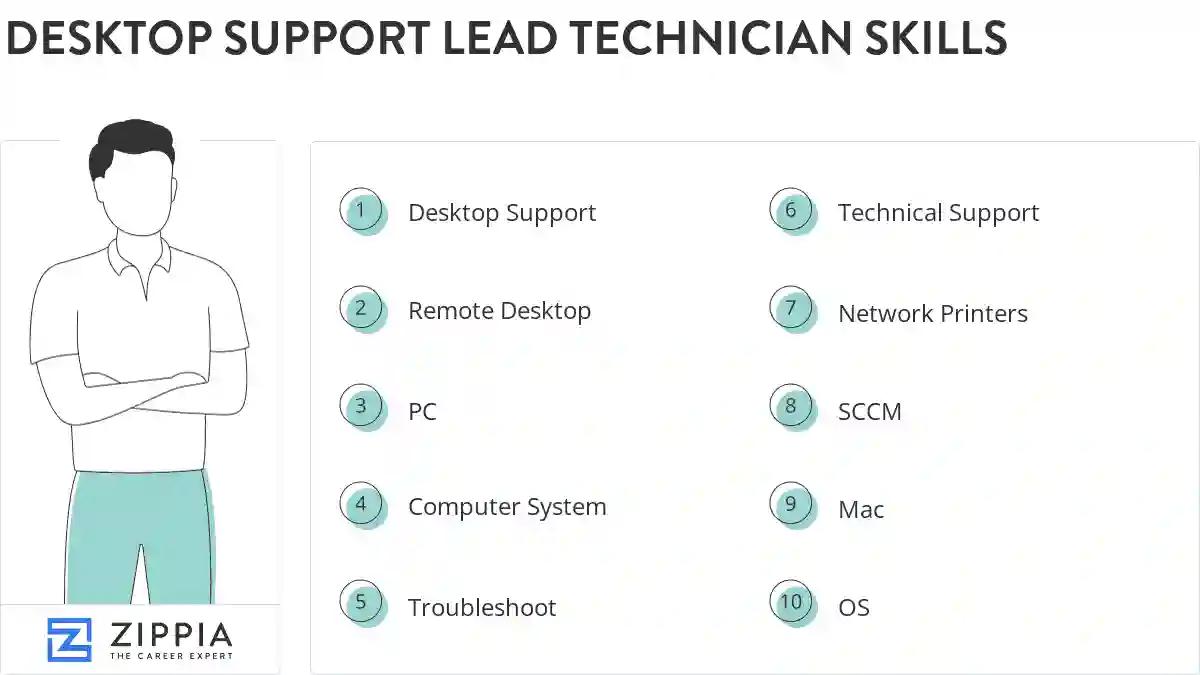
The most important skills for a desktop support lead technician resume and required skills for a desktop support lead technician to have include:
- Desktop Support
- Remote Desktop
- PC
- Computer System
- Troubleshoot
- Technical Support
- Network Printers
- SCCM
- Mac
- OS
- Remedy
- Asset Management
- Windows XP
- Software Issues
- VPN
- Hard Drive
- Workstations
- Citrix
- Mobile Device Management
- User Accounts
- Windows Server
- SLA
- Remote Support
- Desktop Systems
- Blackberry
- VoIP
- Lotus Notes
- Trouble Tickets
- Software Installation
- Network Connectivity Issues
- TCP/IP
- Symantec Ghost
- Asset Inventory
- VMware
- Altiris
- Email Accounts
- Smartphones
- Lan
- Technical Issues
- Customer Support
- Software Applications
- Level Support
- SMS
- RSA
- Desktop Computers
- Technical Assistance
- Novell
- Data Migration
- SQL
Updated January 8, 2025
