
Automatically apply for jobs with Zippia
Upload your resume to get started.
Technology integration specialist skills for your resume and career
15 technology integration specialist skills for your resume and career
1. Technical Support
Technical support or tech support are the services provided by any hardware or software company to users. They help in solving the technical difficulties the customers face with their products or services. Moreover, the tech support employees maintain, manage, and repair the IT faults. They are also responsible for resolving the network problems, installing and configuring hardware and software.
- Provided second level technical support on integrated technologies.
- Integrated new technology and techniques into the school curriculum through professional development, training, and technical support.
2. Troubleshoot
Troubleshooting is the process of analyzing and fixing any kind of problem in a system or a machine. Troubleshooting is the detailed yet quick search in the system for the main source of an issue and solving it.
- Set up Operating Room for surgery *Troubleshoot problems that arise during surgery *Decontaminate and sterilize the instrumentation used during surgery
- Coordinate with other departments to discuss, implement and troubleshoot network operational and security issues.
3. Windows
Windows is a chain of operating systems that controls a computer and is developed by Microsoft. Every version of Windows consists of GUI (graphical user interface), with a desktop that allows the user to open their files.
- Build, administrate, and maintain MySQL and PostgrSQL databases for both Windows and Linux operating systems.
- Managed, organized, and deployed the hardware/software for four schools including Apple and Windows products.
4. Java
Java is a widely-known programming language that was invented in 1995 and is owned by Oracle. It is a server-side language that was created to let app developers "write once, run anywhere". It is easy and simple to learn and use and is powerful, fast, and secure. This object-oriented programming language lets the code be reused that automatically lowers the development cost. Java is specially used for android apps, web and application servers, games, database connections, etc. This programming language is closely related to C++ making it easier for the users to switch between the two.
- Phase 2 introduced MQ Workflow integration and new rules validation engine (Java based).
- Designed and delivered innovative solutions using XML, MSMQ, IBM MQ, Java, C# and C technologies.
5. Technology Integration
- Participate as a builder and an analyst in system upgrades by following successful technology integration and providing new solutions.
- Key member of strategic planning team advising administration and staff on technology integration and curriculum development.
6. Cloud
Cloud is a server that is accessed over the internet. There are different programs and software that also run on these servers. These clouds can be accessed from anywhere in the world as they are not present in your computer storage, but have their online servers. Cloud consists of data centers all across the world.
- Utilized, trained, and administrated Learning Management Systems and Cloud Computing Systems for 20,000 students and 1,500 staff.
- Developed a thourough understanding of Cloud disciplines, models and IBM's SmartCloud Services strategy and portfolio.
Choose from 10+ customizable technology integration specialist resume templates
Build a professional technology integration specialist resume in minutes. Our AI resume writing assistant will guide you through every step of the process, and you can choose from 10+ resume templates to create your technology integration specialist resume.7. Linux
Linux is a Unix-like operating system. Just like Windows, Mac OS, and IOS, Linux is an operating system used by millions across the globe. Android itself is powered by the Linux operating system. Linux manages all the hardware resources that are associated with your computer. The software is famous because of the protection it grants from viruses, malware, and crashes. The Linux operating system is entirely free and is an open-source software meaning it can be altered by those equipped with the knowledge to code.
- Develop creative thinking projects such as student administered Linux based network (hardware/software), Linux-based weather station using Hobby-Boards.
- Installed and supported Linux and Windows server solutions, as well as end user workstations.
8. Emerging Technologies
- Research and endorse emerging technologies to Technology Board and Head of School.
9. Staff Development
- Developed comprehensive staff development plans for statewide school districts.
- Lead numerous staff development seminars regarding the use of technology and model best practices.
10. Instructional Technology
- Modeled effective uses of appropriate instructional technology in the instructional program.
- Developed/Managed Laptop Instructional Technology PD.
11. EDI
- Project lead on electronic invoice process primarily via Ariba Network and Western Europe OB10 applications via XML and EDI electronic processing.
- Evaluated, selected and installed an EDI PC software package that enabled the exchange of electronic documents with our customers.
12. Student Learning
- Supported and coached educators with embedding technology and information literacy standards into school's curriculum to enrich student learning and instruction.
- Worked on Student Learning Objectives and aided with various types of managerial duties.
13. Educational Technology
- Develop, coordinate and lead educational technology-focused professional development opportunities for teachers and staff.
- Assisted in developing and implementing an educational technology infrastructure that meets system-wide needs.
14. Software Applications
A software application is any computer program developed and used by consumers, such as Microsoft's suite of products (Office, Excel, Word, PowerPoint, Outlook, etc.), Internet browsers such as Firefox, Safari, and Chrome, or browser add-ons that Defendant preinstalls or causes to be preinstalled onto a Covered Product. The software application is designed to help the user perform specific tasks - personal, educational, and business functions.
- Provide support for network, A/V equipment, printers (Hp/Dell), and software applications.
- Demonstrated technical skills by implementing creative student-centered technology lesson plans introducing hardware and software applications to students grades K-5th.
15. XML
XML is a medium for storing and transporting data that is independent of software and hardware. XML stands for eXtensible Markup Language. XML, like HTML, is a markup language that was created to store and transport data. It was created with the intention of being self-descriptive. There are no predefined tags in the XML language. Another feature is that XML is extensible.
- Developed company-wide internal XML message standardized structure to meet all business needs and requirements for internal messaging solutions.
- Exhibit very strong troubleshooting skills to resolve various technical issues with XML, HTTP post, and in some cases spreadsheets.
5 Technology Integration Specialist resume examples
Build a professional technology integration specialist resume in minutes. Browse through our resume examples to identify the best way to word your resume. Then choose from 5+ resume templates to create your technology integration specialist resume.

What skills help Technology Integration Specialists find jobs?
Tell us what job you are looking for, we’ll show you what skills employers want.
What technology integration specialist skills would you recommend for someone trying to advance their career?
Joshua Elliott Ed.D.
Associate Dean, Fairfield University
What type of skills will young technology integration specialists need?
Donna Kukarola
Procurement Director, Forsyth County, Georgia
List of technology integration specialist skills to add to your resume
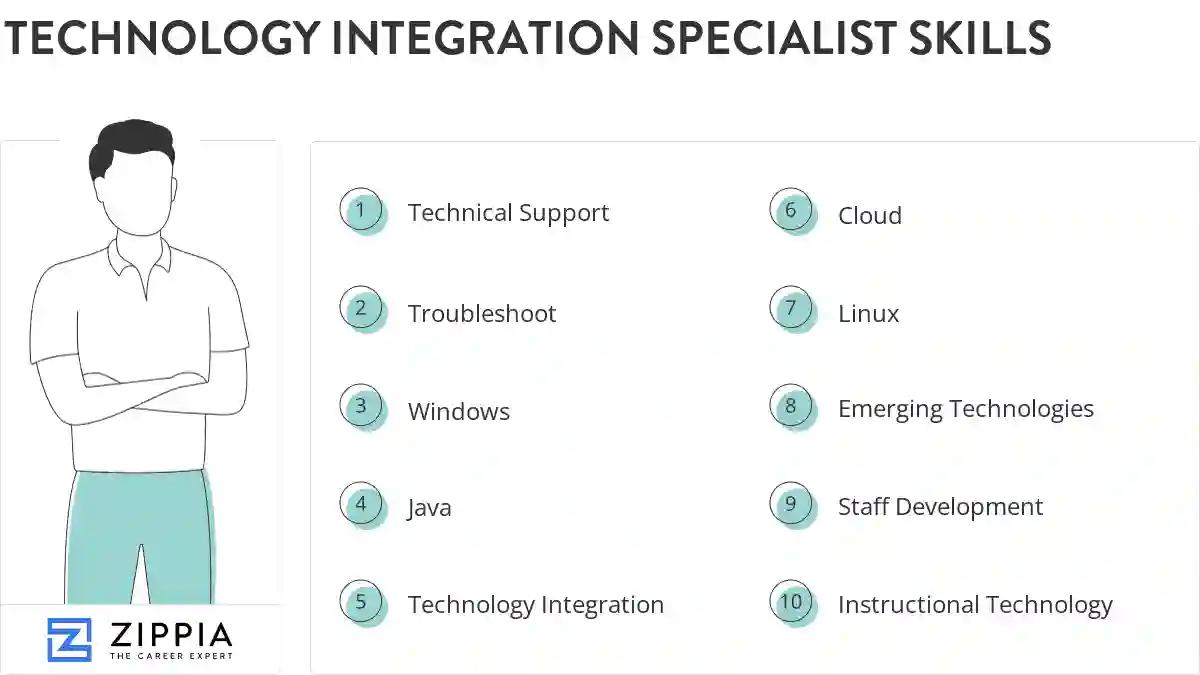
The most important skills for a technology integration specialist resume and required skills for a technology integration specialist to have include:
- Technical Support
- Troubleshoot
- Windows
- Java
- Technology Integration
- Cloud
- Linux
- Emerging Technologies
- Staff Development
- Instructional Technology
- EDI
- Student Learning
- Educational Technology
- Software Applications
- XML
- Technology Training
- Technology Curriculum
- K-12
- SQL
- HTML
- Instructional Materials
- Learning Management System
- Technical Issues
- Google Apps
- Mobile Device Management
- Unix
- Enterprise Architecture
- Technology Equipment
- Instructional Support
- Training Materials
- K-8
- Photoshop
- Professional Development Workshops
- Mac
- Network Troubleshooting
- Technology Plan
- Technology Tools
- Technology Committee
- Computer Lab
- Mathematics
- PC
- Instructional Practices
- Google Drive
Updated January 8, 2025
