- Types Of Interviews
Find a Job You Really Want In
As remote work continues to dominate the job market in 2026, video interviews have become a standard component of the hiring process. These interviews not only assess your qualifications but also evaluate your comfort with virtual communication—a key skill for many roles today.
While the medium may vary, the structure and content of video interviews closely mirror traditional in-person interviews. Most interview tips you’ve learned still apply, but understanding the nuances of virtual interactions is essential for standing out in a competitive field.
In this guide, we’ll explore how to effectively prepare for a video interview and share valuable tips to help you impress your interviewer and secure that job offer.
Key Takeaways:
-
Prepare as you would for a traditional interview, dressing in appropriate professional attire.
-
Ensure your technology is up to date and that you have a reliable internet connection before the interview.
-
Check your background for any distractions or inappropriate items.
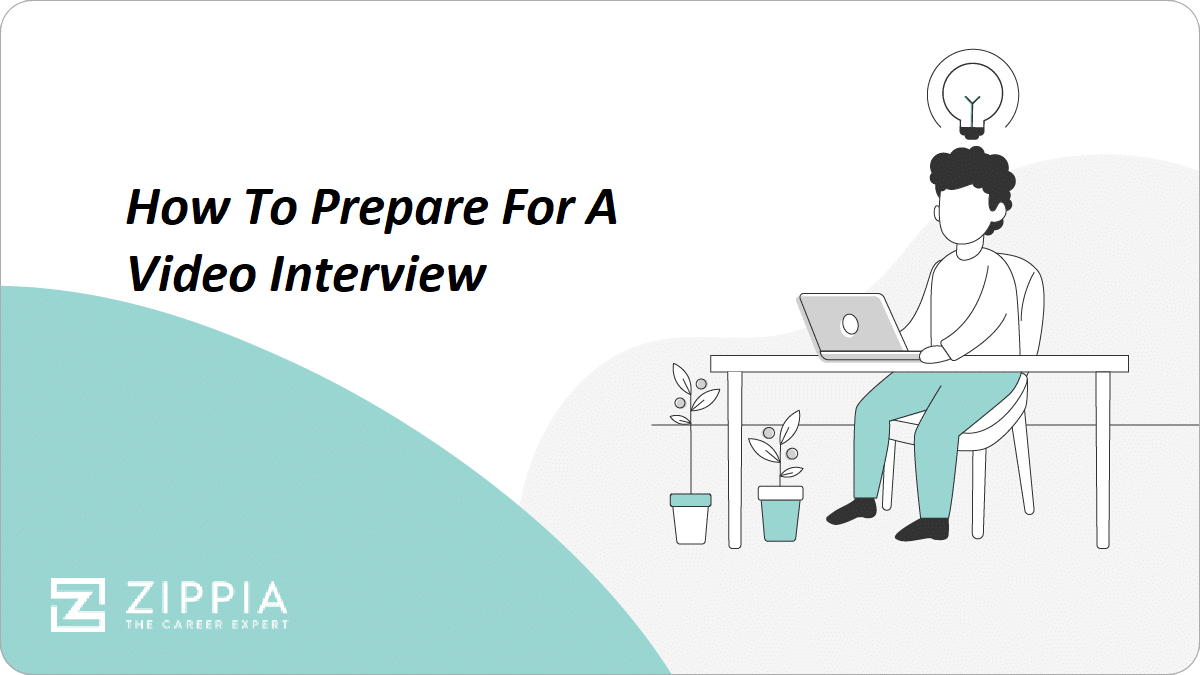
What Is a Video Interview?
Video interviews provide a platform for employers to gain deeper insights into candidates beyond their resumes. They serve the same purpose as traditional in-person or phone interviews, allowing potential employers to evaluate your fit for the role and the company culture.
There are typically two types of video interviews:
-
Live video interviews conducted via platforms like Zoom or Microsoft Teams, allowing real-time interaction.
-
Recorded video interviews where candidates respond to pre-set questions, which are reviewed later by hiring managers.
With first, second, and sometimes even final interviews being conducted virtually, honing your video interviewing skills is crucial as this trend is expected to continue.
How to Prepare Before Your Interview
Video interviews can be seamless, but technical issues can arise. To ensure everything goes smoothly, follow these preparation steps:
- Double-check your technology. Ensure your device is compatible with the video conferencing software (like Zoom, Google Meet, or Microsoft Teams) used by the employer. If an invite is sent beforehand, test the specific platform.
- Test your internet connection. Run a speed test to confirm your internet is stable and fast enough for video conferencing.
- Set up your background. While glimpses of your home life are more accepted now, aim for a neutral background that minimizes noise and distractions.
- Perfect your positioning. Position your camera so that you are centered and visible from the shoulders up, allowing your gestures and body language to be seen.
- Check your lighting. Natural light is best; face a window or light source to avoid shadows. Avoid backlighting that could obscure your face.
- Test your audio. Ensure your microphone and speakers are working correctly so you can be heard clearly.
- Practice your voice. Speak at a moderate volume and pace, testing your audio setup to ensure clarity in your delivery.
- Clean up your computer. Close unnecessary tabs and applications to minimize lag and focus your computer’s resources on the video call.
Tips for the Actual Interview
Video interviews come with unique challenges, but overcoming them is achievable with practice. Here are some tailored tips for success:
- Prepare as if it were a regular interview. Review your resume and practice your answers to common questions.
- Dress professionally. Wear business attire as you would for an in-person meeting, opting for business casual if appropriate.
- Make eye contact. Look into the camera instead of the screen to create a more engaging connection with your interviewer.
- Have notes handy. You can keep notes or questions nearby to refer to during the call, but avoid reading directly from them.
- Be mindful of body language. Maintain good posture and use gestures to convey enthusiasm, while ensuring your facial expressions are visible.
- Minimize distractions. If you’re not using your phone for the interview, keep it out of sight to maintain focus.
- Engage in small talk. Initiate light conversation to establish rapport before diving into serious questions.
- Join the call early. Logging in 5-10 minutes ahead of time can help you feel calmer and ready when the interview begins.
- Keep your resume accessible. Have a copy of your resume (and your cover letter if possible) readily available to reference during the interview.
- Disable notifications. Turn off notifications on your devices to prevent interruptions during the interview.
- Check your battery. Ensure your device is fully charged or plugged in during the interview to avoid disconnection.
- Thank your interviewer. Conclude the interview by expressing gratitude for their time and asking about the next steps in the hiring process.
How to Follow Up After a Video Interview
Following up after an interview is a critical step that demonstrates your interest in the position and your professionalism.
-
Send a concise email thanking your interviewer for their time and the opportunity.
-
Include any questions you forgot to ask, or attach relevant documents like your portfolio or references.
-
If you haven’t heard back within a week or two, consider sending a follow-up email to inquire about your application status.
-
If the position has been filled, ask to stay in touch for future opportunities, as new roles may open up.
Expert Opinion
How do you prepare for an interview?
Jenise Rabb
Founder & President
Level Up Advising, LLC
Approach your interview with a forward-thinking mindset! Show the interviewer that you align with the company’s values, support their mission, and are eager to demonstrate how your skills can add value to their team.
- Types Of Interviews

Author

Amanda is a writer with experience in various industries, including travel, real estate, and career advice. After taking on internships and entry-level jobs, she is familiar with the job search process and landing that crucial first job. Included in her experience is work at an employer/intern matching startup where she marketed an intern database to employers and supported college interns looking for work experience.