
Automatically apply for jobs with Zippia
Upload your resume to get started.
Application development/support skills for your resume and career
15 application development/support skills for your resume and career
1. Java
Java is a widely-known programming language that was invented in 1995 and is owned by Oracle. It is a server-side language that was created to let app developers "write once, run anywhere". It is easy and simple to learn and use and is powerful, fast, and secure. This object-oriented programming language lets the code be reused that automatically lowers the development cost. Java is specially used for android apps, web and application servers, games, database connections, etc. This programming language is closely related to C++ making it easier for the users to switch between the two.
- Enhanced and maintained in-house dealer order entry/invoicing Web application using Java.
- Applied Java and J2EE Design Patterns in the design and implementation of a subsystem.
2. C++
C++ is a general-purpose programming language that is used to create high-performing applications. It was invented as an extension to the C language. C++ lets the programmer have a high level of domination over memory and system resources. C++ is an object-oriented language that helps you implement real-time issues based on different data functions
- Support of C/C++ compilers, Microsoft Visual C++.
- Provided developer support for Macintosh C/C++ compiler plug-ins for Metrowerks CodeWarrior, Apple MPW, and Symantec Think C++.
3. Database
A database is a collection of data and information which makes it easy to view, access, and manage. Databases save a lot of time and can store huge amounts of data. Databases make sorting data easier and stores it in certain fields which narrows the searching criteria. A database usually contains tables, graphs, and columns to display data.
- Developed multiple database applications to streamline and automate core processes: including human resources in-boarding, payroll systems and article/advertising layouts.
- Created a system for storing and updating user Database Management documentation and software testing programs.
4. SQL Server
- Diagnose customer issues as the issue relates to Dynamics AX, SQL Server, and network operating systems.
- Develop applications using Visual Studio/VB6, MS Access 2007, SQL Server 2000.
5. Web Application
- Planned and implemented product development as well as provided efficient solutions for current web applications.
- Added monitoring tools to web applications to ensure high system availability.
6. JavaScript
- Developed the client front-end using JSP, HTML, CSS and JavaScript.
- Provided support while the HTML and JavaScript were integrated with server-side code.
Choose from 10+ customizable application development/support resume templates
Build a professional application development/support resume in minutes. Our AI resume writing assistant will guide you through every step of the process, and you can choose from 10+ resume templates to create your application development/support resume.7. HTML
- Developed some NASA internal HTML web pages.
- Coded using HTML, CSS, SQL, & ASP scripts.
8. Troubleshoot
Troubleshooting is the process of analyzing and fixing any kind of problem in a system or a machine. Troubleshooting is the detailed yet quick search in the system for the main source of an issue and solving it.
- Developed trust by displaying competency in ability to troubleshoot and implement solutions to problems.
- Support jobs running on production system and troubleshoot run time job issues.
9. Object Oriented Programming
- Used Object Oriented Programming concepts to develop the functionality in all the project assemblies and code behind pages.
- Use object oriented programming languages, as well as client/server applications development processes and multimedia and internet technology.
10. Technical Support
Technical support or tech support are the services provided by any hardware or software company to users. They help in solving the technical difficulties the customers face with their products or services. Moreover, the tech support employees maintain, manage, and repair the IT faults. They are also responsible for resolving the network problems, installing and configuring hardware and software.
- Complete software application development and technical support for judicial system case-management software.
- Provided technical support to application developers and non-technical end-users.
11. CSS
- Involved in working with Style sheets and css files.
- Included taking a leadership role on interfacing ARMS with other applications such as CSS, IDMS, TCMS, DOES etc.
12. Application Support
The efficient operation of an application needs day to day maintenance that is done through application support. It assists users to manage any queries or errors they may face in the daily use of the application as well as provide a contact that users can reach for assistance. It may include a service desk and backups.
- Implement and test modifications to existing application modules in accordance with application support and industry standard.
- Build, install, and configure hardware, OS and application, train new application support personal while building environment.
13. Linux
Linux is a Unix-like operating system. Just like Windows, Mac OS, and IOS, Linux is an operating system used by millions across the globe. Android itself is powered by the Linux operating system. Linux manages all the hardware resources that are associated with your computer. The software is famous because of the protection it grants from viruses, malware, and crashes. The Linux operating system is entirely free and is an open-source software meaning it can be altered by those equipped with the knowledge to code.
- Maintain Perl 5.12 CGI Application running against Oracle on SLES 11 Linux which allows TDA associate to open customer accounts.
- Involved in migrating Overnight jobs from Solaris to Linux Environment.
14. Application Development
- Initiated project management processes to begin off shore application development.
- Manage and mentor application development team.
15. QA
QA, or Quality Assurance is a procedure that entails all of the steps taken to avoid any errors in the manufacturing process or in the production of the goods that a company produces. It can also include ensuring the consistency of the services rendered. Quality assurance ensures that the quality of the service delivered to consumers meets or exceeds the promised expectations. This greatly aids in the prevention of any complications that might arise after the goods or services have been distributed. It makes sure that customers are satisfied.
- Created documentation and followed through the software development cycle doing full implementations with testing in DEV and a QA environment.
- Managed QA environment usage and OS patching with infrastructure team, ensuring compliance to corporate standards.
5 Application Development/Support resume examples
Build a professional application development/support resume in minutes. Browse through our resume examples to identify the best way to word your resume. Then choose from 5+ resume templates to create your application development/support resume.

What skills help Application Development/Supports find jobs?
Tell us what job you are looking for, we’ll show you what skills employers want.
What application development/support skills would you recommend for someone trying to advance their career?
Ali Alouani
Professor of ECE
What technical skills for an application development/support stand out to employers?
Janos Fustos Ph.D.
Professor, Metropolitan State University of Denver
Also, employers are looking for more experienced professional who can hit the ground running because their needs are more pressing and immediate, so they do not have too much time for training and education. But they are also looking for trainers to better educate users about their working environments and the changing working conditions. Users have to rely a bit more on these trainings because they cannot enjoy the immediate and direct IT support in their homes. In addition to that (or to extend that) helpdesk people are also in high demand who have the technical and also the people's skills to troubleshoot the problems that occur in highly uncertain and diverse environments.
What hard/technical skills are most important for application development/supports?
Travis Mandel Ph.D.
Assistant Professor, University of Hawaii at Hilo
Another one I'll mention briefly is designing class inheritance diagrams to solve a new problem. The right structure here can allow components to be easily re-used and extended. But the wrong structure can lead to disastrous consequences, so it requires a lot of thought about how things will likely evolve in the future.
List of application development/support skills to add to your resume
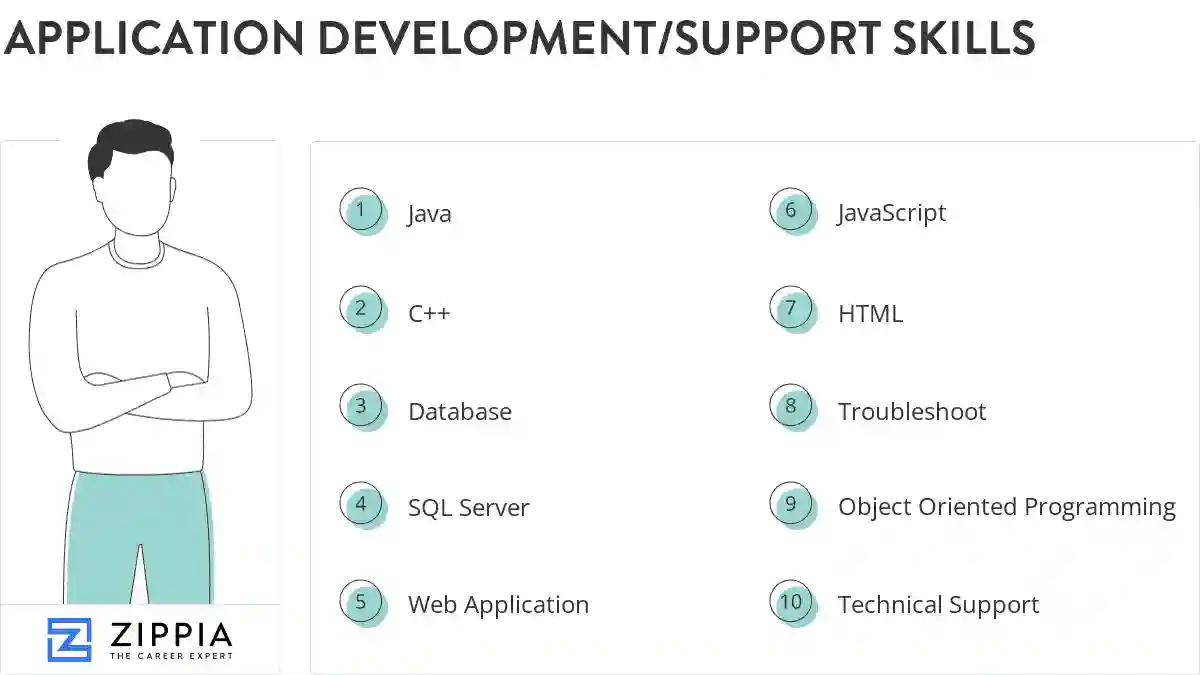
The most important skills for an application development/support resume and required skills for an application development/support to have include:
- Java
- C++
- Database
- SQL Server
- Web Application
- JavaScript
- HTML
- Troubleshoot
- Object Oriented Programming
- Technical Support
- CSS
- Application Support
- Linux
- Application Development
- QA
- PL/SQL
- PHP
- Unix
- Architecture
- XML
- Customer Support
- SSRS
- Ssis
- Jira
- ETL
- Debugging
- Production Environment
- C Net
- DB2
- Windows XP
- SharePoint
- DB
- ASP
- Front End
- Production Issues
- User Interface
- JQuery
- Sybase
- VBA
- Perl
- Triggers
- Mainframe
- MVC
- IIS
- WCF
- VB
- Test Cases
- Management System
Updated January 8, 2025
