
Automatically apply for jobs with Zippia
Upload your resume to get started.
Client systems technician skills for your resume and career
15 client systems technician skills for your resume and career
1. Client Systems
- Provided client systems services to 14K users for operation & restoration of information system configurations.
- Managed Active Directory/storage area network/dynamic host addressing protocols & aids client systems techs.
2. Troubleshoot
Troubleshooting is the process of analyzing and fixing any kind of problem in a system or a machine. Troubleshooting is the detailed yet quick search in the system for the main source of an issue and solving it.
- Traveled extensively to brokerage clients to troubleshoot and correct problems on-site.
- Initiated customer coordination to troubleshoot and correct computer issues.
3. Computer System
- Supervised and performed computer systems operations and executed associated information system support, both in garrison and at deployed locations.
- Directed Information Assurance training program heightened network security awareness for 760 computer systems users.
4. Trouble Tickets
A trouble ticket is another term for a support/help ticket. At the point when a client or worker has an issue, they present a record, or ticket, to the IT group depicting their issue. The group records significant data on the ticket and uses it for correspondence between the client and the group.
- Generated trouble tickets and forwarded them to appropriate departments utilizing ticket tracking system.
- Restored various communications capabilities by completing over 900 trouble tickets/work orders.
5. Remedy
- Analyzed and responded to customer trouble ticket requests submitted through BMC REMEDY Action Request System.
- Clear Remedy tickets, reduce backlog to maximize networking support to users.
6. Customer Service
Customer service is the process of offering assistance to all the current and potential customers -- answering questions, fixing problems, and providing excellent service. The main goal of customer service is to build a strong relationship with the customers so that they keep coming back for more business.
- Performed base-wide initial & follow-up customer service ensuring immediate PC operating system and various software updates.
- Educated personnel in communications product knowledge and troubleshooting for customer service position.
Choose from 10+ customizable client systems technician resume templates
Build a professional client systems technician resume in minutes. Our AI resume writing assistant will guide you through every step of the process, and you can choose from 10+ resume templates to create your client systems technician resume.7. Remote Desktop
- Provided quality customer assistance remotely (by phone and/or through use of Remote Desktop Module) and on-site as needed.
- Recognized by supervisor for client satisfaction from troubleshooting up to fifteen complex tickets per day via Remote Desktop and Telephone.
8. DOD
Definition of Done (DoD) is a set of deliverables that are needed to devise software. These deliverables are valuable to the system and can be exemplified by writing code, coding comments, unit testing, integration testing, design documents, release notes, and so on.
- Enforced and maintained network policies and ensured compliance of DoD, NSA, and AF computer security policies and guidelines.
- Assisted in an 80 computers tech refresh for DOD 8570 course with no interrupted for personal testing for A+/Security+ certifications.
9. Video Network
- Sustained, troubleshot and repaired standard voice, data, video network and cryptographic client devices in fixed and deployed environments.
- Sustained, troubleshot and repaired standard voice, data, video network and cryptographic client devices in fixed and deployed environments.
10. Configuration Management
Configuration management is a technical system of management controls that includes decisions, actions, and approvals that are applied throughout the life cycle of a program or system and that maintain the consistency of its performance, functional and physical attributes from the conceptual phase to production and finally to post-production support.
- Assisted in the configuration management, troubleshooting, and replacement of Personal Wireless Communications Systems connected to the network.
- Support command configuration management program.
11. Technical Assistance
Technical assistance is the non-financial assistance provided by local or international specialists. The purpose of technical assistance is to maximize the project's implementation and quality of the final product. Technical assistance consists of sharing information, the transmission of working knowledge, and other transfer of technical data which would aid the administration, management team and help build the project. The technical assistance focuses on particular needs identified by the beneficiary country and is delivered in the form of missions.
- Provided hands on technical assistance with hardware configurations and software installs.
- Provided outstanding technical assistance and support for all users.
12. A+
A+ is a professional certification offered by The Computing Technology Industry Association (CompTIA) to provide IT skills for entry-level IT professions such as service desk analysts and associate network engineers. Having an A+ certification allows for many technical skills including configuring operating systems, troubleshooting devices, and setting up internet networks.
- Obtained several technical certifications during this training, including A+ certification.
- Note: Holds a Secret military clearance, and an A+ certification.
13. PC
- End User client support for PC's, printers, mobile devices and network administration.
- Provided support for client PC connectivity - Ethernet, TCP/IP and VPN.
14. Wireless Communication Systems
- Managed Personal Wireless Communication Systems by tracking Blackberry accounts and updating user agreements.
- Perform client-level Personal Wireless Communication Systems.
15. Desk Support
- Provided Help Desk support to 2,100+ customers and aided in Teir-1 troubleshooting for customers.
- Provided Help Desk support to assist computer users with computer or peripheral problems.
5 Client Systems Technician resume examples
Build a professional client systems technician resume in minutes. Browse through our resume examples to identify the best way to word your resume. Then choose from 5+ resume templates to create your client systems technician resume.

What skills help Client Systems Technicians find jobs?
Tell us what job you are looking for, we’ll show you what skills employers want.
List of client systems technician skills to add to your resume
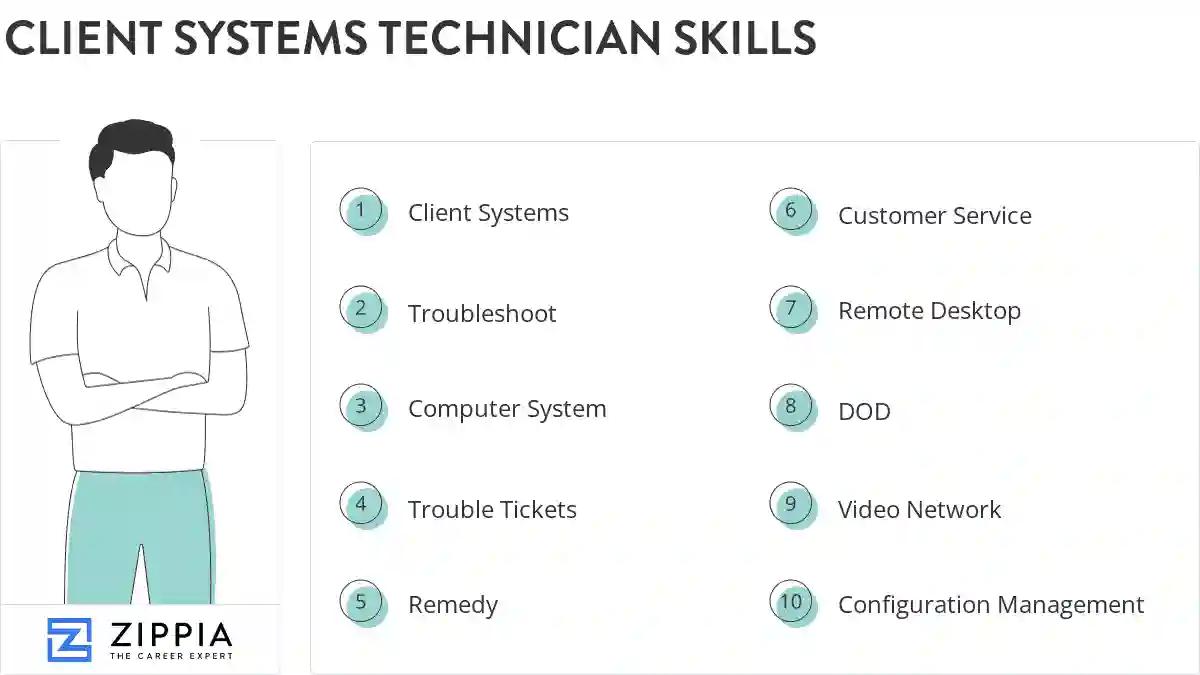
The most important skills for a client systems technician resume and required skills for a client systems technician to have include:
- Client Systems
- Troubleshoot
- Computer System
- Trouble Tickets
- Remedy
- Customer Service
- Remote Desktop
- DOD
- Video Network
- Configuration Management
- Technical Assistance
- A+
- PC
- Wireless Communication Systems
- Desk Support
- Maintenance Functions
- Help-Desk Support
- Workstations
- Configures Software
- VPN
- LAN
- VoIP
- Replaces Components
- Customer Support
- CCI
- Unscheduled Maintenance
- Network Security
- Technical Data
- OS
- Software Issues
- Network Systems
- Windows XP
- Communications Systems
- Network Issues
- Maintenance Actions
- Software Failures
- Voice Systems
- Network Infrastructure
- System Performance Analysis
- Computer Software
- SCCM
- Development Projects
- Communications Support
- Peripheral Equipment
- WAN
- Windows Server
- Technical Issues
- DRA
Updated January 8, 2025
