
Automatically apply for jobs with Zippia
Upload your resume to get started.
Desktop lead technician skills for your resume and career
15 desktop lead technician skills for your resume and career
1. PC
- Maintained inventory of all PC related assets using remedy database.
- Managed and led a team of 30 technicians on support and maintenance of GE Appliances desktop and Laptop PC's.
2. Workstations
- Provided desktop support for 800 user community 1 of 4 buildings - IBM OS/2, NT4 workstations and Windows 95 laptops.
- Maintained network connectivity for workstations, printers & all networking devices in use In Building.
3. Remedy
- Maintained Remedy ticketing systems and Service Desk documentation including change control documentation for assigned applications.
- Documented problem determination & resolution in Remedy ticketing system.
4. Asset Management
Asset management describes the management of assets that are invested on behalf of various industries. It is the process of developing, operating, maintaining, and selling assets for profit and managing the money for individuals and companies through stocks, bonds, and cash equivalents, among other things.Alternatively, asset management enables a business to keep track of all of its assets, helps ensure correct depreciation rates, helps identify and manage risk, and removes ghost assets from business inventory.
- Perform work order management including hardware replacement, asset management, software installs, and configurations.
- Service Desk Analyst II Implement and oversee an infrastructure asset management registry and inventory database.
5. Remote Desktop
- Provided remote desktop support to all aspects of the corporation.
- Support provided via desk-side and remote access through utilizing Microsoft Remote Desktop and Motorola Timbuktu Remote access software.
6. OS
In technical terms, OS stands for "Operating System". It is a software that is used to run programs on the computer. An operating system acts as a link between the user and the hardware components. Windows, macOS, iOS, Linux are examples of an operating system.
- Developed and trained staff on OS X system and applications
- Installed Mac OS and software.
Choose from 10+ customizable desktop lead technician resume templates
Build a professional desktop lead technician resume in minutes. Our AI resume writing assistant will guide you through every step of the process, and you can choose from 10+ resume templates to create your desktop lead technician resume.7. SCCM
- Worked with outside vendors to package software for deployment through LANDesk and SCCM.
- Use Microsoft SCCM Application to install pre-packed and legacy software including upgrades.
8. Epic
Epic is a private healthcare company which developed and continues to provide a software intended for healthcare professionals and the organization and management of medical records. It is by far one of the largest in its field, with over 50% of patients having a medical record present in their system. Patients, as well as clinics and various medical professionals and facilities are all able to use this system to keep medical history and information safe and easy to reach, alter, and share with the necessary people.
- Supervised a 4,000 virtual desktop environment of EPIC SMR system.
- Inventory ordered devices for rollout .PACS Radiology Epic configuration, onsite support.
9. Mac
A media access control or simply MAC is a network policy that identifies or determines how the data is being transferred in two particular servers through a network cable. The purpose of a MAC protocol is to prevent network or technical issues and simplify transferring the information or data.
- Answer to and perform moves, adds, and changes (MAC) requests as they are submitted by line managers.
- Support for Windows 7, Windows Server 2003/2008, Mac OSX, Microsoft Office, and Adobe products.
10. Desk Support
- Provided documentation for helpdesk support for the corporate offices, warehouse, stores and field associates.
- Provided Tier I & II level help desk support for 7000+ users at Peterson AFB, registering a zero complaint record.
11. Microsoft Windows
- Core support products and platforms: Microsoft Windows XP, SMS, McAfee E-Policy Orchestrator, BlackBerry Enterprise Server.
- Managed deployment, support, administration, primarily of Microsoft Windows operating systems.
12. Windows XP
- Developed training documentation for Blackberry, Office 2003, and Windows XP, and trained individual business units in classroom settings.
- Upgraded operating systems from Windows XP to Windows Vista and migrating sensitive data on USAF and DoD computers.
13. Technical Issues
- Worked with customer management to discuss efficiency improvements in metrics and technical issues in the field from technicians.
- Provide software and hardware support related to all end user technical issues.
14. Network Connectivity
- Advance trouble shooting skills in other areas including network connectivity, VPN connectivity, etc.
- Assured network connectivity via punch down tools for Token Ring and Ethernet networks.
15. Service Desk
The point of contact between a services provider or enterprise and the end-user is referred to as the services desk. A service desk enables businesses to effectively implement daily internal and external tasks. It also helps enterprises in communicating with their customers and tending to their requests effectively.
- Managed Call Center and Hardware Service Desks.
- Assisted management with various duties, including report generation on Tivoli Service Desk tickets, IMAC tickets and process improvement projects.
5 Desktop Lead Technician resume examples
Build a professional desktop lead technician resume in minutes. Browse through our resume examples to identify the best way to word your resume. Then choose from 5+ resume templates to create your desktop lead technician resume.

What skills help Desktop Lead Technicians find jobs?
Tell us what job you are looking for, we’ll show you what skills employers want.
What type of skills will young desktop lead technicians need?
Joshua Davis Ph.D.
Lecturer, Carleton College
List of desktop lead technician skills to add to your resume
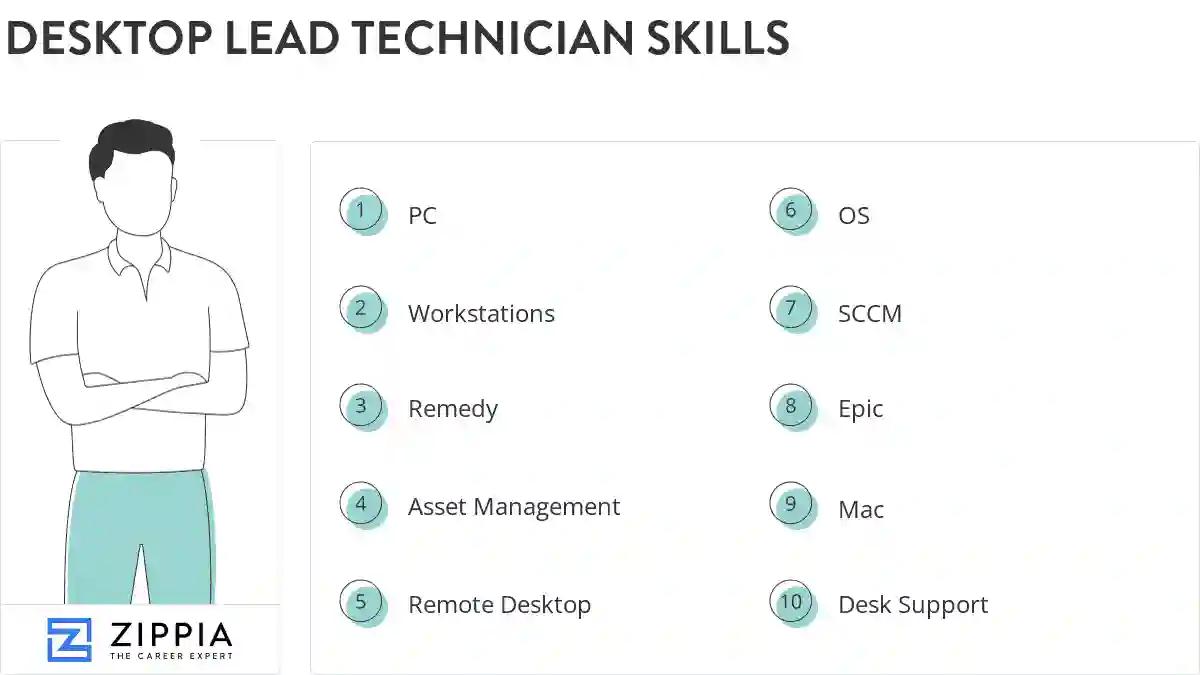
The most important skills for a desktop lead technician resume and required skills for a desktop lead technician to have include:
- PC
- Workstations
- Remedy
- Asset Management
- Remote Desktop
- OS
- SCCM
- Epic
- Mac
- Desk Support
- Microsoft Windows
- Windows XP
- Technical Issues
- Network Connectivity
- Service Desk
- Trouble Tickets
- VPN
- Software Issues
- Lotus Notes
- Labs
- Remote Support
- User Accounts
- Computer System
- Macintosh
- Windows Server
- Blackberry
- Trouble Shoot
- User Data
- Symantec Ghost
- TCP/IP
- SMS
- Desktop Computers
- Network Printers
- DNS
- SLA
- Novell
- Software Applications
- Help-Desk Support
- Software Upgrades
- Lan
- Remote Sites
- Level Support
- Help Desk
Updated January 8, 2025
