
Automatically apply for jobs with Zippia
Upload your resume to get started.
Weblogic administrator skills for your resume and career
15 weblogic administrator skills for your resume and career
1. Linux
Linux is a Unix-like operating system. Just like Windows, Mac OS, and IOS, Linux is an operating system used by millions across the globe. Android itself is powered by the Linux operating system. Linux manages all the hardware resources that are associated with your computer. The software is famous because of the protection it grants from viruses, malware, and crashes. The Linux operating system is entirely free and is an open-source software meaning it can be altered by those equipped with the knowledge to code.
- Leveraged Open source, LAMP stack using tools like Linux, Apache HTTP, MySQL and Python to deliver website portal.
- Installed, configured and maintained BEA WebLogic 10g, WebLogic 11g on Linux also configured LDAP for user and system authentication.
2. Windows
Windows is a chain of operating systems that controls a computer and is developed by Microsoft. Every version of Windows consists of GUI (graphical user interface), with a desktop that allows the user to open their files.
- Configured WebLogic Windows Services and Node Manager Windows Services for high availability domains on windows servers.
- Provided users with read/write authorization privileges on windows servers.
3. JMS
- Worked exhaustively on Distributed JMS destinations.
- Configured JMS connection factories, JMS Queues, File stores and Messaging Bridges for asynchronous communication among the WebLogic hosted applications.
4. JDBC
- Configured Node manager for administration of Managed servers and administered Connection pools for JDBC connections.
- Managed JDBC connections and coordinated necessary changes with Oracle Database administrators.
5. Production Environment
The term production environment is mainly used by software developers to describe the phase of production where the latest versions of products, updates, or software are pushed live to their intended users. In this phase, clients can see a live service of the product.
- Coordinated with project team for builds and deployments to development/Integration/ Acceptance/Production environments according to the project schedule/milestones.
- Documented all the installation procedures and also solutions to various critical issues faced on production environment.
6. LDAP
- Worked on configuring the LDAP Security Providers with WebLogic for end user Authentication and Authorization.
- Configured WebLogic External Service Providers like LDAP for Authentication and Authorization of users.
Choose from 10+ customizable weblogic administrator resume templates
Build a professional weblogic administrator resume in minutes. Our AI resume writing assistant will guide you through every step of the process, and you can choose from 10+ resume templates to create your weblogic administrator resume.7. Java
Java is a widely-known programming language that was invented in 1995 and is owned by Oracle. It is a server-side language that was created to let app developers "write once, run anywhere". It is easy and simple to learn and use and is powerful, fast, and secure. This object-oriented programming language lets the code be reused that automatically lowers the development cost. Java is specially used for android apps, web and application servers, games, database connections, etc. This programming language is closely related to C++ making it easier for the users to switch between the two.
- Performed WebLogic performance tuning, Administrative Repository tuning, JVM optimization, Java memory tuning.
- Configured digital certificates, using java key tool for secured applications.
8. Application Server
- Enabled session sharing and management across different web applications, domains and heterogeneous application servers using Oracle Coherence.
- Involved in installed and configured WebSphere Application Server 6.1 and deployed various applications using Deployment Manager.
9. Tomcat
- Configured Connection Pools and deployed applications into Tomcat containers.
- Migrated various applications from Tomcat to WebLogic Server.
10. Unix
UNIX is a computer operating system that was first created in the 1960s and has been constantly updated since then. The operating system refers to the set of programs that enable a machine to function. It is a multi-user, multi-tasking device that works on computers, laptops, and servers. UNIX systems also have a graphical user interface (GUI), similar to Microsoft Windows, that makes it simple to use.
- Automated WebLogic domain configuration and services configuration using Unix Shell scripts.
- Developed WLST/JYTHON, ANT scripts, UNIX shell scripts to automate the deployment process, recycles, pull struck thread dumps.
11. Queues
- Segregated different interfacing components to the application by defining a separate execute thread queue for each interface.
- Prioritize problem and enhancement request queue to satisfy end user requirements within service level agreements.
12. Node
- Configured Node Manager in a clustered environment & assigning the node manager to various WebLogic server components for remote administration.
- Configure node manager, associating managed servers to a machine to control/monitor managed servers on various physical boxes.
13. J2EE
- Deployed J2EE based applications on multiple WebLogic/WebSphere Servers and maintained Load balance, high availability and Fail over functionality.
- Maintained and investigated performance improvement of J2EE applications effectively using enterprise monitoring tools.
14. Database Connectivity
- Configured Connection Pool and Data Source Object for Database Connectivity.
- Created and configured the Datasources for database connectivity.
15. JVM
- Configured JVM arguments, JMS/JDBC adapters, MQ, RAC data sources, user authentication and troubleshot issues with process deployments.
- Monitored and Managed JVM performance tuning by adjusting the JVM Heap size and GC parameters by monitoring heap and physical memory.
5 Weblogic Administrator resume examples
Build a professional weblogic administrator resume in minutes. Browse through our resume examples to identify the best way to word your resume. Then choose from 5+ resume templates to create your weblogic administrator resume.

What skills help Weblogic Administrators find jobs?
Tell us what job you are looking for, we’ll show you what skills employers want.
List of weblogic administrator skills to add to your resume
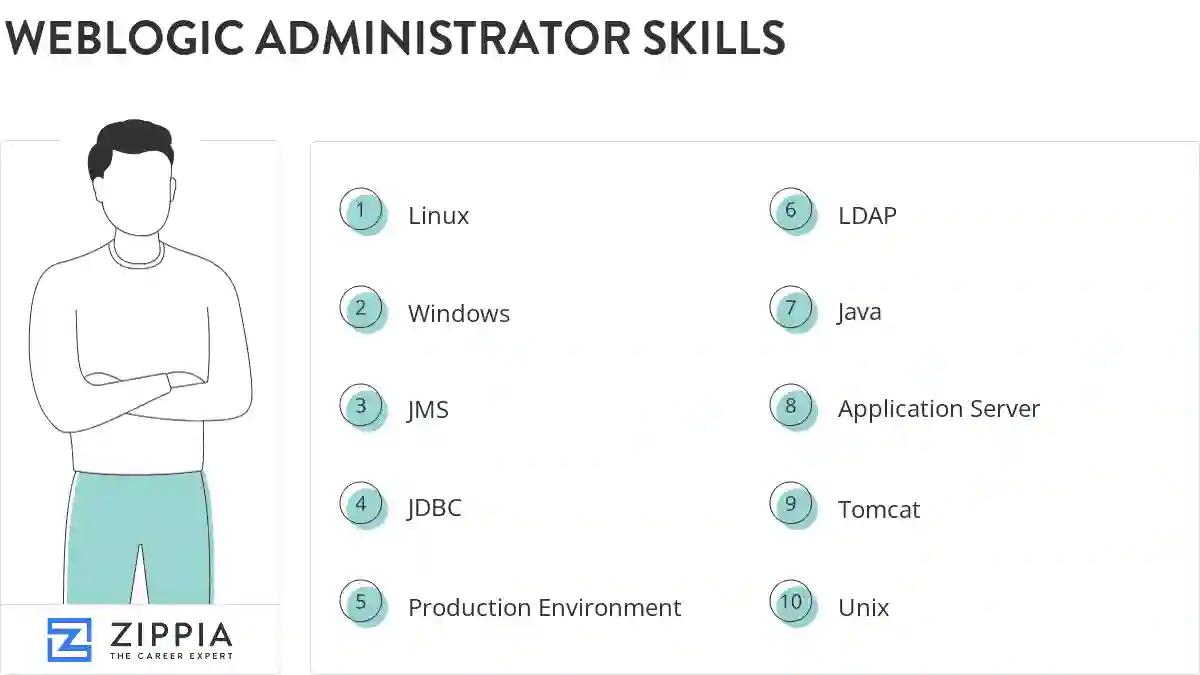
The most important skills for a weblogic administrator resume and required skills for a weblogic administrator to have include:
- Linux
- Windows
- JMS
- JDBC
- Production Environment
- LDAP
- Java
- Application Server
- Tomcat
- Unix
- Queues
- Node
- J2EE
- Database Connectivity
- JVM
- Garbage Collection
- Connection Pools
- JBoss
- Solaris
- ANT
- QA
- JDK
- XML
- F5
- SQL
- Apache Tomcat
- EJB
- JSP
- Failover
- User Authentication
- DEV
- IIS
- IBM MQ
- Data Source
- Middleware
- WLST
- Red Hat
- Thread Dumps
- WebSphere
- Application Issues
- UAT
- Cluster Environment
- Introscope
- Application Deployment
- Remedy
- Administration Tasks
- Apache Web Server
- Web Logic
- AIX
Updated January 8, 2025
