
Automatically apply for jobs with Zippia
Upload your resume to get started.
Administrative technical support skills for your resume and career

15 administrative technical support skills for your resume and career
1. Technical Support
Technical support or tech support are the services provided by any hardware or software company to users. They help in solving the technical difficulties the customers face with their products or services. Moreover, the tech support employees maintain, manage, and repair the IT faults. They are also responsible for resolving the network problems, installing and configuring hardware and software.
- Maintained and enhanced Shipping/Receiving Log application for the tracking of company's inventory equipment between Technical Support and field personnel.
- Ranked 3rd among Technical Support Specialists nationwide for efficiency in reduction of user tickets requests completed.
2. Customer Service
Customer service is the process of offering assistance to all the current and potential customers -- answering questions, fixing problems, and providing excellent service. The main goal of customer service is to build a strong relationship with the customers so that they keep coming back for more business.
- Provided excellent, professional customer service with extensive knowledge of scholarship and fellowship programs and related requirements.
- Provide exceptional customer service while performing administrative, accounting and clerical duties for SAT office operations.
3. Troubleshoot
Troubleshooting is the process of analyzing and fixing any kind of problem in a system or a machine. Troubleshooting is the detailed yet quick search in the system for the main source of an issue and solving it.
- Diagnosed and troubleshoot computer hardware module from failures from multiple computer and Manufactures, Dell, HP, Apple.
- Helped Lawyers and Secretaries troubleshoot installation and user account control issues in Windows XP, Vista and 7.
4. Phone Calls
Phone calls are a wireless or wired connection made over a telephone or a mobile phone between two people. Two parties are involved in a phone call, the caller and the receiver. A caller dials the number of the one he wants to call, and the recipient hears a bell or a tune to which he picks up the call. The call establishes a connection between them through which they can communicate. The voice is converted into signals and is transmitted through wired or wireless technology.
- Maintain supplies inventory, direct all phone calls to proper departments, prepare all outgoing and sorting of incoming mail.
- Utilized phone system and email to respond to telephone calls, route calls, take messages, and assist staff.
5. Data Entry
Data entry means entering data into a company's system with the help of a keyboard. A person responsible for entering data may also be asked to verify the authenticity of the data being entered. A person doing data entry must pay great attention to tiny details.
- Automated web-based data entry tasks, resulting in considerably less resources used.
- Performed data entry tasks and generated weekly status reports for management.
6. Desk Support
- Supervised and support new help desk support team of 20 reps in call center regarding issues with POS hardware and software.
- Managed Tech Support team - Help desk support and setup of Internet accounts via phone, e-mail, and home visits.
Choose from 10+ customizable administrative technical support resume templates
Build a professional administrative technical support resume in minutes. Our AI resume writing assistant will guide you through every step of the process, and you can choose from 10+ resume templates to create your administrative technical support resume.8. Computer System
- Provided administration and support for network and computer systems within the Anesthesiology Department.
- Installed computer systems to improve security and update legacy hardware.
9. Email Accounts
- Executed requests for new user setups and email accounts utilizing active directory.
- Performed the task of migration the end user/clients email account from one destination server to the new destination server.
10. Network Printers
- Installed, configured, and maintained mobile devices, VPN access, network printers, scanners, copiers.
- Managed 3,300 network printer devices involved in document production in USA, Canada and Mexico.
11. SQL Server
- Designed and maintained project databases using SQL Server; ensured accuracy of information and automated numerous functions.
- Maintained international membership database using Excel and Microsoft SQL Server tools.
12. Windows Server
- Provided system and network administration support including maintenance of Windows Server 2003/2008.
- Network administrator, created and implemented a domain model of the network with Windows server 2003 and Windows XP/Vista/Seven clients.
13. User Support
- Provided user support, peripheral software and hardware installations for Macintosh users.
- Provided end user support in a corporate Microsoft Operating System environment.
14. Linux
Linux is a Unix-like operating system. Just like Windows, Mac OS, and IOS, Linux is an operating system used by millions across the globe. Android itself is powered by the Linux operating system. Linux manages all the hardware resources that are associated with your computer. The software is famous because of the protection it grants from viruses, malware, and crashes. The Linux operating system is entirely free and is an open-source software meaning it can be altered by those equipped with the knowledge to code.
- Install, Configuration of Linux operating systems on different hardware environments.
- Administrated and maintained email services using specialized Linux email server.
15. Customer Support
- Respond to customer supporting document requests quickly and accurately to exceed customer satisfaction.
- Lead customer Support Center supporting over 2.300 participants from USA/Greece/Brazil.
5 Administrative Technical Support resume examples
Build a professional administrative technical support resume in minutes. Browse through our resume examples to identify the best way to word your resume. Then choose from 5+ resume templates to create your administrative technical support resume.

What skills help Administrative Technical Supports find jobs?
Tell us what job you are looking for, we’ll show you what skills employers want.
What administrative technical support skills would you recommend for someone trying to advance their career?
Rich Manprisio MPM, PMP
Assistant Professor & IT Program Coordinator, Governors State University
List of administrative technical support skills to add to your resume
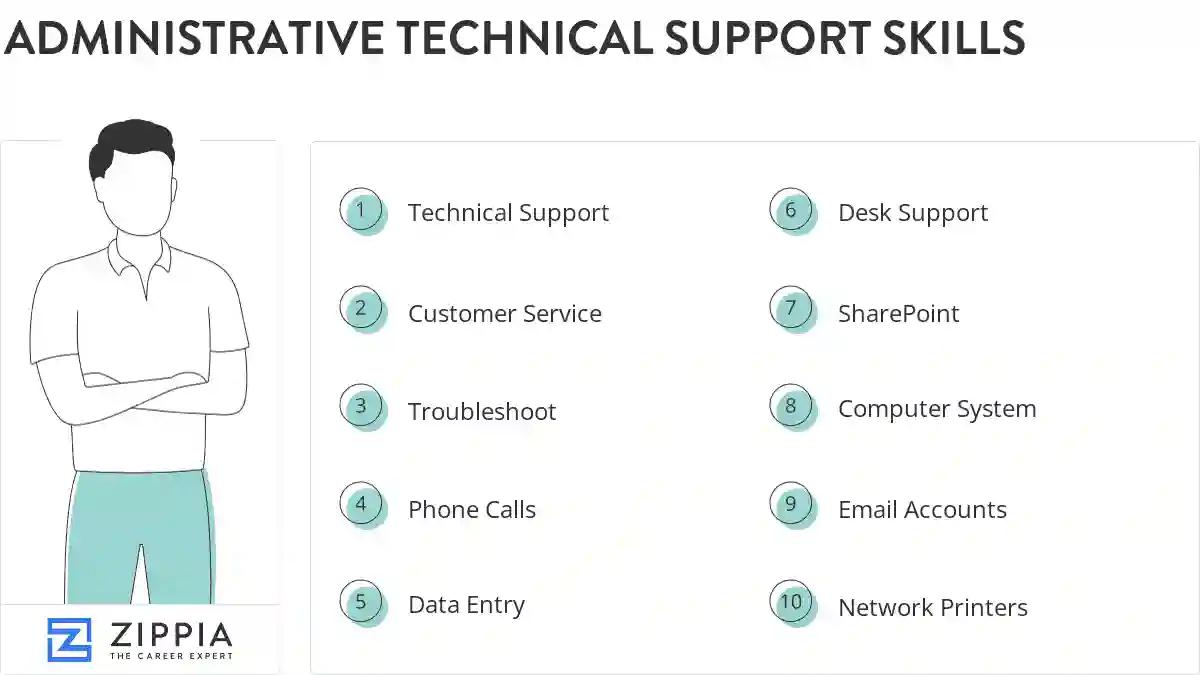
The most important skills for an administrative technical support resume and required skills for an administrative technical support to have include:
- Technical Support
- Customer Service
- Troubleshoot
- Phone Calls
- Data Entry
- Desk Support
- SharePoint
- Computer System
- Email Accounts
- Network Printers
- SQL Server
- Windows Server
- User Support
- Linux
- Customer Support
- VPN
- DNS
- Workstations
- Mac
- User Accounts
- Lan
- VMware
- TCP/IP
- Citrix
- VoIP
- Unix
- System Administration
- Software Support
- DHCP
- Windows XP
- Firewall
- Help-Desk Support
- Network Administration
- Network Connectivity
- Technical Issues
- PCS
- Connectivity Issues
- Disaster Recovery
- Windows NT
- Network Infrastructure
- Software Issues
- Phone System
- Remote Desktop
- Symantec
- Office Equipment
- Trouble Tickets
- Novell
- Remote Support
- HTML
- Network Issues
Updated January 8, 2025
