Explore jobs
Find specific jobs
Explore careers
Explore professions
Best companies
Explore companies
This question is about employer.
How to add attendees to an Outlook meeting
To add attendees to an Outlook meeting, follow these steps:
Open Outlook and navigate to your Calendar
Select the New Meeting button in the top left corner of the application
Once in the new meeting window, you then enter the details of your Outlook meeting, this includes information like the meeting subject, date, time, location, etc.
Next, to add attendees, you must select the To button in the Attendees section of the Outlook meeting window
Next, navigate to the Select Attendees and Resources window. Here you can search for attendees by inputting their names or email addresses in the search box window
Determine the attendees you want to include in the Outlook meeting by selecting their names
Then select the Required or Optional button on each one to determine each attendee's meeting status
Select OK to then add the attendees you have picked to the Outlook meeting invitation
If needed, you also have the ability to add attendees to the Cc or Bcc sections by selecting the Cc or Bcc buttons and doing the same steps listed above
As soon as you have all of of the attendees that you want to attend the Outlook Meeting added and have entered all of the other necessary information, you can then select Send to send the Outlook meeting invitation to all of the attendees

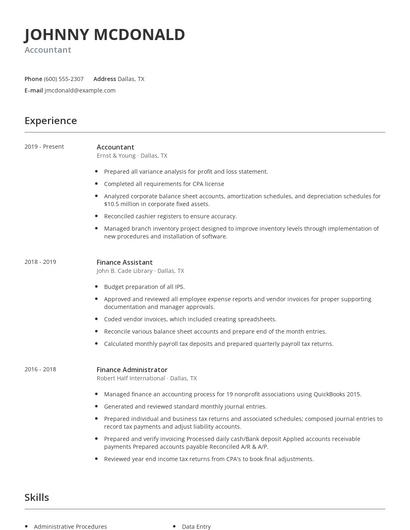
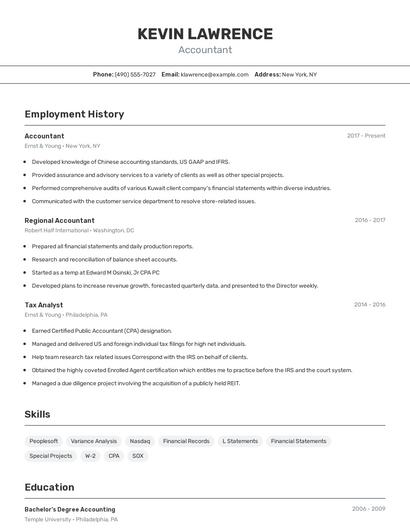
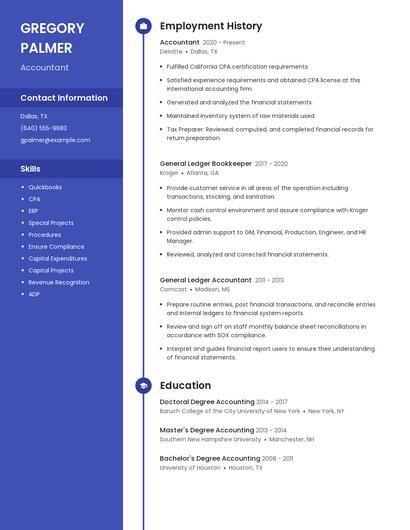
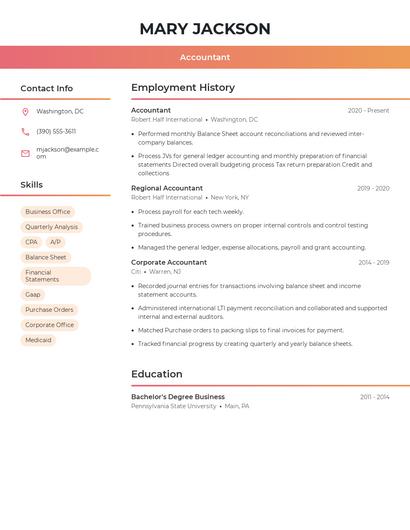
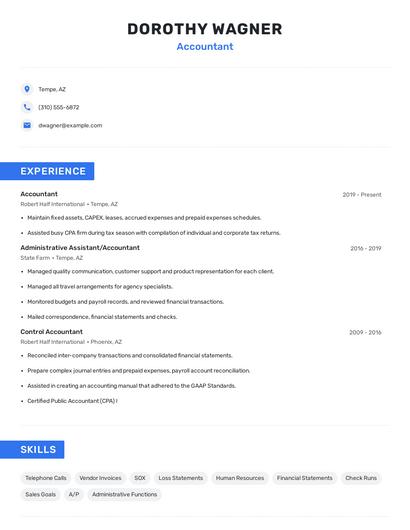
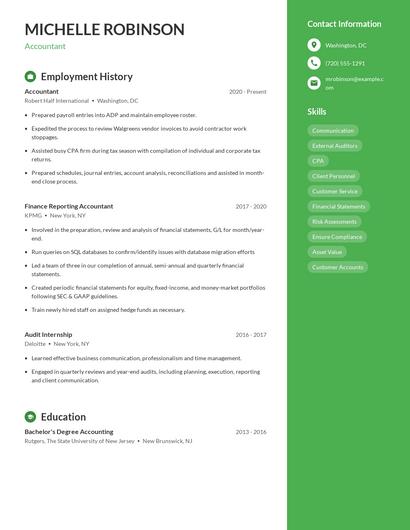
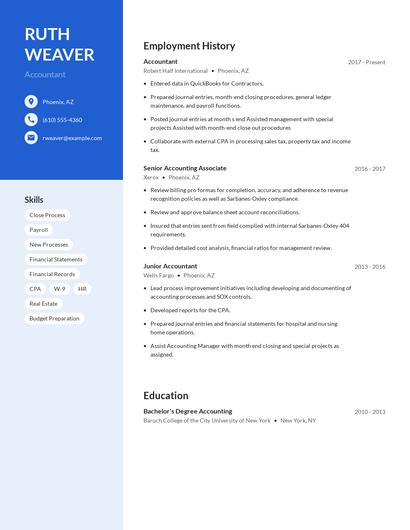
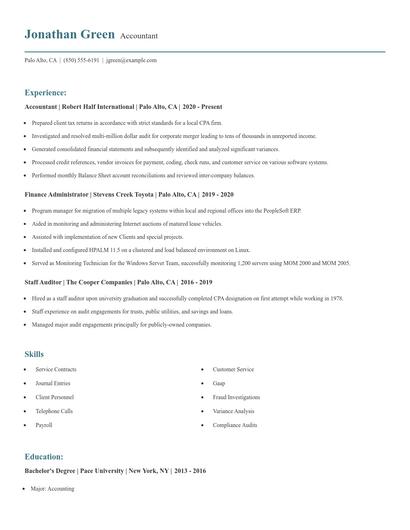
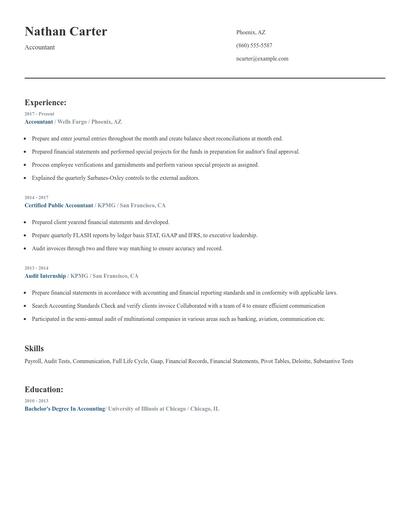
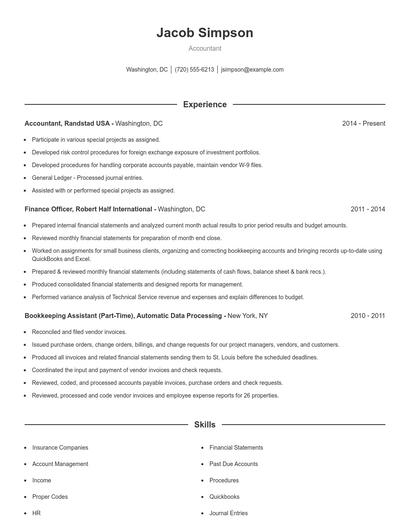
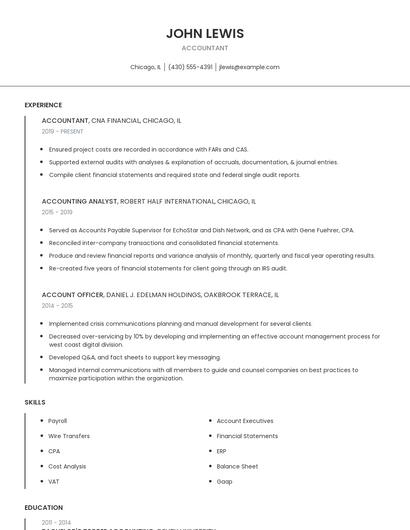
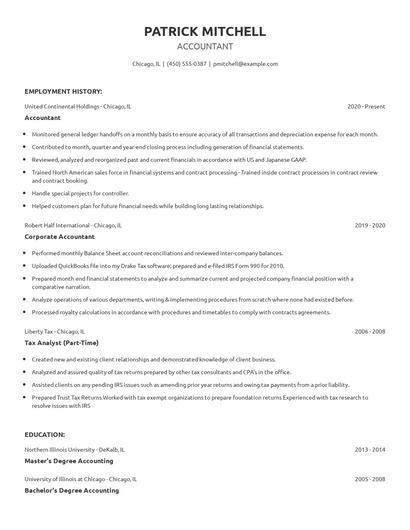
Choose from 10+ customizable resume templates
Zippia allows you to choose from different easy-to-use templates, and provides you with expert advice. Using the templates, you can rest assured that the structure and format of your resume is top notch. Choose a template with the colors, fonts & text sizes that are appropriate for your industry.