Explore jobs
Find specific jobs
Explore careers
Explore professions
Best companies
Explore companies
This question is about employer.
How to ask for availability for a meeting
To ask for availability for a meeting, notify all staff members that are going to be involved in the meeting via email. Here are the steps involved in asking for availability for a meeting via email:
Include a clear title or subject line
It is very important that you make your subject line clear and concise. The recipients of the email should understand what the email is going to be about simply by reading the subject line. This also increases the chances that the receivers will open the email. Some examples of how to title a meeting cancelation email include:
Finance department meeting availability
Possible meeting dates of March 15th, 16th, and 17th
Meeting today, time options
Clarity is the key with the subject. No matter what it should in some way state that you are asking for available times for your staff or you are giving them a list of possible dates and/or times for the meeting. It should not contain any extra information, aside from the context of the meeting.
Use a professional greeting
If your meeting was only going to be with one member of your staff, you can use greetings like:
Hello Employee's Name
Dear Employee's Name
Hi Employee's Name
If your meeting was meant to be with several members of your staff, you can use a greeting like:
Hello all
Good morning all
Good afternoon marketing team
If you are going to be using anyone's name, make sure you double check it for spelling.
Briefly explain the reason for the meeting
In your opening paragraph you should briefly summarize the reason for the meeting. You might include a very short bullet-pointed list of the items to be discussed in the meeting or a goal concerning a decision or decisions to be made by the end of the meeting.
Include schedule options
In the next section of the email you should give options for scheduling the meeting. You can list out a few dates and times, but don't go overboard as this can cause confusion and indecision. Here you can also specifically ask the recipient or recipients of the email to respond by confirming if any of the dates and times you have listed work for them.
Now you should close your email with a conclusion paragraph of any additional information that needs to be relayed to your employees. You can also choose to provide updated contact information if they currently don't have it.
You might also encourage them to reach out if they have any questions, depending on your situation. You can then close the email professionally with a proper sign-off like:
Thank you
Kind regards
With appreciation
Sincerely
Include your full name and official title beneath your sign-off.
Responses
If your staff gets back to you with a consensus that none of the options you gave them work for all of them, then you can respond by repeating this process and sending more possible dates and times to confirm their availability. Avoid asking your staff for ideas on meeting times, as this can complicate the situation, and result in confusion or indecision.

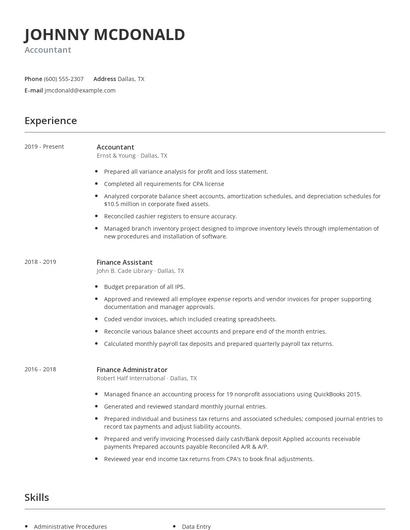
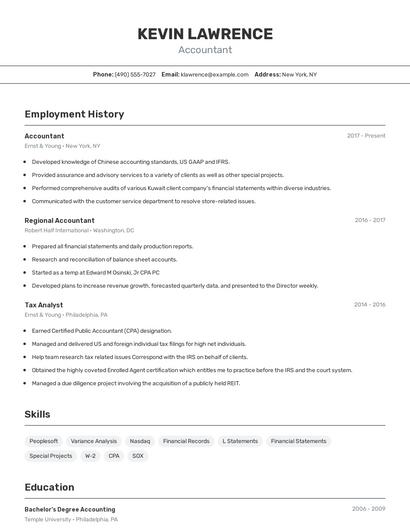
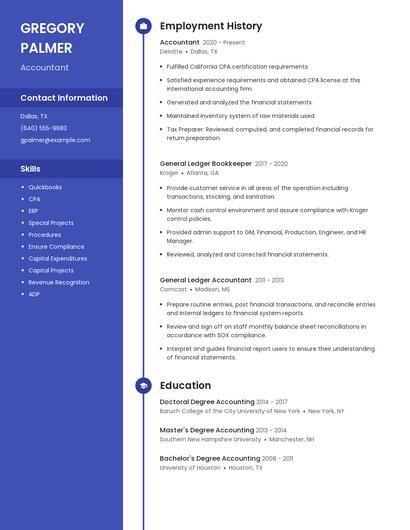
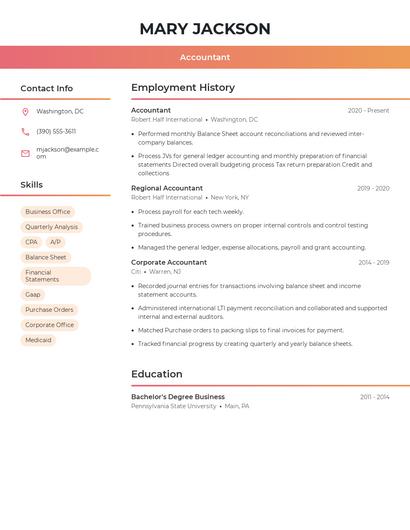
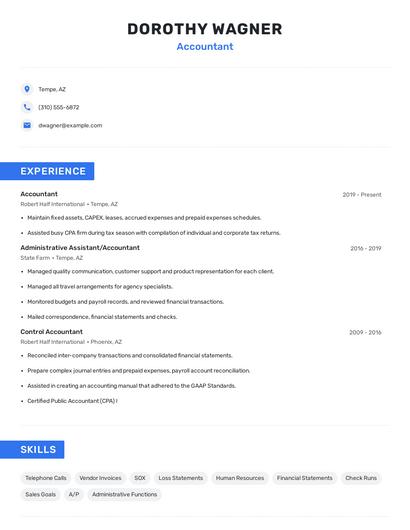
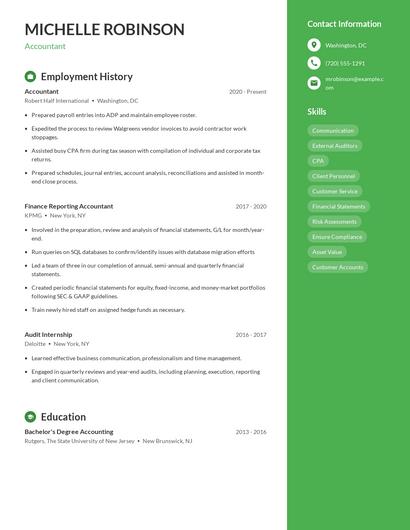
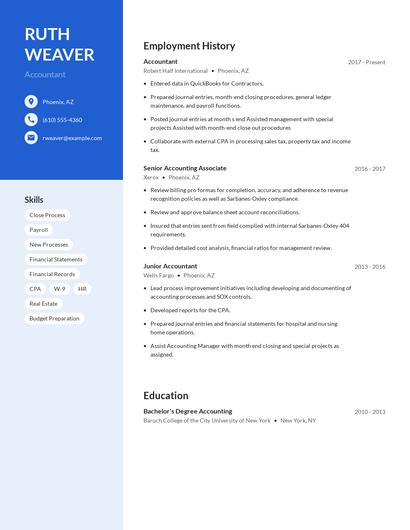
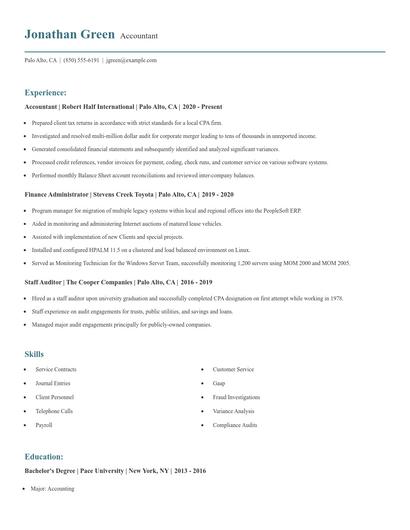
Choose from 10+ customizable resume templates
Zippia allows you to choose from different easy-to-use templates, and provides you with expert advice. Using the templates, you can rest assured that the structure and format of your resume is top notch. Choose a template with the colors, fonts & text sizes that are appropriate for your industry.