Explore jobs
Find specific jobs
Explore careers
Explore professions
Best companies
Explore companies
This question is about careers.
How to change a job title on LinkedIn
To change a job title on LinkedIn, follow these steps:
Log on to your LinkedIn account and navigate to your profile page
Scroll down to the Experience section and find the job role you want to update with a new job title
Click on the pencil symbol on the right-hand side of the job role
Now you are in editing mode, simply update the new job title in the Title field
You can then go on to make any other edits, like ones concerning the company name, dates of employment, etc.
When you are finished select Save to save the changes you have made
After you complete all of these steps, your LinkedIn profile will now display your updated job title information. In addition, you also have the opportunity to share this updated change with your network on LinkedIn. To do this you must select the Share button that comes ups after you save the changes you have made.

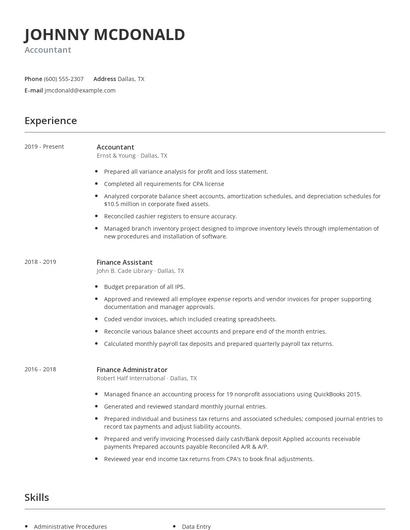
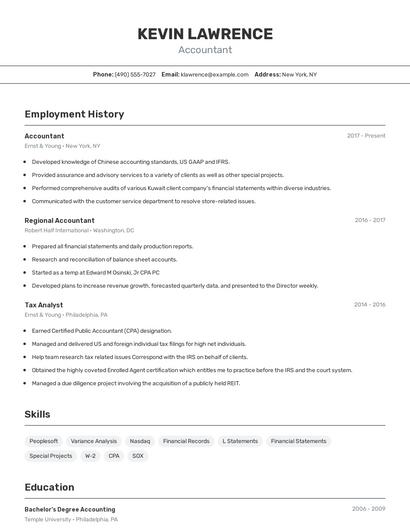
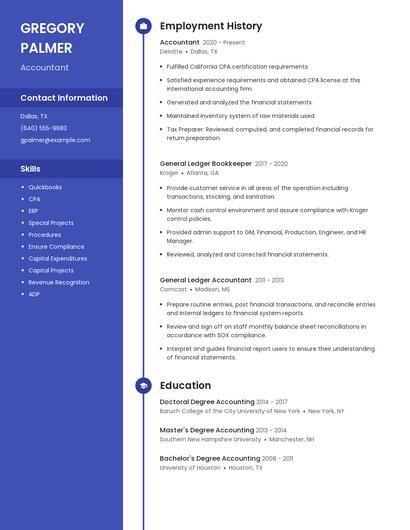
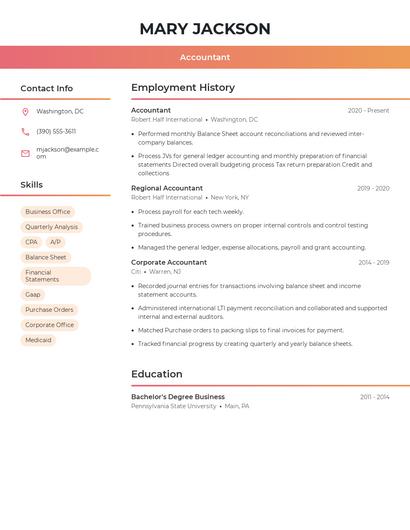
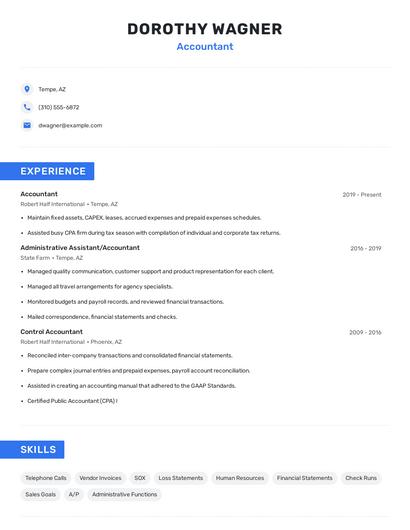
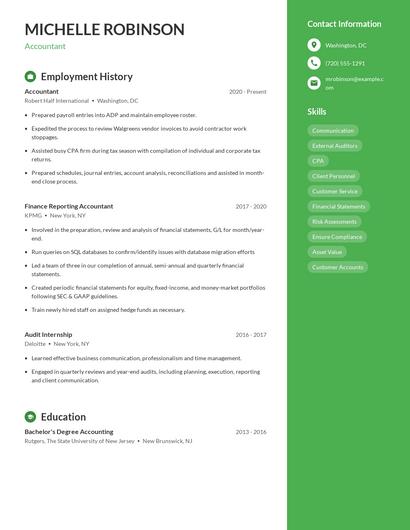
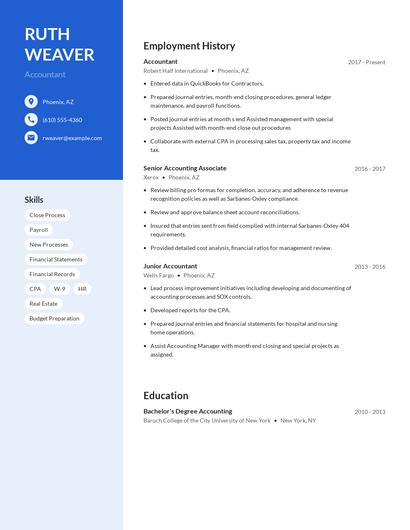
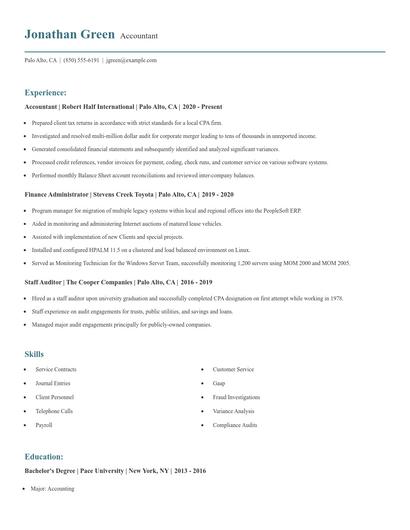
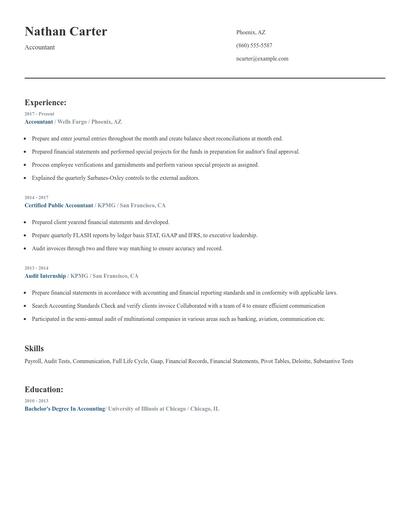
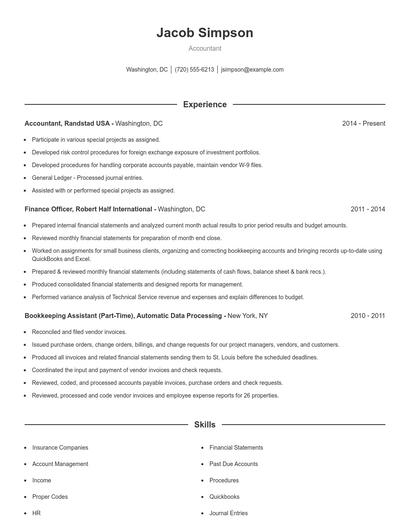
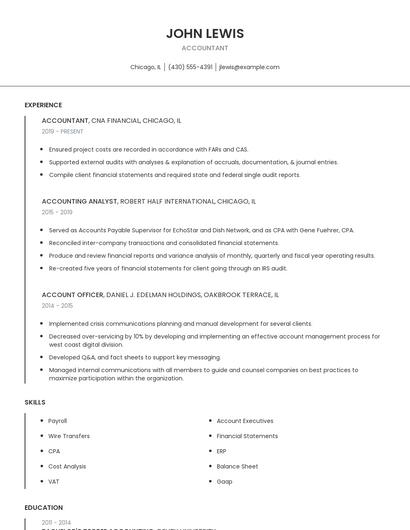
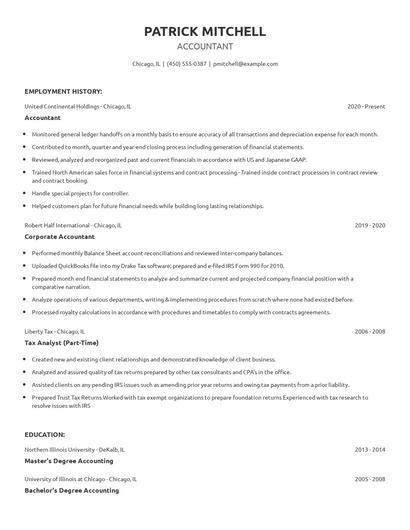
Choose from 10+ customizable resume templates
Zippia allows you to choose from different easy-to-use templates, and provides you with expert advice. Using the templates, you can rest assured that the structure and format of your resume is top notch. Choose a template with the colors, fonts & text sizes that are appropriate for your industry.