Explore jobs
Find specific jobs
Explore careers
Explore professions
Best companies
Explore companies
This question is about employer.
How to create a job posting on Facebook
To create a job posting on Facebook, you need to first set up Facebook Messenger and create a Facebook profile page for your business. Once you have both features set up, follow these steps to post a job on Facebook:
Go to your business profile page
You need to already have a business profile page when wanting to post a job on Facebook
Select job post
With this option you can then fill in all the details on the job position you are posting, including:
Job description
Location of job
Skills requirements
Experience requirements
Qualification requirements
Salary or an hourly wage of the position
Whether the position is a full-time role or a part-time role
Facebook encourages you to concisely list as much relevant information as possible here to attract qualified candidates for your open position. You can also include questions for applicants so you can learn about them before the interview process.
Publish your job posting
When you publish your Facebook job posting it shows up in three places:
Your businesses page
The jobs Pages section
The public Newsfeed like any other post on Facebook
Once this is complete you then just want for applications to start coming in. As they do you can talk to prospective applicants via Facebook Messenger.
Free posting vs Paid Facebook ads
This whole process is free, however, if you want to reach more potential candidates you can pay to turn your job posting into a Facebook ad. This will promote your job posting more widely, and you are likely to receive more interest and applicants as a result.

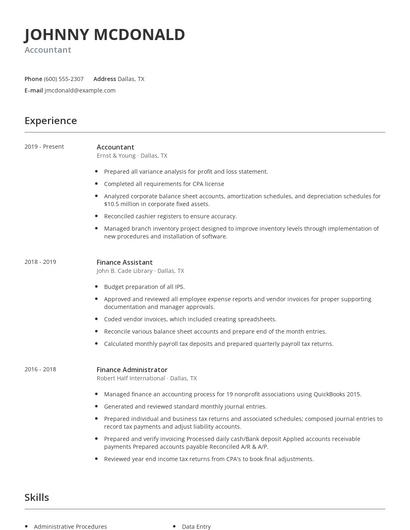
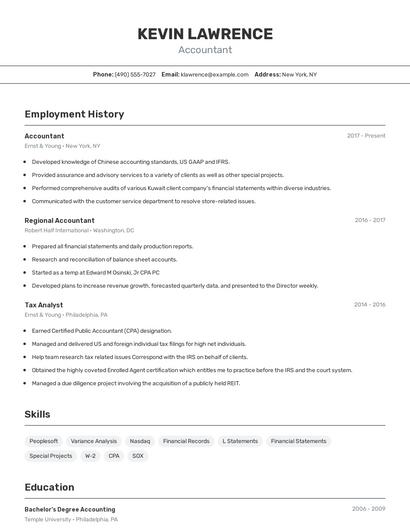
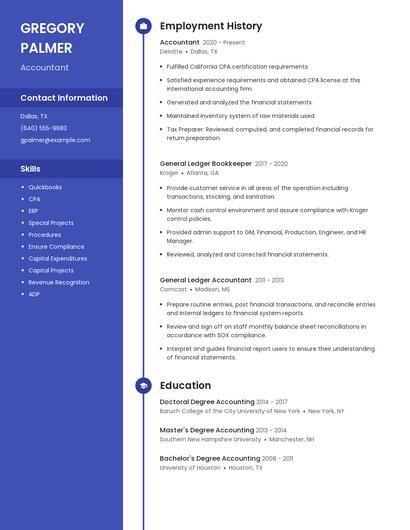
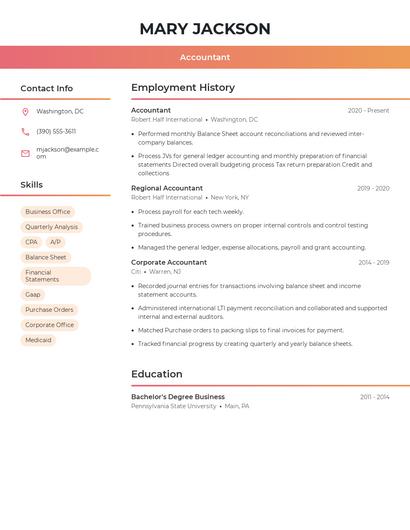
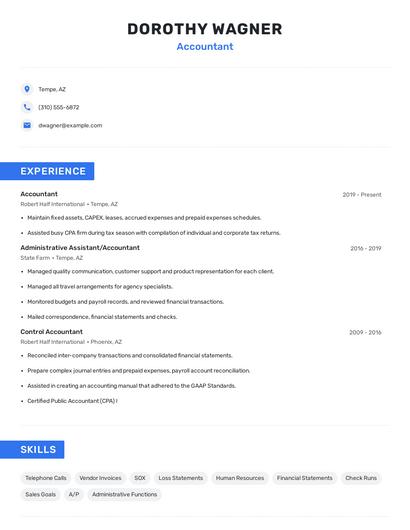
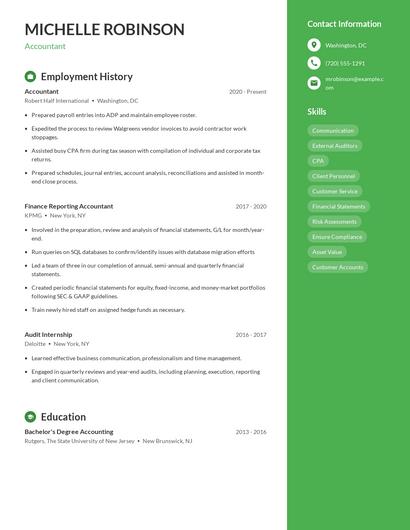
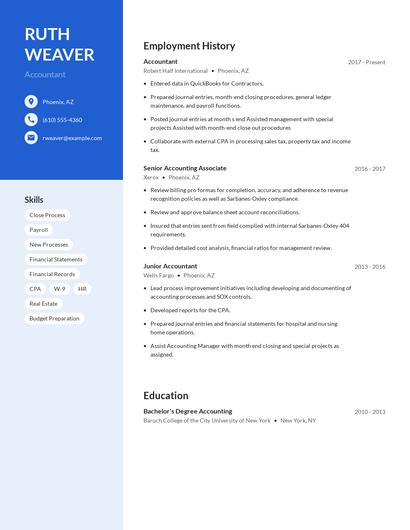
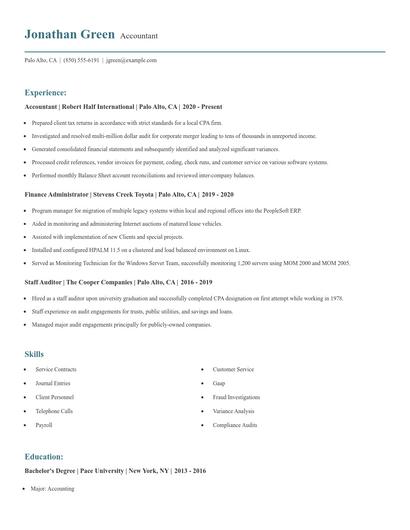
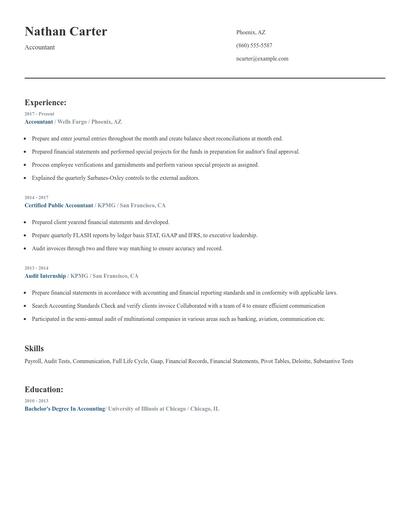
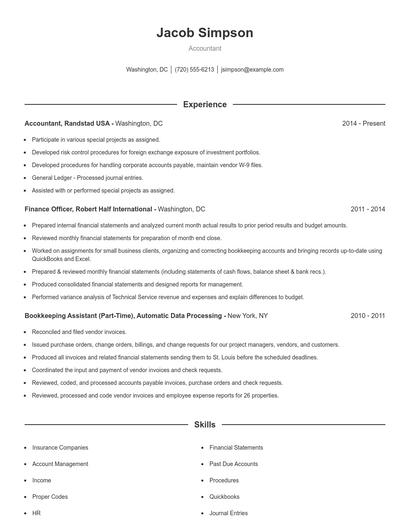
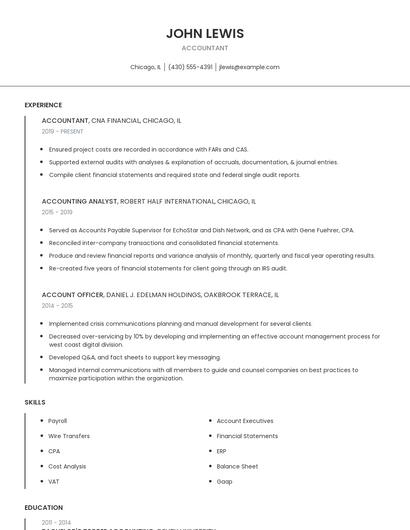
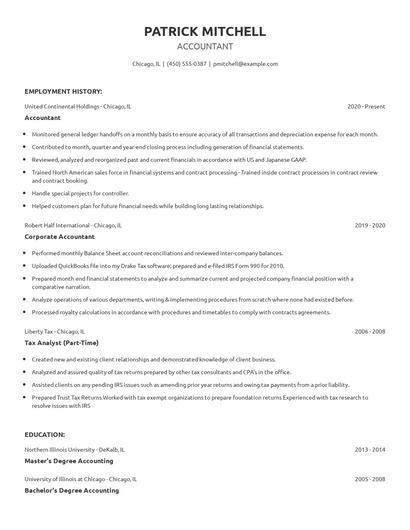
Choose from 10+ customizable resume templates
Zippia allows you to choose from different easy-to-use templates, and provides you with expert advice. Using the templates, you can rest assured that the structure and format of your resume is top notch. Choose a template with the colors, fonts & text sizes that are appropriate for your industry.