Explore jobs
Find specific jobs
Explore careers
Explore professions
Best companies
Explore companies
This question is about careers.
How to create a job title
To create a job title you need to perform research on job titles, review your most relevant and impressive experience, and make use of keywords. Here are some details on each of these steps and others you can take to title a resume:
Perform research on job titles
It is a good idea to first perform some research on job titles. Seek out job titles for positions that interest you. This helps you determine what employers are looking for in job candidates. You can then use these sample titles to create your own, just make sure it is an accurate reflection of your qualifications and job experience.
Review your most relevant and impressive experience
You might have a varied job history that shows experience in a number of different types of roles and industries. Hone in on the jobs and experiences that are most relevant to the type of job you hope to obtain when crafting your title. Your resume should have one title, but you can also create other versions with different titles if you plan on applying to different types of jobs.
Make use of keywords
While your title should be short and to-the-point, it can also be given some added flare with the use of keywords. This includes words such as driven, dynamic, or professional. This can help your title stand out to readers and compel them to want to invest in reading the rest of your resume. Applicant tracking systems (ATSs) also often scan for keywords in resumes.
Use all-caps for your job title on your resume
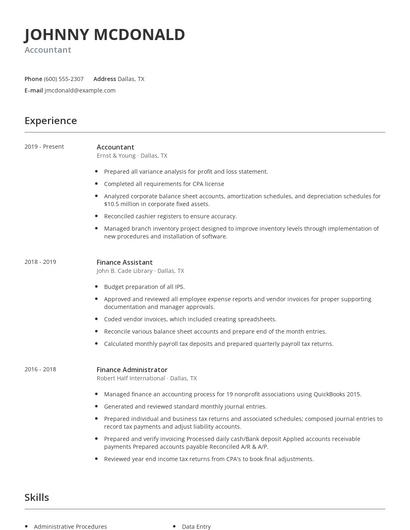
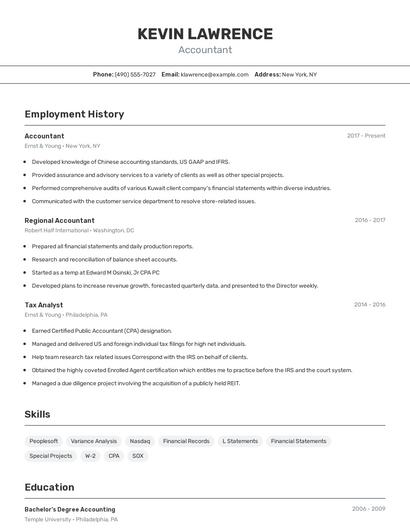
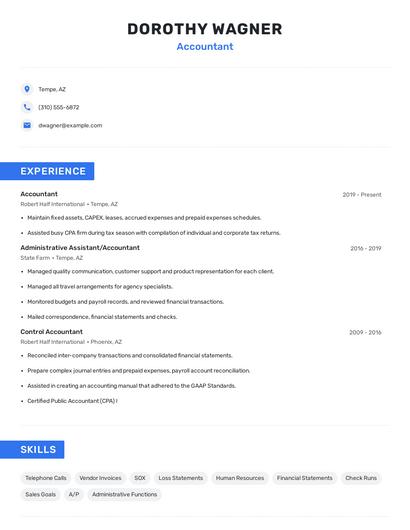
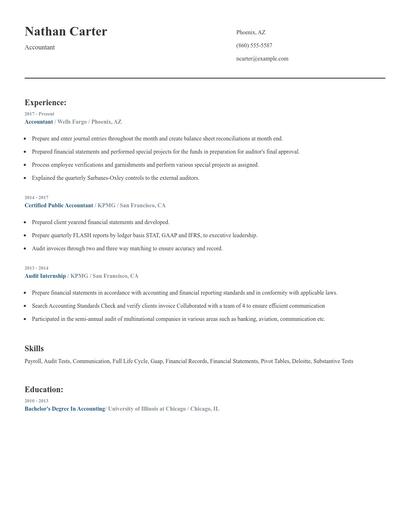
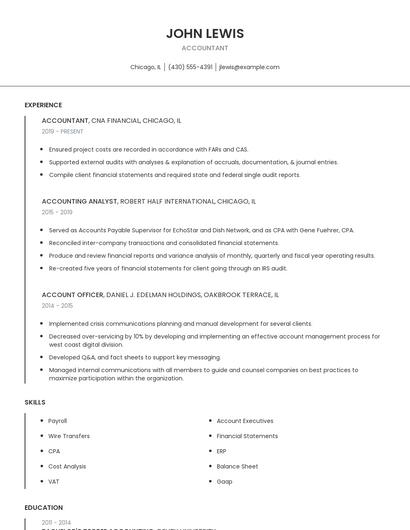
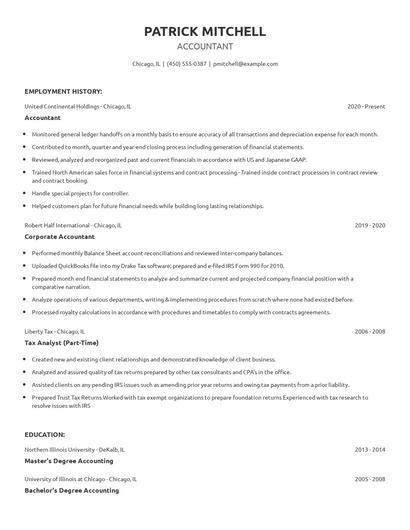
You should capitalize your job title on your resume. You want this information to stand out clearly to readers, so it will inform their expectations for all of the specific details within your resume. Your name should be at the top of your resume, also in all-caps, and underneath you should prominently feature your title in all-caps. Capitalizing captures the reader's attention.
Craft relevant and targeted titles and headlines
This goes for all job titles and headlines on your resume. You can make adjustments to each title and headline based on the job you are seeking to obtain. You can emphasize any specific skills in your headline that you think relate directly to the job you are applying for. You might consider creating several versions of your resume if there is a variance in your work experience.
Use proper formatting
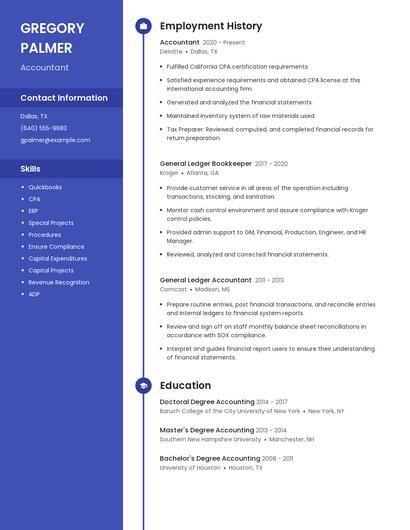
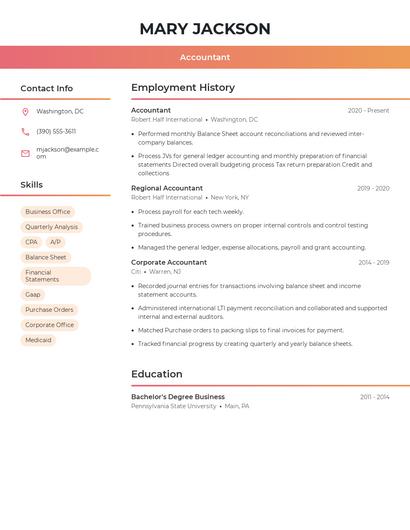
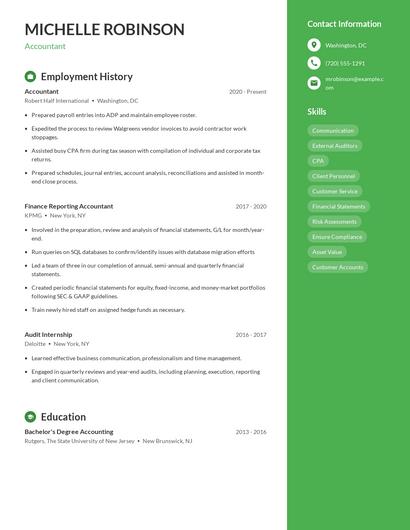
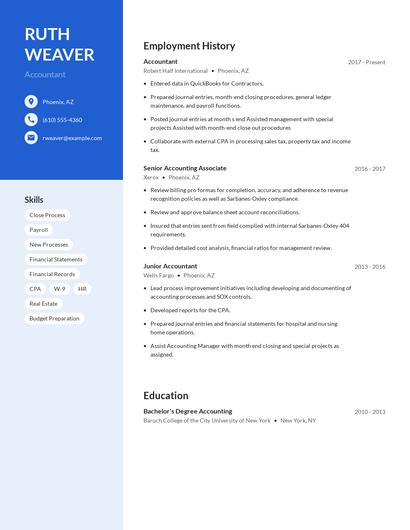
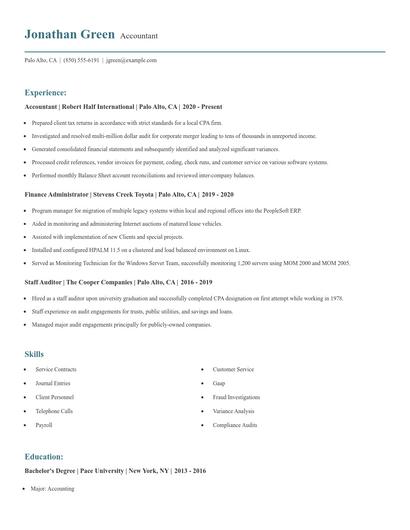
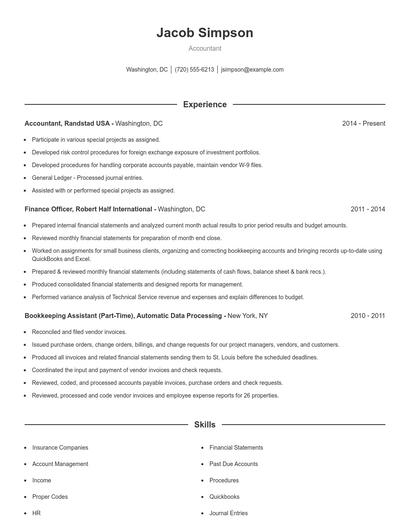
Your job title should pop on your resume. You do not want it to blend in with the rest of the text on your resume. You can choose to use an alternate font, although this also shouldn't be too drastic of a difference when compared to the rest of your text. Bolding or adjusting the color of the title are safe options that can help bring emphasis to this portion of your resume.

Choose from 10+ customizable resume templates
Zippia allows you to choose from different easy-to-use templates, and provides you with expert advice. Using the templates, you can rest assured that the structure and format of your resume is top notch. Choose a template with the colors, fonts & text sizes that are appropriate for your industry.