Explore jobs
Find specific jobs
Explore careers
Explore professions
Best companies
Explore companies
This question is about careers.
How to delete a review on Glassdoor
To delete a review on Glassdoor, follow these steps:
Log on to your Glassdoor account
Find the specific Glassdoor review you want to delete
Select the three dots in the upper right portion of the review on your screen
Click on Delete from the drop-down menu that appears
Confirm that you want to delete the review to make the action permanent
It is important to remember that Glassdoor only enables users to delete reviews that they have posted on the website. If you would like to request the deletion of a review that you did not post yourself, you must either flag the review as inappropriate or reach out to Glassdoor's support team to make your case on why the review should be deleted.
All flagged and requested for deletion reviews are then evaluated by Glassdoor's content moderation department, and might or might not be deleted, depending on their evaluation of the review and the material within it.
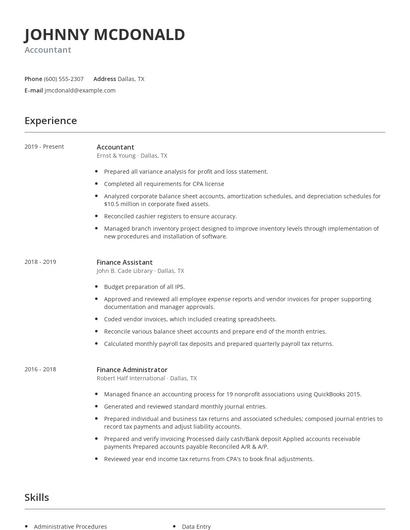
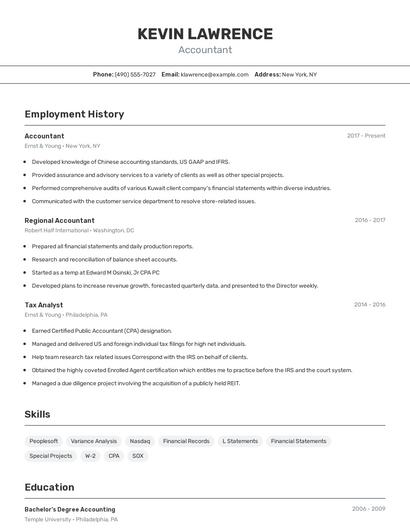
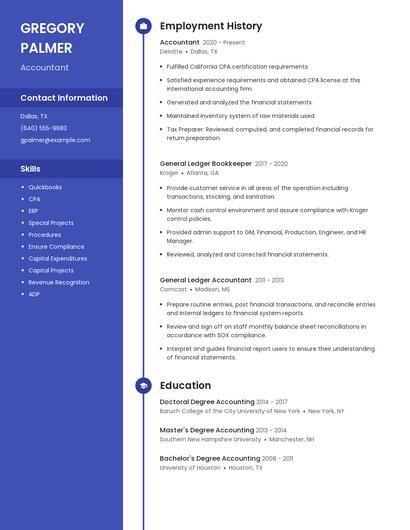
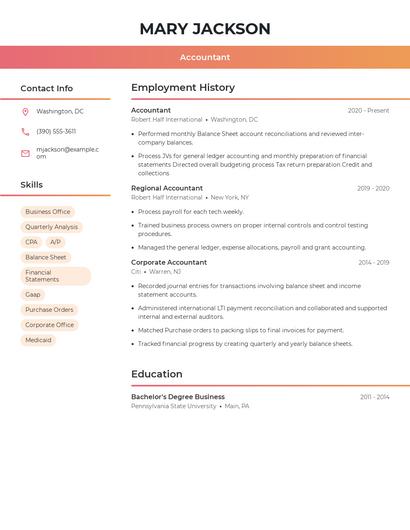
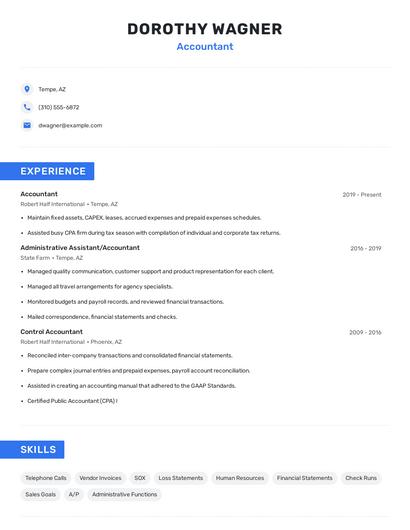
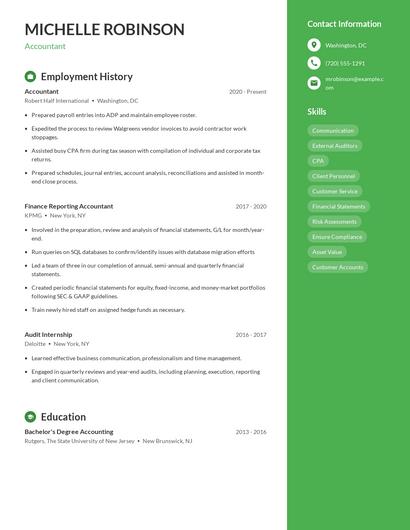
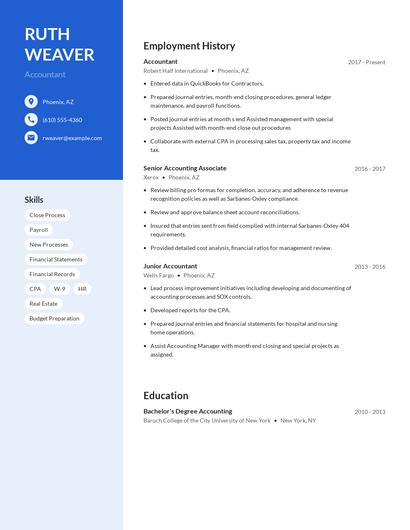
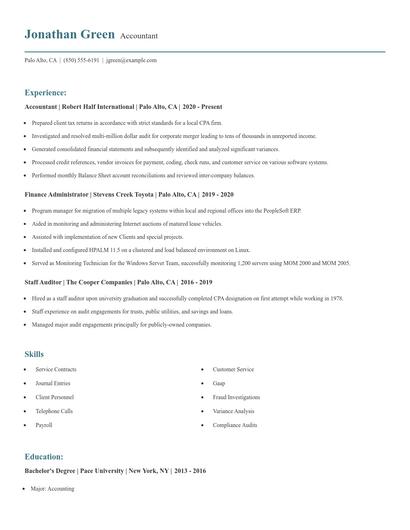
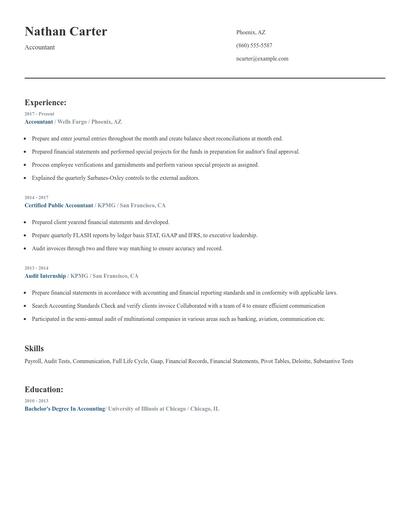
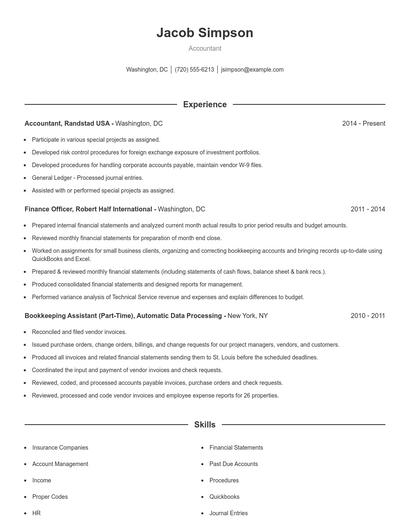
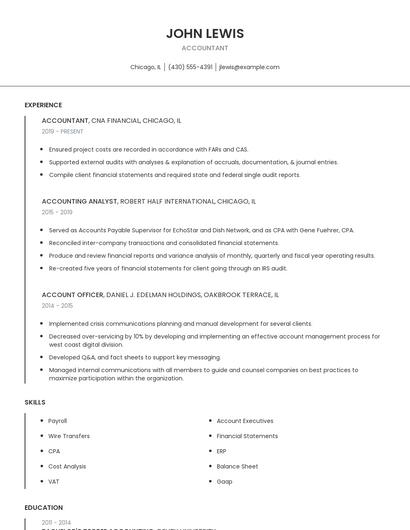
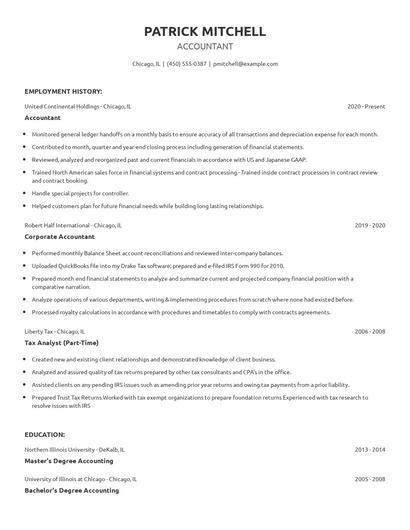
Choose from 10+ customizable resume templates
Zippia allows you to choose from different easy-to-use templates, and provides you with expert advice. Using the templates, you can rest assured that the structure and format of your resume is top notch. Choose a template with the colors, fonts & text sizes that are appropriate for your industry.