Explore jobs
Find specific jobs
Explore careers
Explore professions
Best companies
Explore companies
This question is about employer.
How to make a motion in a meeting?
To make a motion in a meeting, state it clearly and concisely, ask for a seconder, discuss it, then vote on it and record the results in the meeting minutes. A motion is made in a meeting to propose an idea or course of action for consideration by the group and to seek a decision or vote on the matter.
Have you ever been in a meeting and wanted to make a proposal for a new idea, recommend a course of action, set a policy, or simply resolve a conflict or issue but weren't sure how to go about it? That is where knowing the proper way to make a motion in a meeting comes in very handy. You want your ideas to come across professionally without taking away from the original objective of the meeting itself.
There are a few simple steps you should take when making a motion in a meeting. Remember, at the end of the day, your goal is always to be respectful and follow the rules of the meeting when making a motion. If you are unsure about the procedure or rules of the meeting, ask the chairperson or moderator for guidance.
To make a motion in a meeting, follow these steps:
Obtain recognition. Wait until the person leading the meeting (such as the chairperson or moderator) recognizes you or calls on you to speak.
State your motion. Begin by stating your motion clearly and concisely. For example, "I move that we approve the budget for the next quarter."
Find a seconder. Once you have made your motion, ask if anyone is willing to second it. This means that another person agrees with your motion and is willing to support it. If someone seconds your motion, the discussion can continue. If no one seconds it, the motion will not be considered further.
Discuss the motion. After your motion has been seconded, the chairperson will open the floor for discussion. Members of the meeting can then speak in favor of or against the motion. Keep your comments concise and relevant to the motion at hand.
Vote on the motion. After the discussion has concluded, the chairperson will call for a vote. The motion will be approved if it receives a majority vote.
Record the results. The results of the vote should be recorded in the meeting minutes, along with the text of the motion itself.

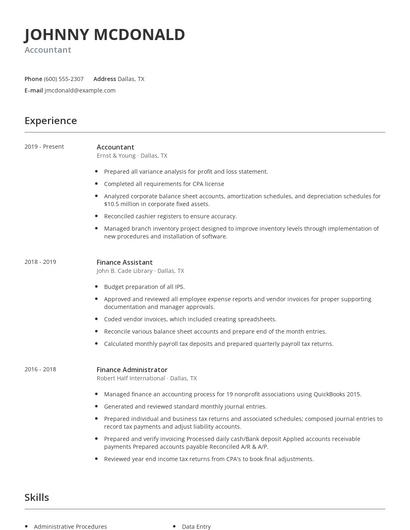
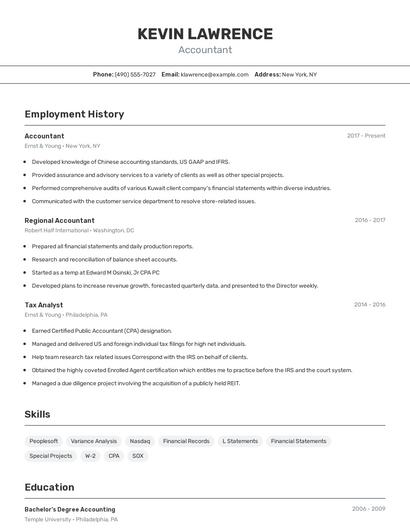
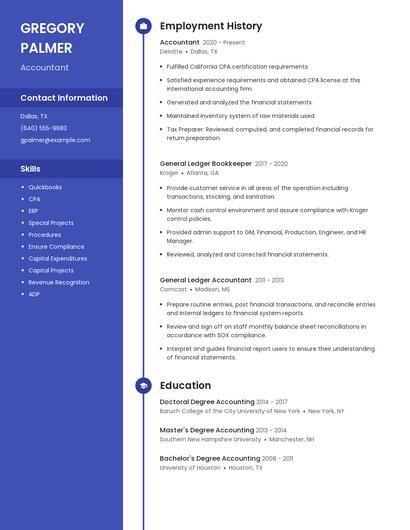
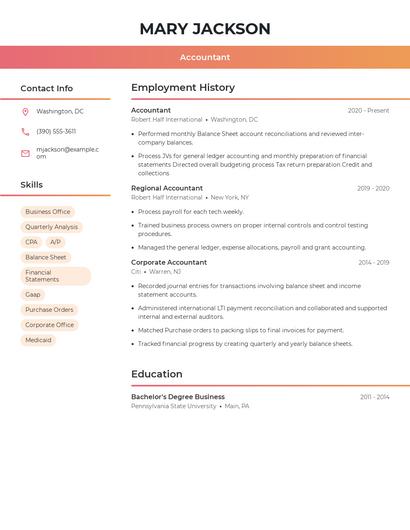
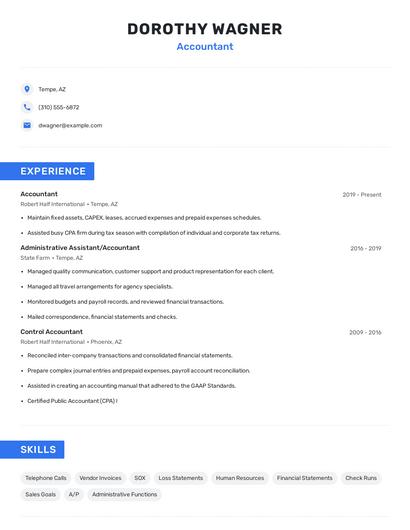
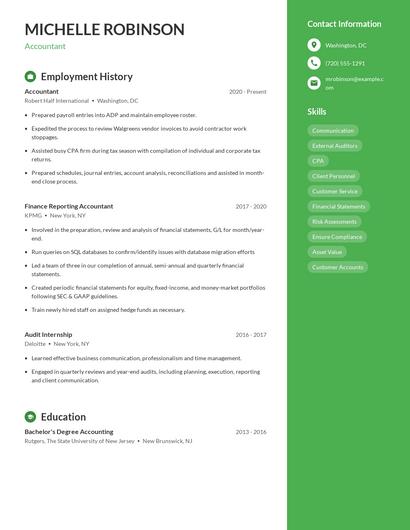
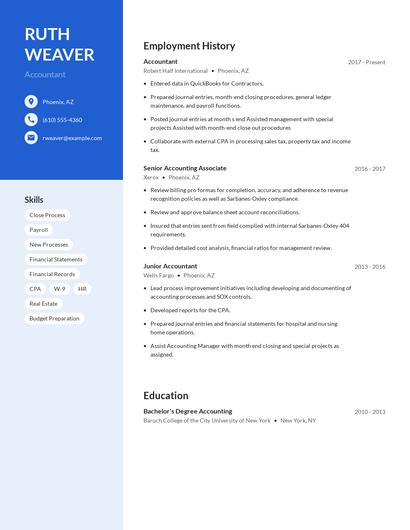
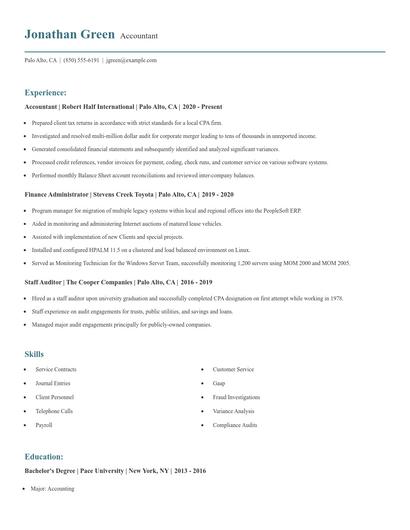
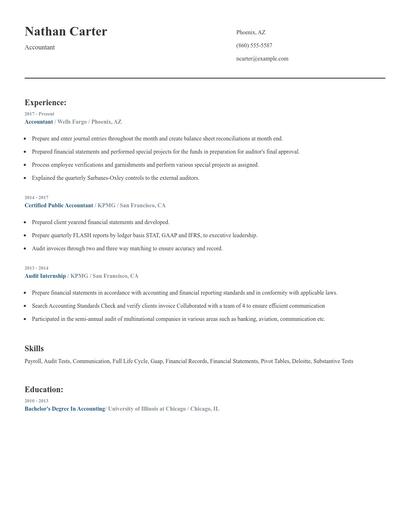
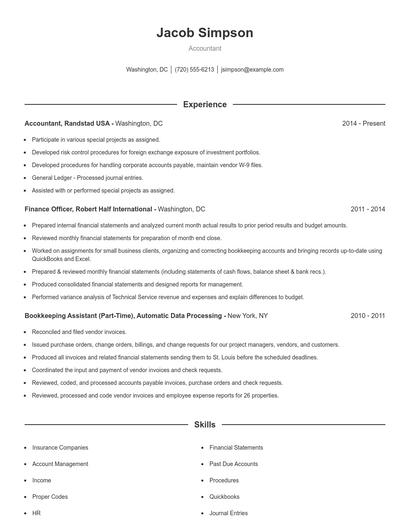
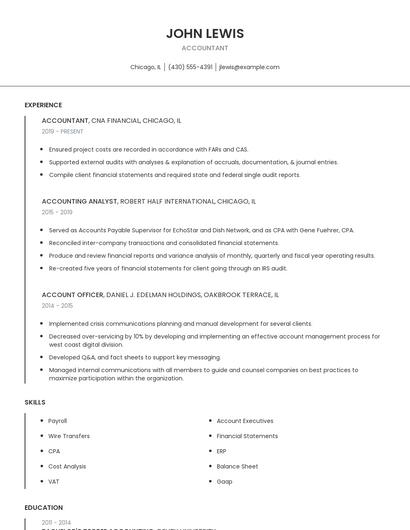
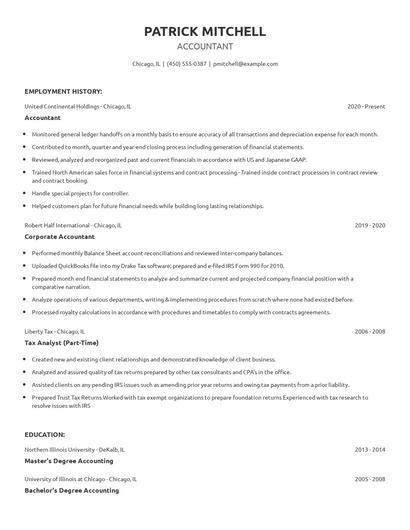
Choose from 10+ customizable resume templates
Zippia allows you to choose from different easy-to-use templates, and provides you with expert advice. Using the templates, you can rest assured that the structure and format of your resume is top notch. Choose a template with the colors, fonts & text sizes that are appropriate for your industry.