Explore jobs
Find specific jobs
Explore careers
Explore professions
Best companies
Explore companies
This question is about jobs.
How to remove Open to Work on LinkedIn
To remove Open to Work on LinkedIn, follow these steps:
Log on to your LinkedIn account
Select your Profile Picture or the Icon in the top right corner of the screen
Click on View Profile from the drop-down menu that appears
Navigate down towards the Featured section and hone in on the Open to Work tab
Select the Update button that is on the right-hand side of your screen
Click on the Off button to turn off the open to work feature
Then select Save to update and save these changes to your LinkedIn profile
Once you have taken these steps, it might take LinkedIn a few minutes to make the change go into effect. However, your profile will now not show the Open to Work phrase once the update is complete.
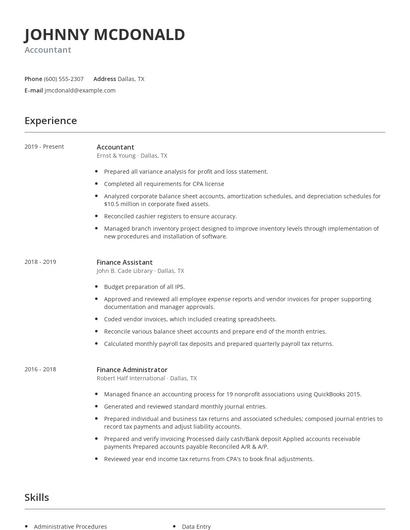
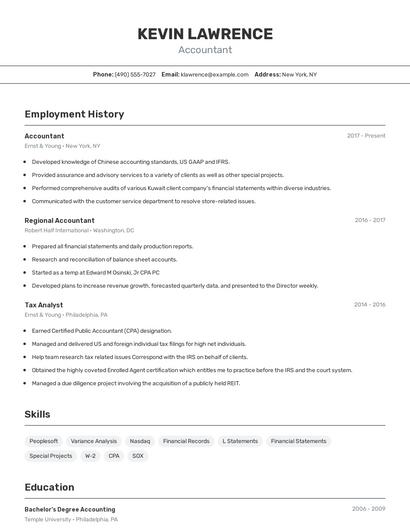
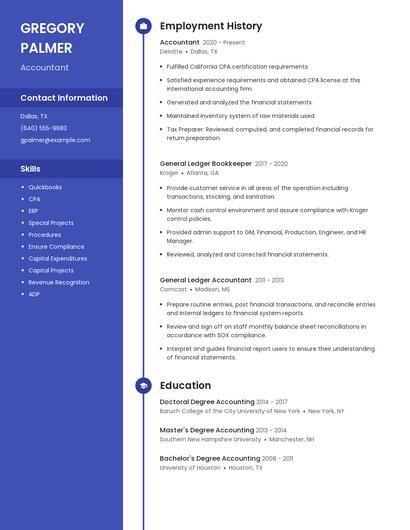
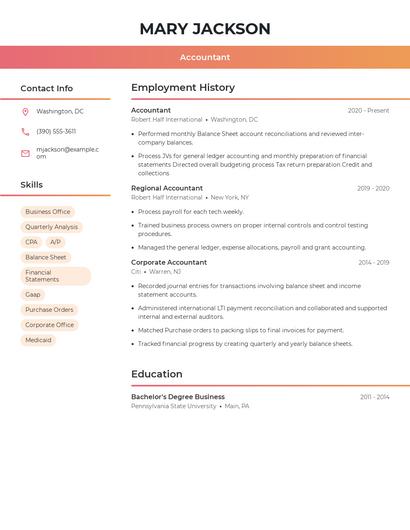
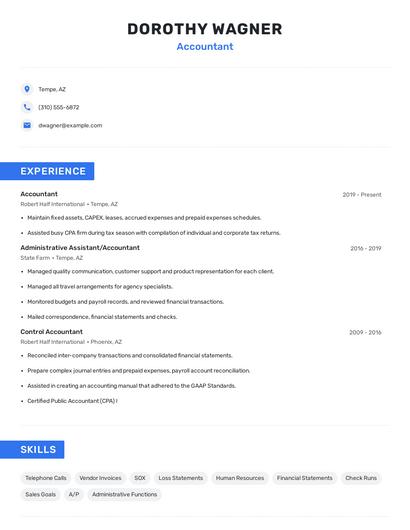
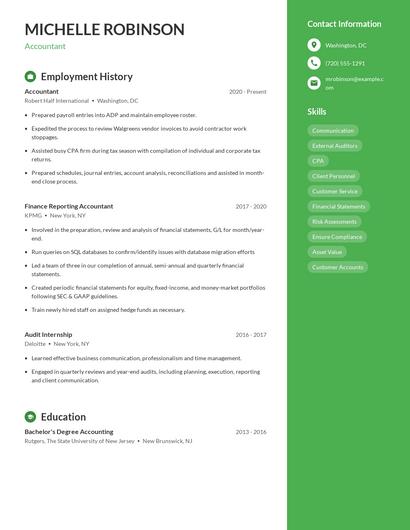
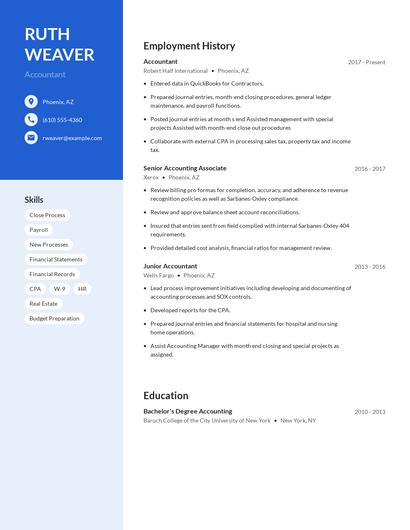
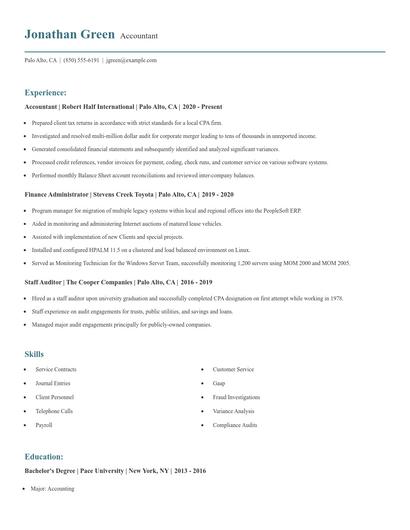
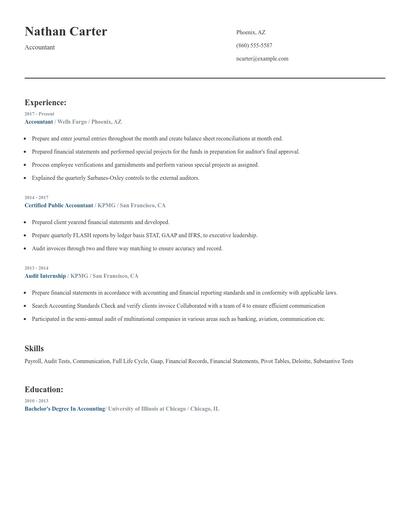
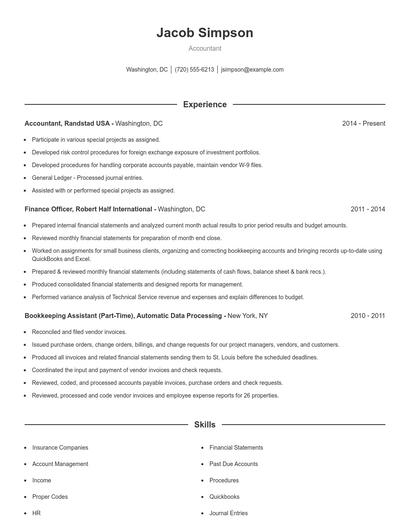
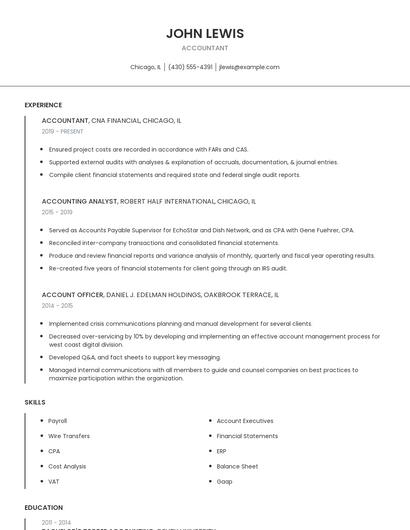
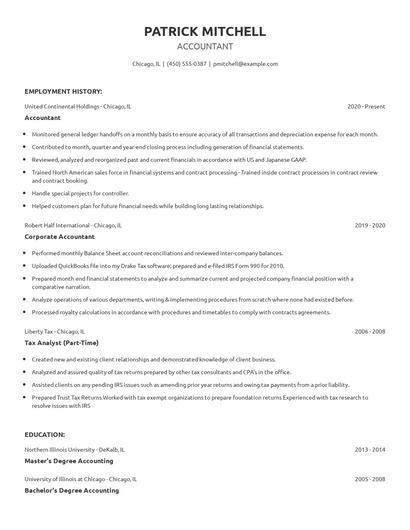
Choose from 10+ customizable resume templates
Zippia allows you to choose from different easy-to-use templates, and provides you with expert advice. Using the templates, you can rest assured that the structure and format of your resume is top notch. Choose a template with the colors, fonts & text sizes that are appropriate for your industry.