Explore jobs
Find specific jobs
Explore careers
Explore professions
Best companies
Explore companies
This question is about what a web developer does.
How do you make a website look professional?
To make a website look professional, you need to consider the website's purpose, develop a framework, and design a clean and simple home page. Here are some details on these steps and others you can take to make a website look professional:
Consider the website's purpose. This is an important first step and, ideally, should be taken before you even begin to design or create the website. Your website's purpose needs to be the driving engine in its design and features.
For example, a website for selling products will be very different from one containing blog posts or articles. Here are some common purposes for websites:
Inform (Information based, news, statistics, articles)
Entertain (web series, fictional writing, etc.)
Advertise (marketing for products or services)
Sales (purchasing products or services)
The purposes of advertising and sales can sometimes go hand in hand, but you must understand exactly why you are creating this website before you can make it look professional.
You can't just want to use certain designs or features because they look good or are interesting. They must make sense concerning your website's overall purpose.
Develop a framework. Creating a framework for your website is extremely helpful. You should try to determine what the most useful and user-friendly layout is going to be for your website's target audience.
For instance, some websites use categories and subcategories to guide their viewers through the site. This can be done almost narratively and can be quite effective.
Design a clean and simple home page. Most professional-looking websites don't have elaborate or overly visually-busy homepages. You should try to keep your homepage as clean and simple as possible.
This is the first thing people will see when they visit your site, so it should represent the branding you wish to exude.
Important content should stay above the fold. This is an element website designers have taken from the newspaper industry. Since newspapers get folded in half, all key information should be above the fold of the paper.
This same concept can be applied to website design. In websites, above the fold means all the content a viewer can see on the page before they scroll.
Use white space. White space is any area of the website that does not include text. As mentioned, you do not want your website to be overcrowded with graphics or too much text.
You should use white space to keep the design and readability of the site optimal. You can also use white space to help you emphasize critical information that you want to stand out for readers.
Formatting. You must ensure all of the text on your site's web pages is formatted properly. You should mark all headings and subheadings with a larger font to properly aid the reader in comprehension. Any paragraphs that you include should be well-structured.

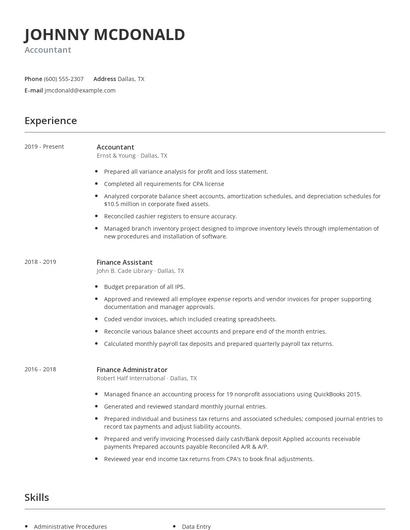
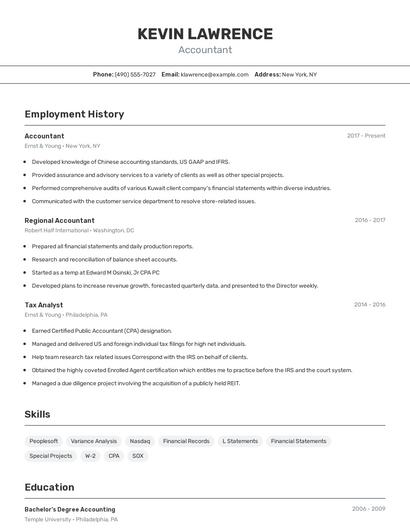
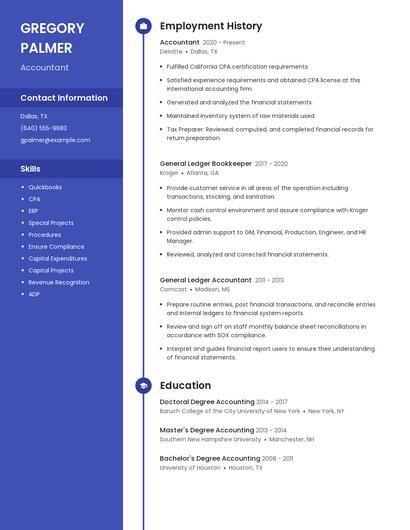
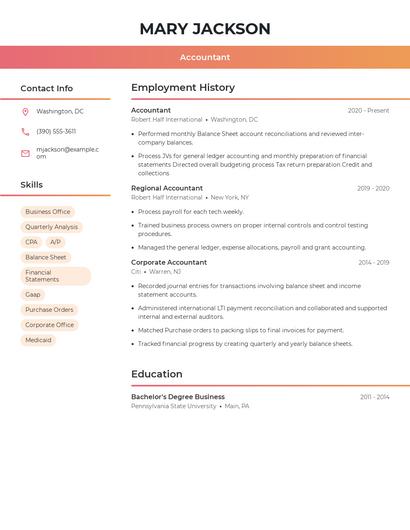
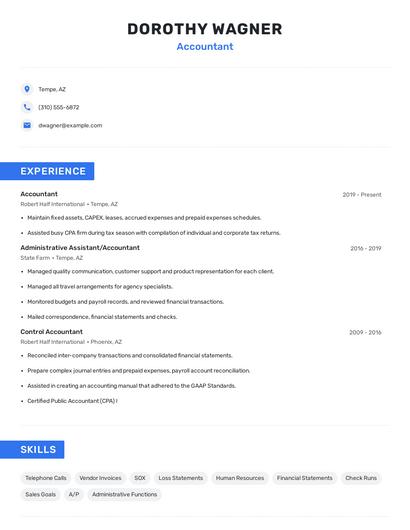
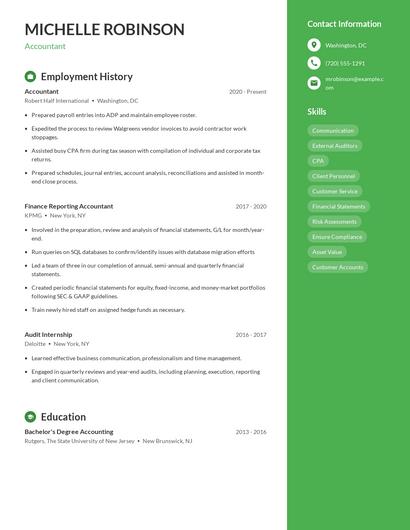
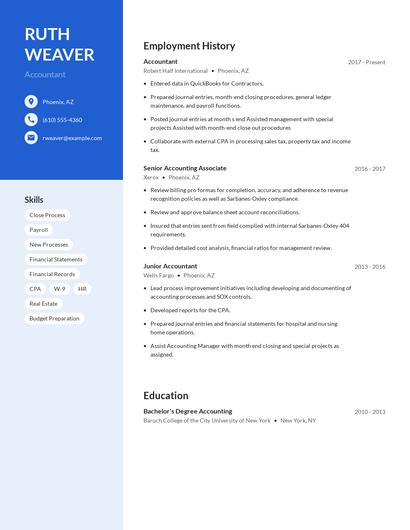
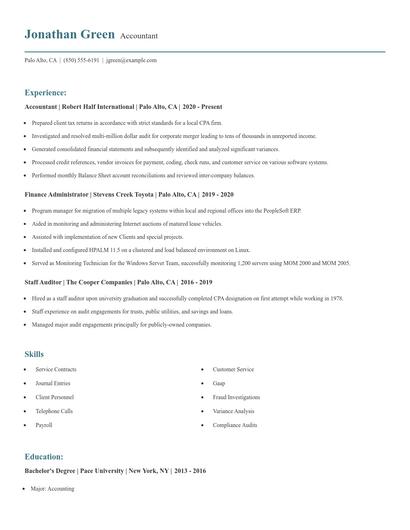
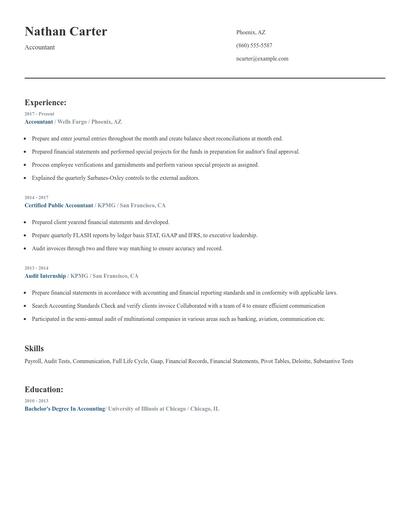
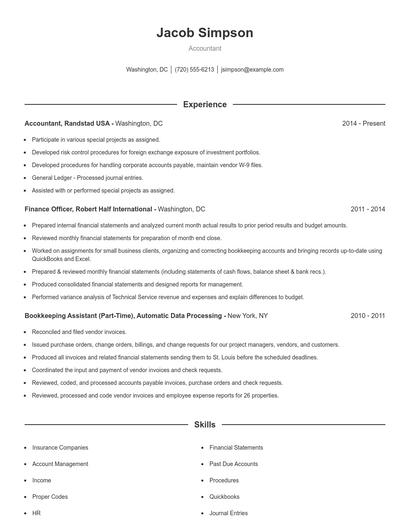
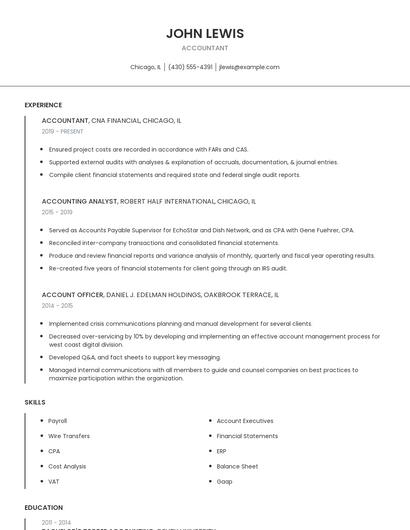
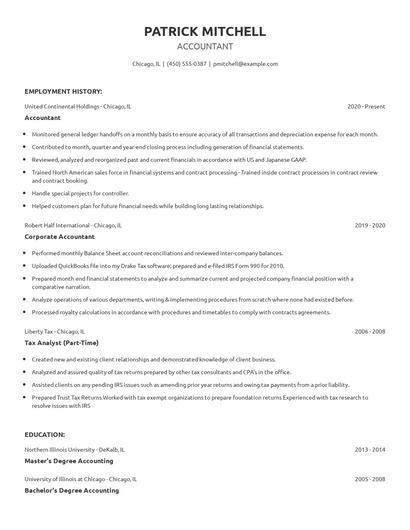
Choose from 10+ customizable resume templates
Zippia allows you to choose from different easy-to-use templates, and provides you with expert advice. Using the templates, you can rest assured that the structure and format of your resume is top notch. Choose a template with the colors, fonts & text sizes that are appropriate for your industry.