Explore jobs
Find specific jobs
Explore careers
Explore professions
Best companies
Explore companies
This question is about employer.
How to connect with a recruiter on LinkedIn?
To connect with a recruiter on LinkedIn, you should be sure your profile is up to date, and then send a connection request. The first step in this process is ensuring that your profile is a great representation of who you are. Be sure you have added recent employment, and any new certifications or skills gained.
Once you connect with a recruiter, they probably will go to your profile and view your qualifications. You want these to represent you well, so that any further communication starts off on the right foot.
Once you are connected on LinkedIn, you have two options to connect with a recruiter. You can choose to send them a message via LinkedIn or send an email. You should try to send them an email, by finding their address under "Contact Info" on their profile. If it's not there, then send a message through Linkedin.
The initial message you send to a recruiter on LinkedIn should be clear and concise. Introduce yourself, describe your experience, qualifications, and what you are currently looking for. This should only be a few sentences. Then, attach your resume. You can then continue to chat and offer phone communication.
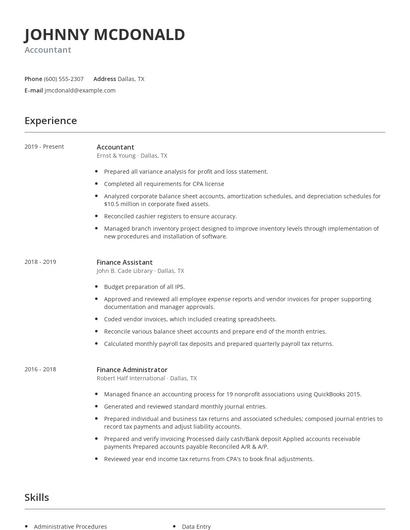
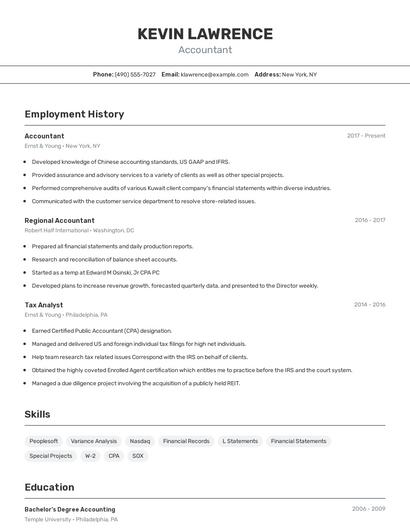
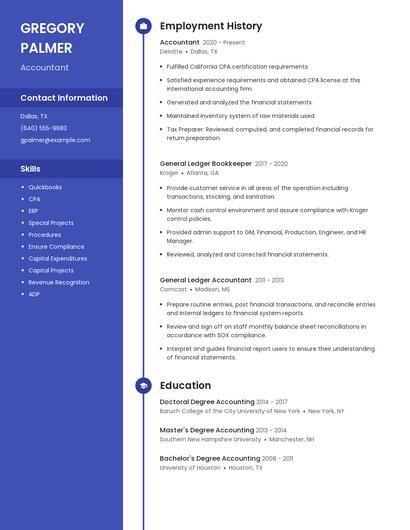
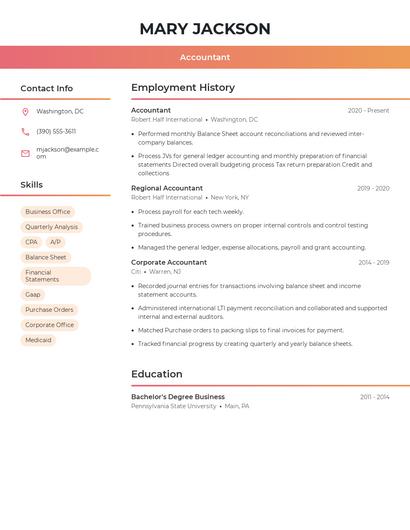
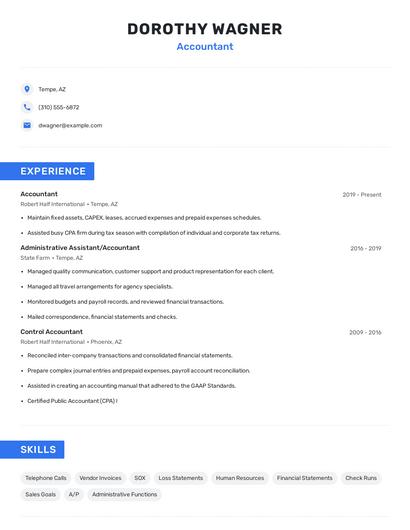
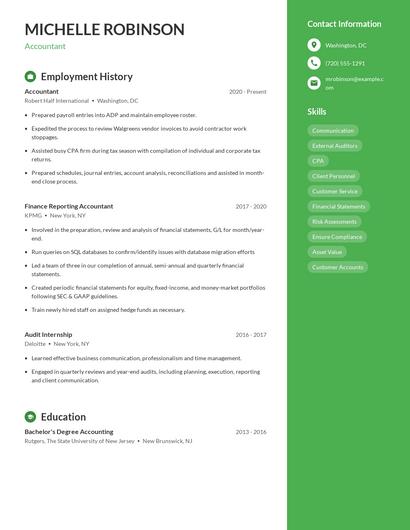
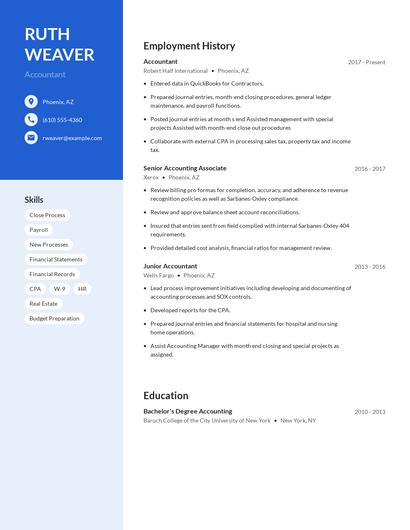
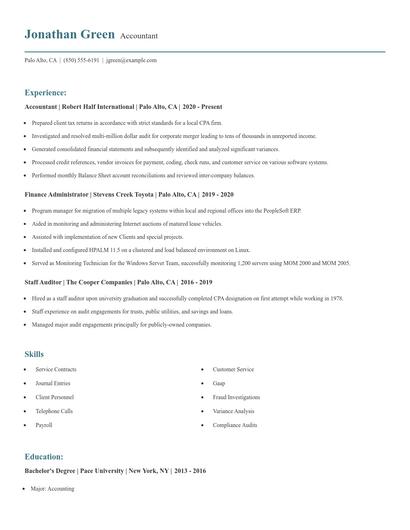
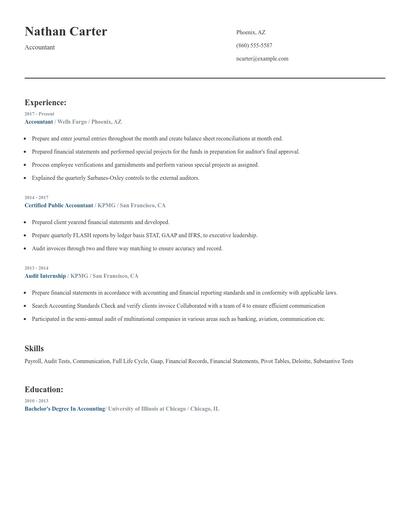
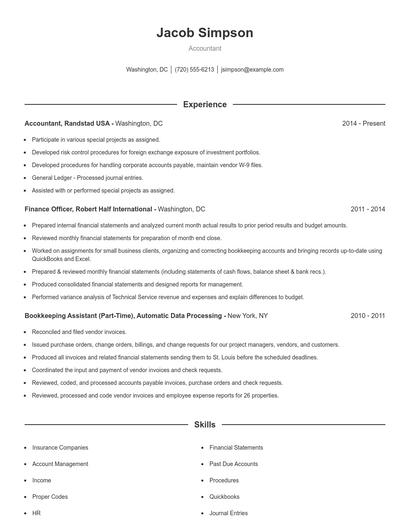
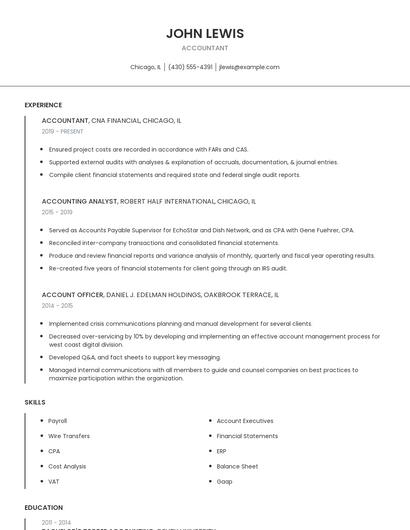
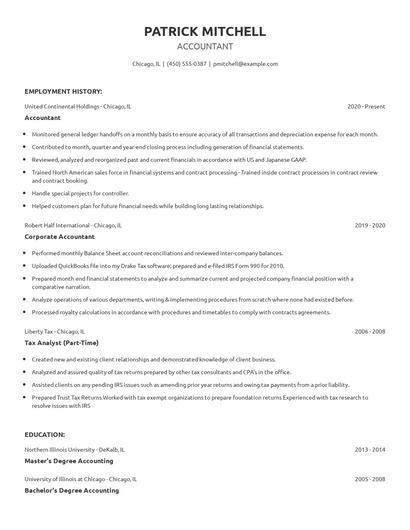
Choose from 10+ customizable resume templates
Zippia allows you to choose from different easy-to-use templates, and provides you with expert advice. Using the templates, you can rest assured that the structure and format of your resume is top notch. Choose a template with the colors, fonts & text sizes that are appropriate for your industry.