Explore jobs
Find specific jobs
Explore careers
Explore professions
Best companies
Explore companies
This question is about resume builder.
How to download a resume from LinkedIn
To download a resume from Linkedin, follow these steps:
Click your profile image, as you can only download a resume from your profile
Select the "More" option to the right of the "Add profile section" option
A drop-down menu will be displayed, and then you select "Save to PDF."
Direct the file to your download folder or other desired folder
This converts your Linkedin profile into a resume and stores it on your computer
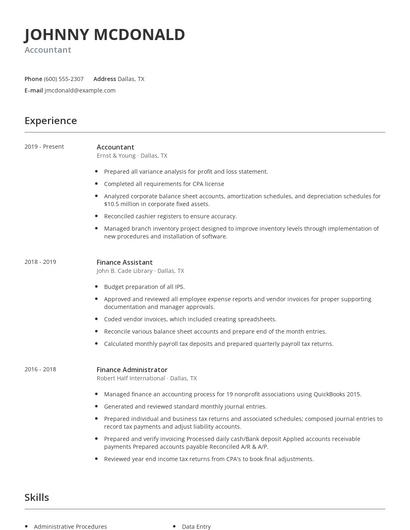
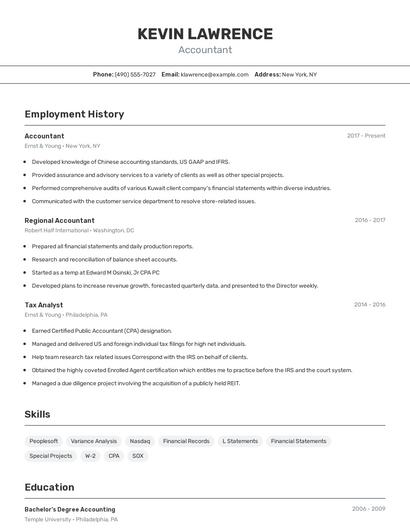
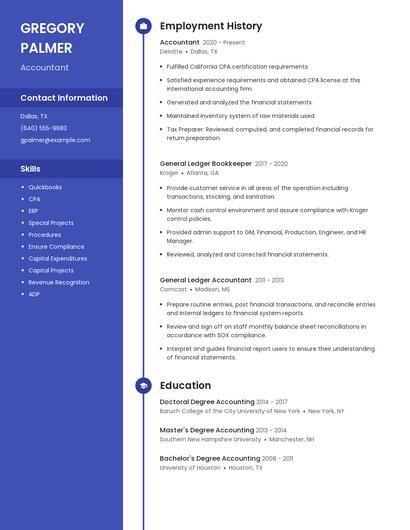
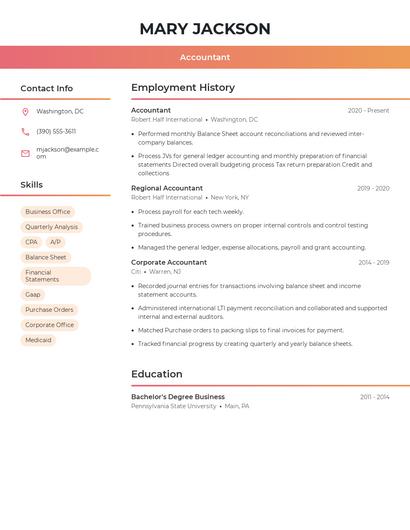
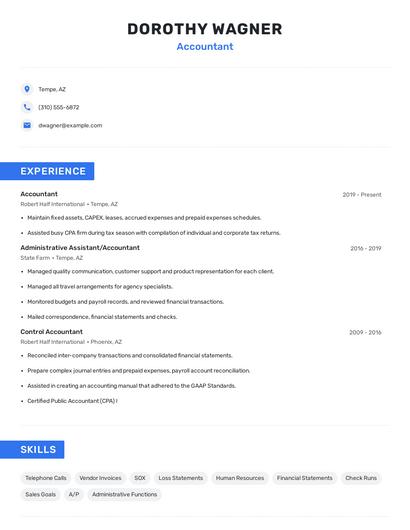
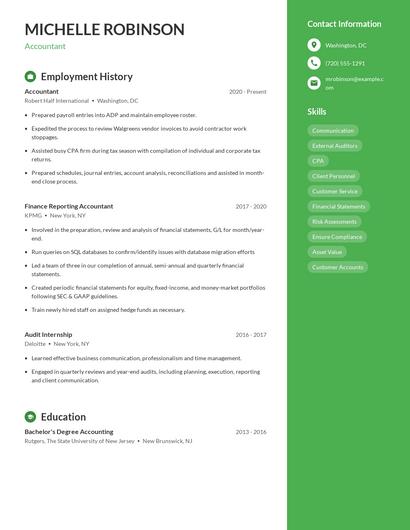
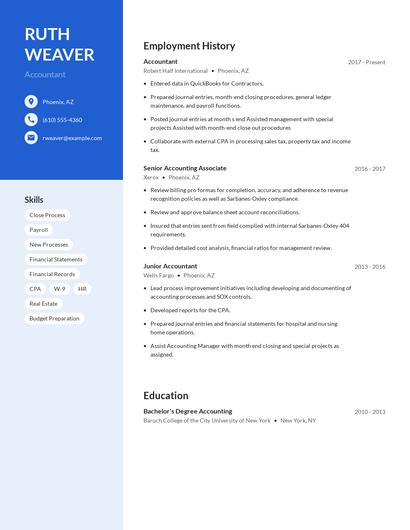
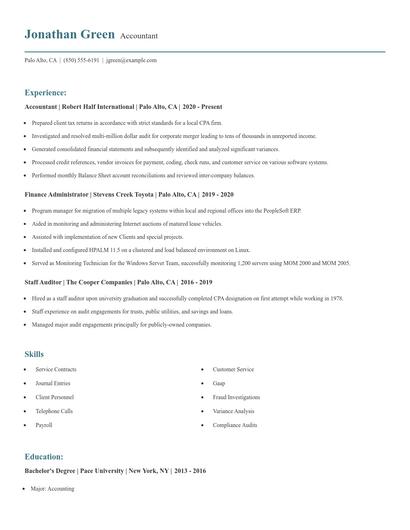
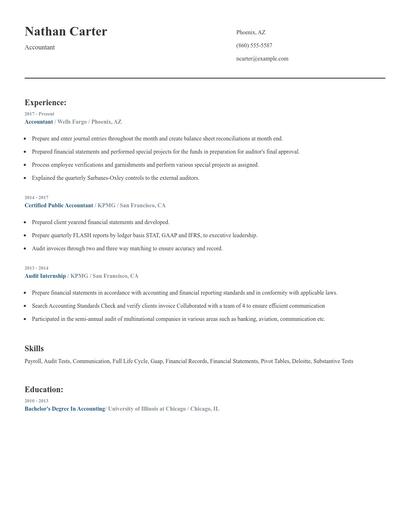
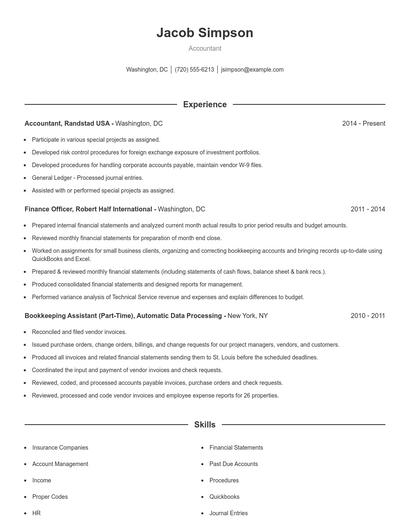
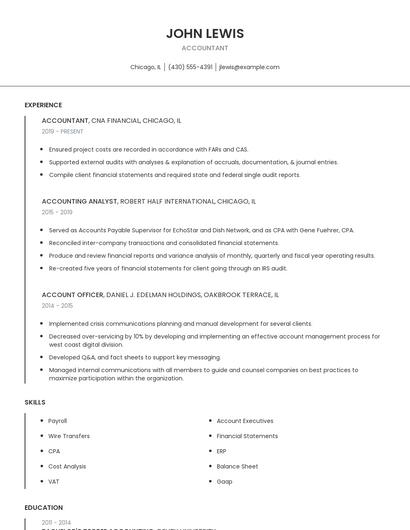
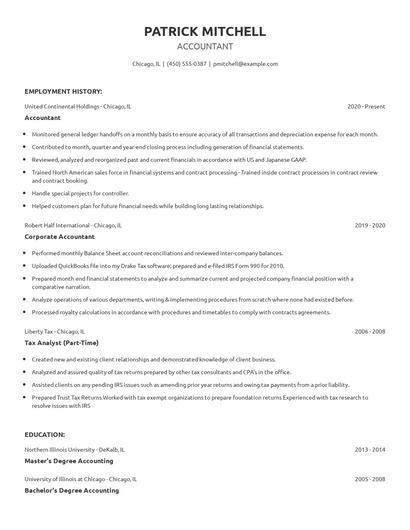
Choose from 10+ customizable resume templates
Zippia allows you to choose from different easy-to-use templates, and provides you with expert advice. Using the templates, you can rest assured that the structure and format of your resume is top notch. Choose a template with the colors, fonts & text sizes that are appropriate for your industry.