Explore jobs
Find specific jobs
Explore careers
Explore professions
Best companies
Explore companies
This question is about how to write a cover letter.
How to make a cover letter on Google Docs
To make a cover letter on Google Docs, follow these steps:
Sign into your Google account
Select the Google Apps icon in the top right of your screen
Click on Docs
Go to the Template Gallery
Then scroll down to Letters
Select the template you want
Start writing and editing your cover letter
Google Docs has many different options of templates for cover letters; you should be able to find one to your liking.

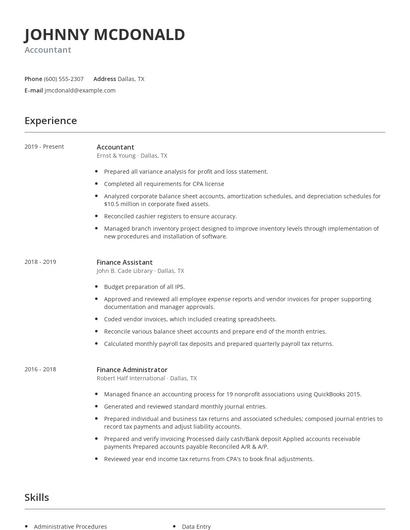
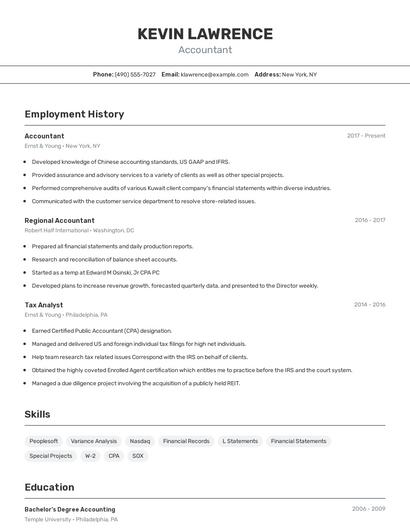
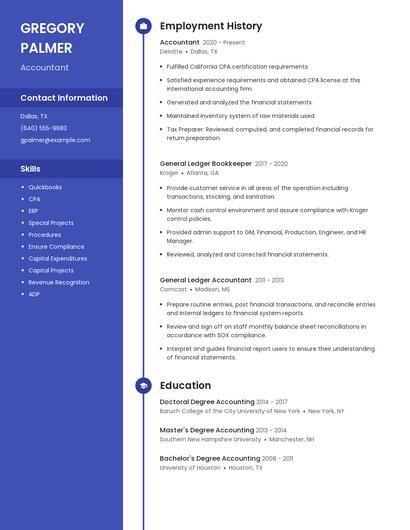
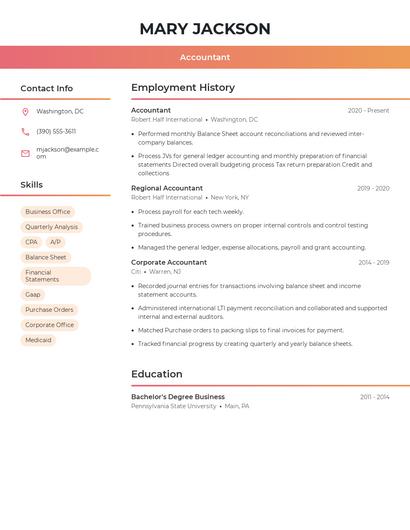
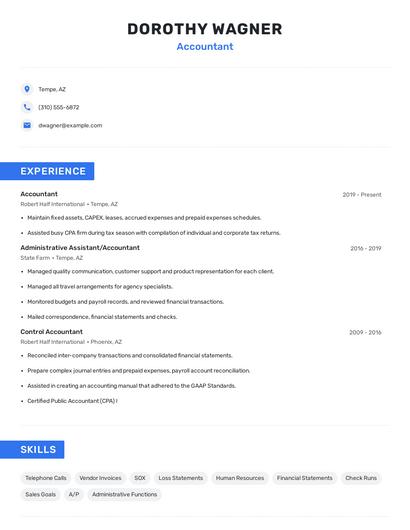
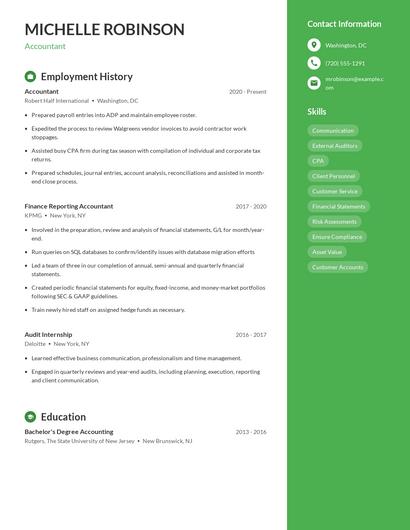
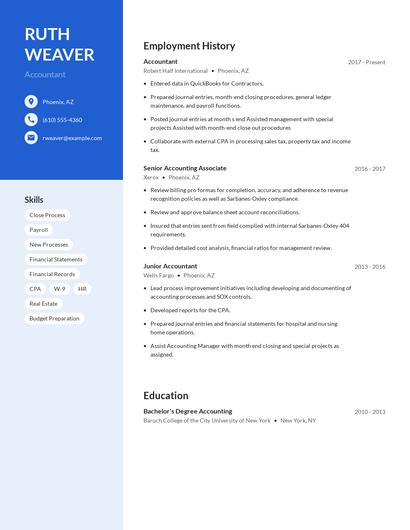
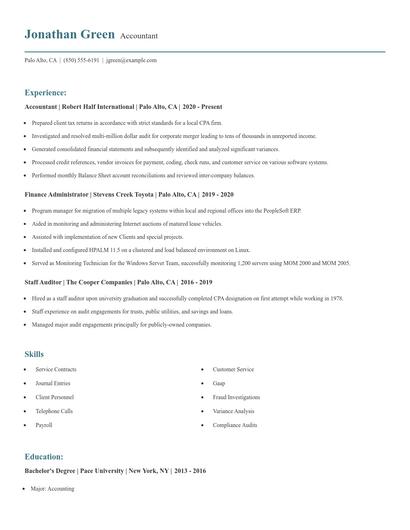
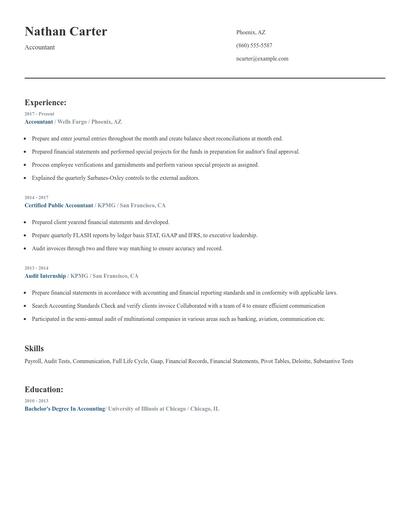
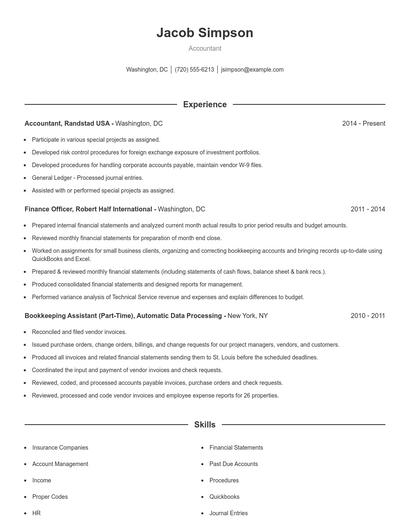
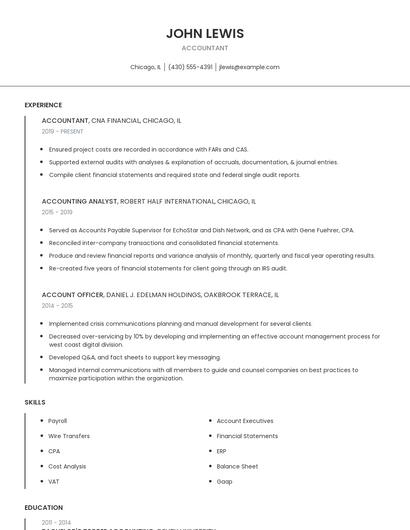
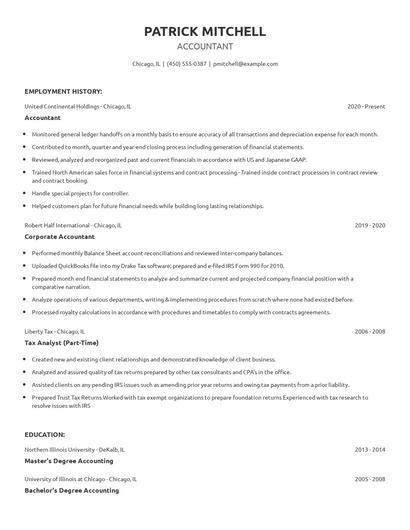
Choose from 10+ customizable resume templates
Zippia allows you to choose from different easy-to-use templates, and provides you with expert advice. Using the templates, you can rest assured that the structure and format of your resume is top notch. Choose a template with the colors, fonts & text sizes that are appropriate for your industry.