Explore jobs
Find specific jobs
Explore careers
Explore professions
Best companies
Explore companies
This question is about resume builder.
How to make a resume on an iPhone
You should use the Pages app in order to make a resume on an iPhone. This is a great word processing application and about as good of an iPhone resume creator as you are going to get.
Follow these simple steps to start creating a resume on your iPhone with the Pages app:
Download the Pages app to your iPhone and launch it
Tap the + sign at the top and then tap Choose a Template
Scroll down to find the Curricula Vitae section, then tap See All
Lastly, select a format and begin creating your resume
It is also helpful to have a look at some sample resumes that have been created using the Pages app to get a good idea of what works and what doesn't.

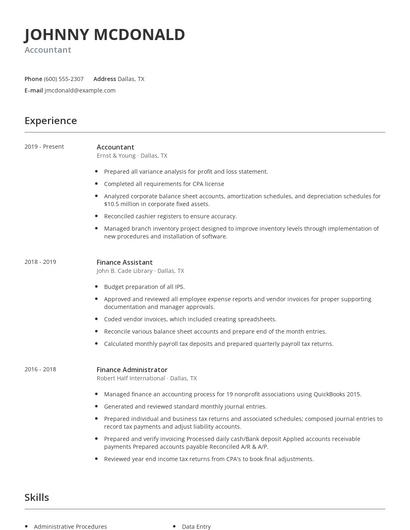
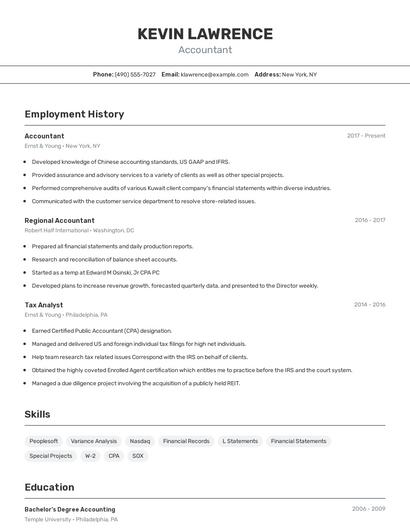
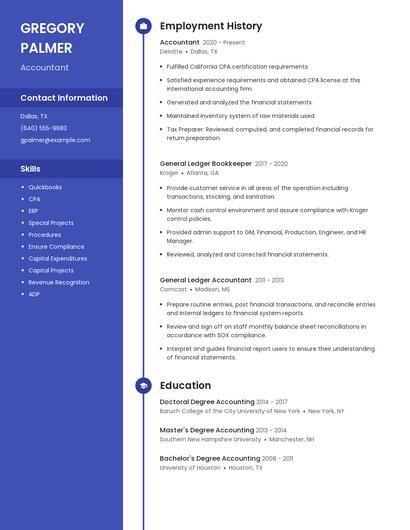
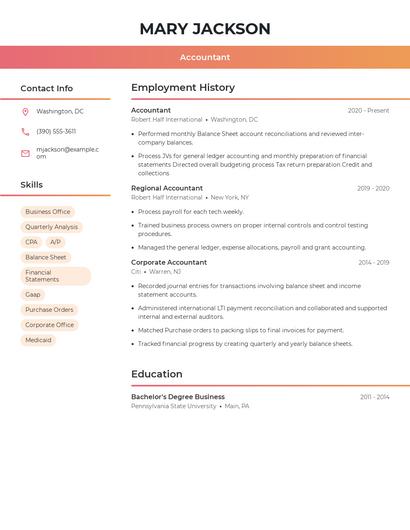
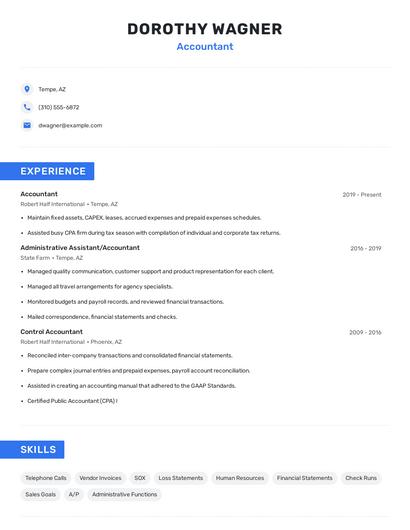
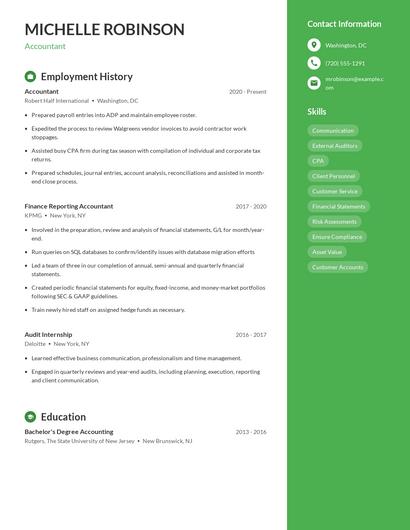
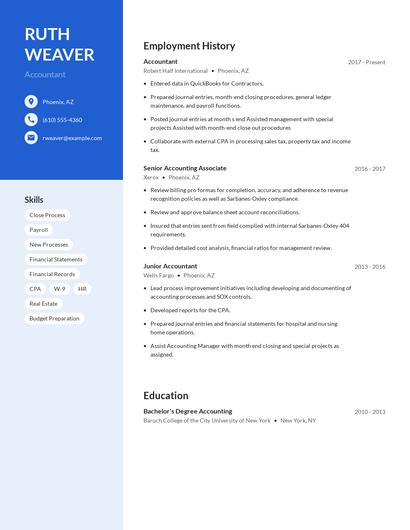
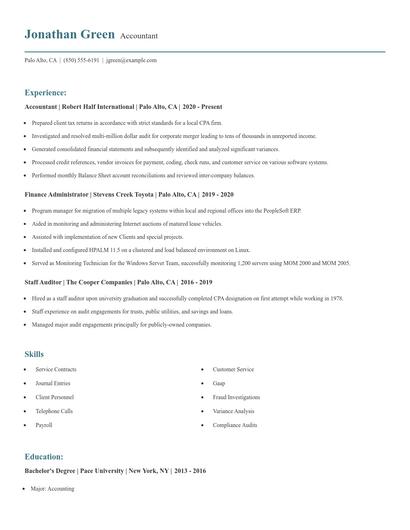
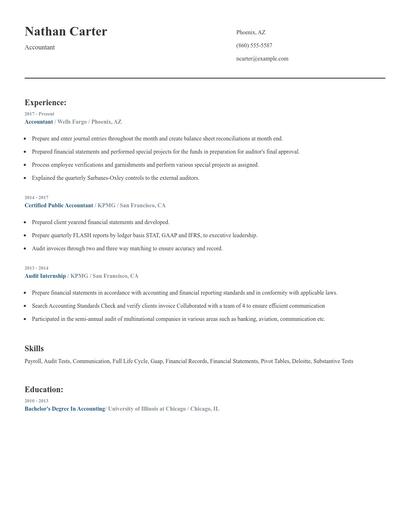
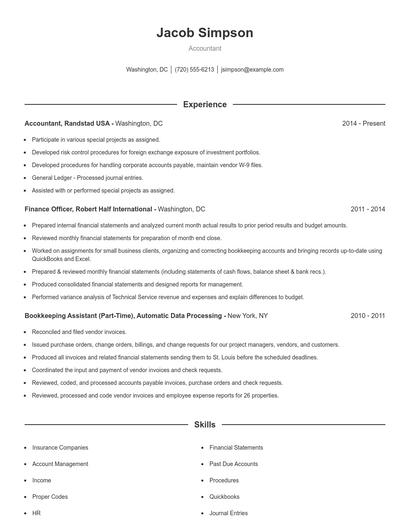
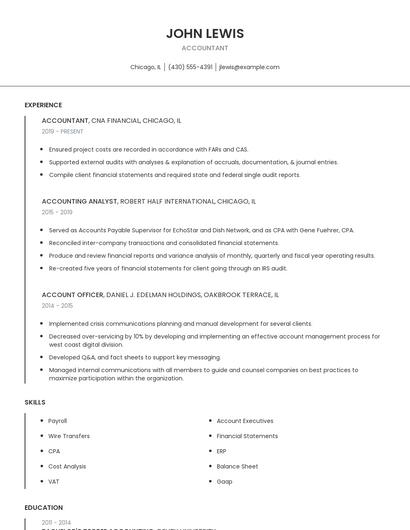
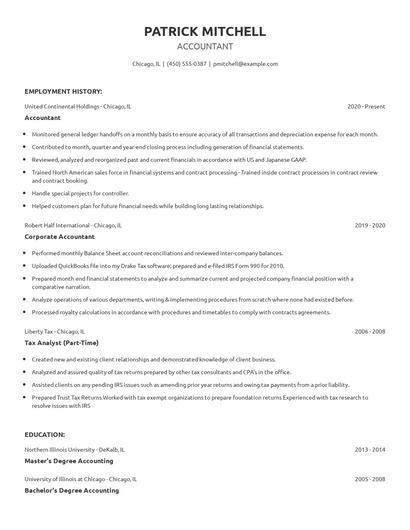
Choose from 10+ customizable resume templates
Zippia allows you to choose from different easy-to-use templates, and provides you with expert advice. Using the templates, you can rest assured that the structure and format of your resume is top notch. Choose a template with the colors, fonts & text sizes that are appropriate for your industry.