Explore jobs
Find specific jobs
Explore careers
Explore professions
Best companies
Explore companies
This question is about employer.
How to post a job on Google
To post a job on Google, you need to prepare your website, list the job opening, and include structured information. Here are some details on each of these steps you can take and one more to post a job on Google:
Prepare your website
To properly post jobs on Google and utilize this feature your businesses' website must have a dedicated web page for job listings. This can be done in a professional capacity by your website developer or a freelance developer or can be accomplished with DIY web development options, such as Wix or Squarespace.
List the job opening
As soon as you set up your website's page for job listings you can then add a job posting to this section of your site. You should check out some third-party career websites to get an idea of the best way to structure your job listing and the information that should be included. In general, your job listing should contain:
Job title or role
The responsibilities and duties of the position
The preferred or required qualifications and experience of potential candidates
Annual salary, wage, or salary range for the position
Try to keep your job listing concise, only including pertinent details about the role. You should also seek ways to keep the potential candidate's attention and foster excitement in them about the role. Again, reference other job listings for ideas.
Include structured information
Structured information and data are areas where you need to put in some real effort. Google has technical guidelines you can follow for this process or you can also hire a freelance developer to help you in this area. The main objective of this step is to have Google recognize that the information you are listing is related to a job posting. Keep these things in mind:
You need to ensure your web pages have the ability to be indexed, this means they allow and encourage consistent web crawls by Google
When you have several editions of the same job listing on your site, you need to condense the URLs
Make sure you add Google's recommended and required properties to your job listing
Adhere to Google's content posting policies and technical standards
Attempt to preview your structured data by doing a Google search that should lead you to the job listing
The goal here is to make sure Google recognizes your data as a job listing, and that it labels the important information.
Stay current
By utilizing Google Sitemaps you can let Google know about any developments or changes to your job listing. This is also a way to foster interest and get the right candidates to apply for your job posting. Google Search Console gives you the ability to stay current and gauge how well your job listing is performing overall.

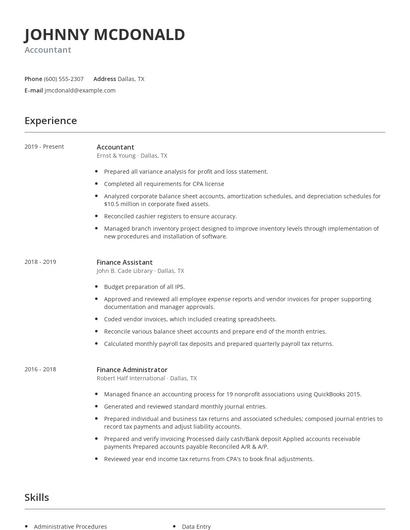
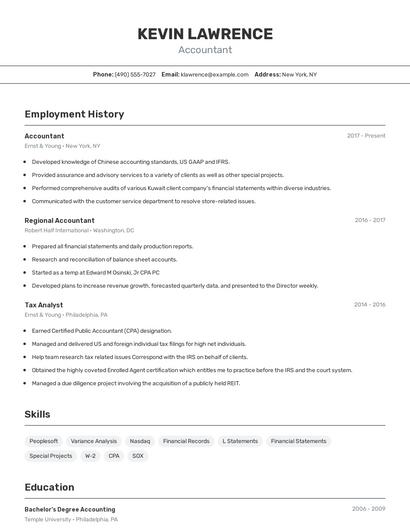
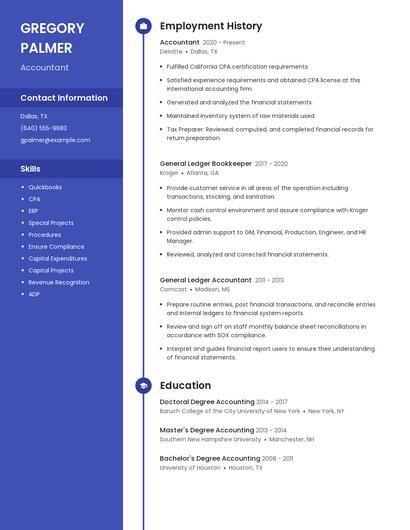
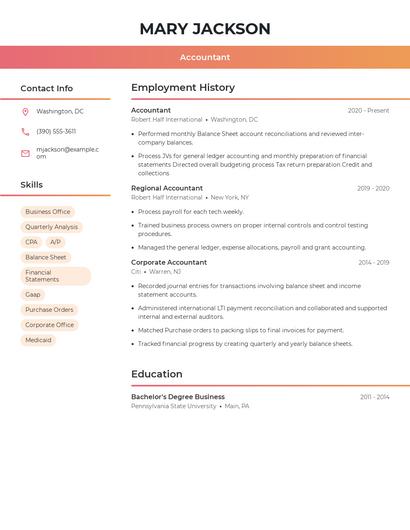
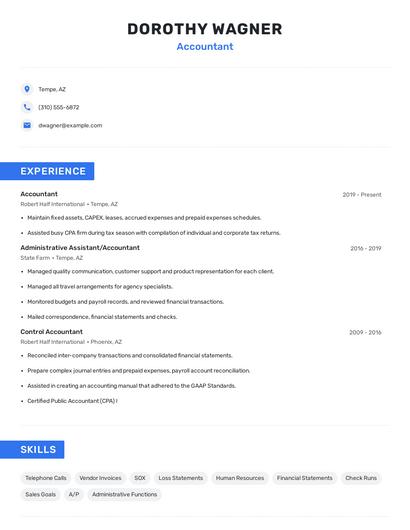
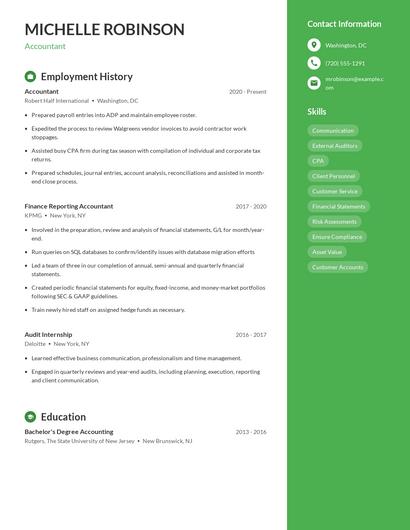
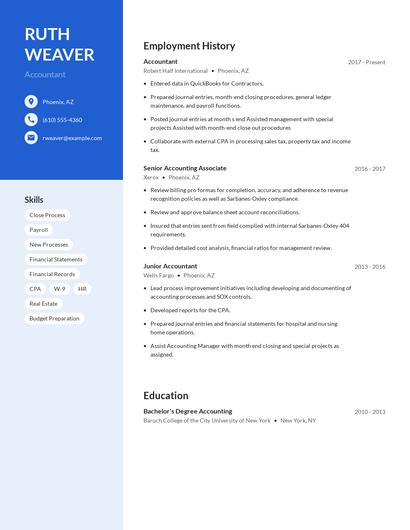
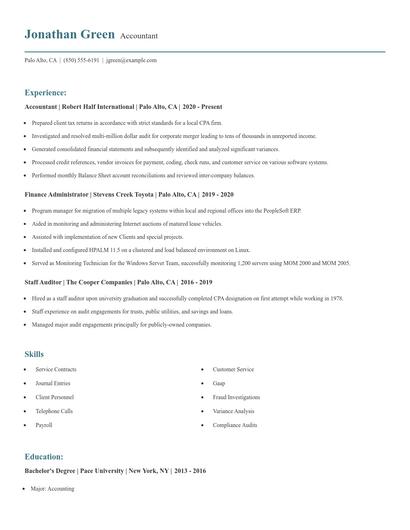
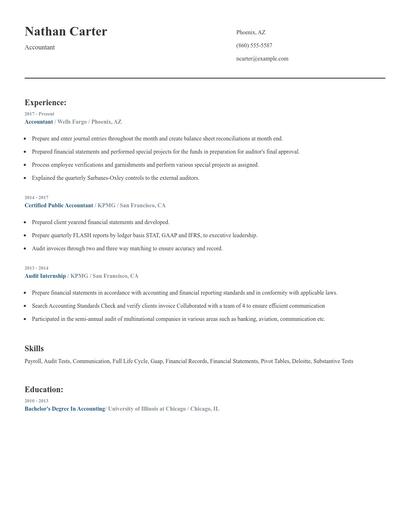
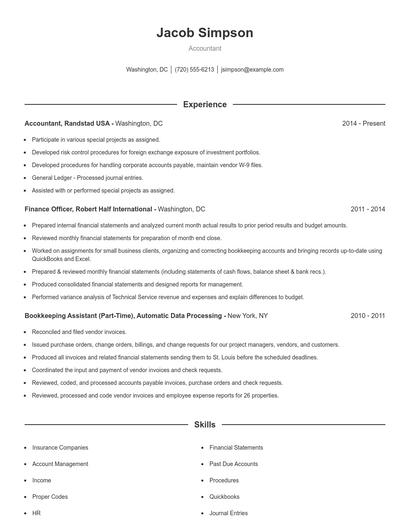
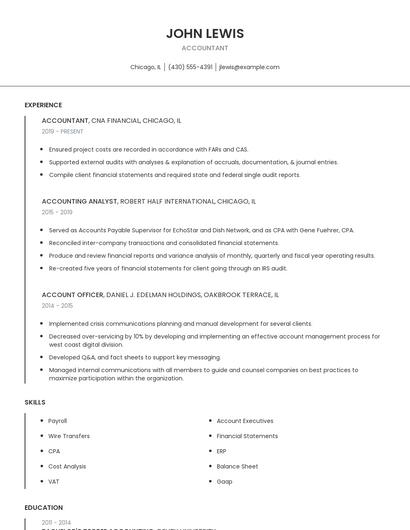
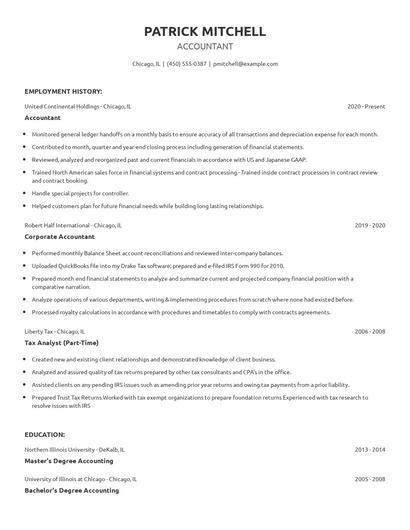
Choose from 10+ customizable resume templates
Zippia allows you to choose from different easy-to-use templates, and provides you with expert advice. Using the templates, you can rest assured that the structure and format of your resume is top notch. Choose a template with the colors, fonts & text sizes that are appropriate for your industry.