Explore jobs
Find specific jobs
Explore careers
Explore professions
Best companies
Explore companies
This question is about employer.
How to post a job on Handshake
To post a job on Handshake, you must first have a confirmed user account connected to the profile of a company and then create a job posting.
Before creating the post, you must also be approved by the schools you want to connect with. Ensure that your company has permission to post jobs for schools as well.
On your home dashboard, when you are logged in, you can click Post a job, and the blue Create Job button. Then you need to fill out information for this post. Important information includes Basics, Details, Preferences, and Schools tabs. Unless it is specified differently, all of these fields are required.

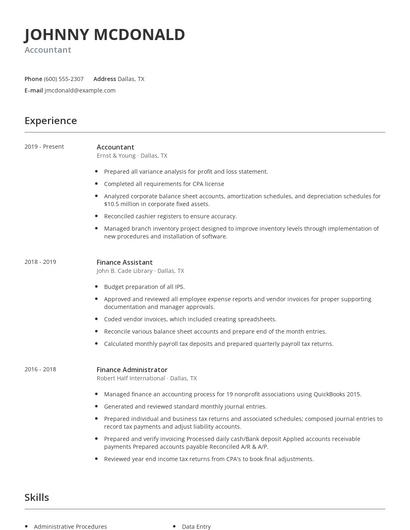
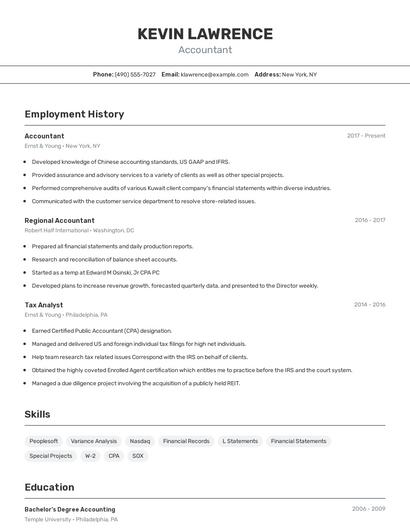
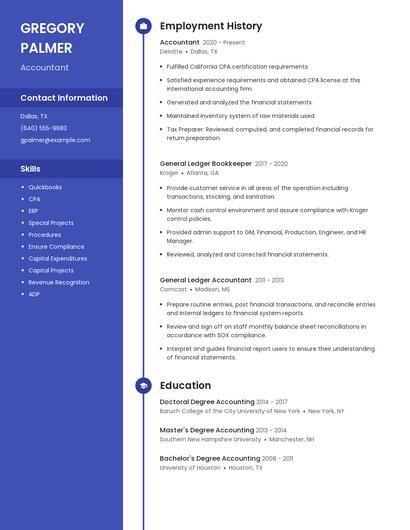
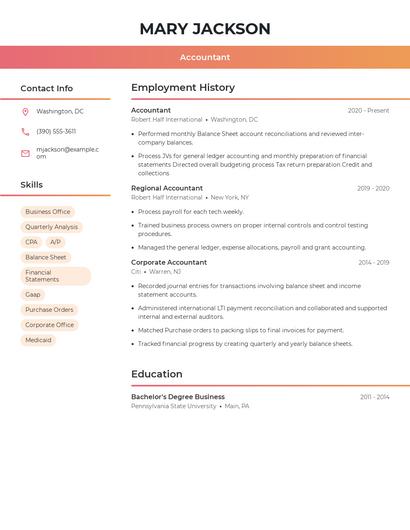
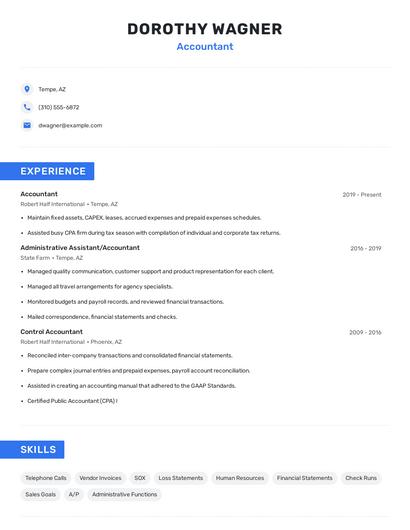
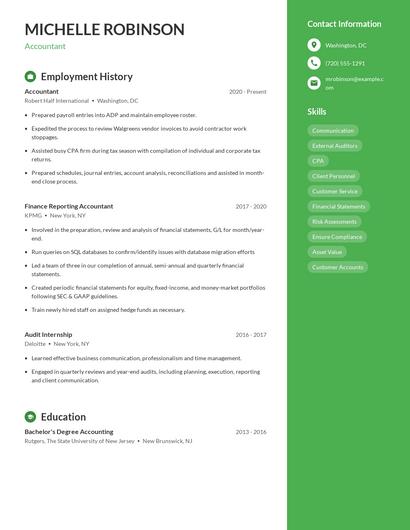
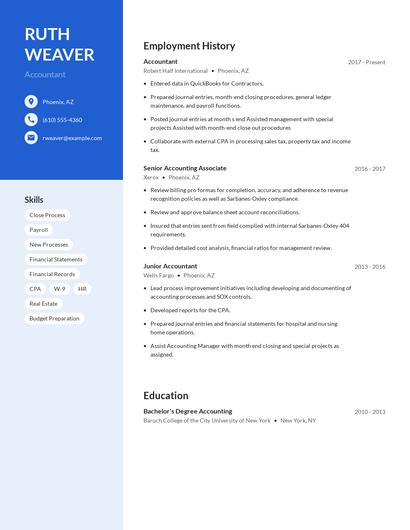
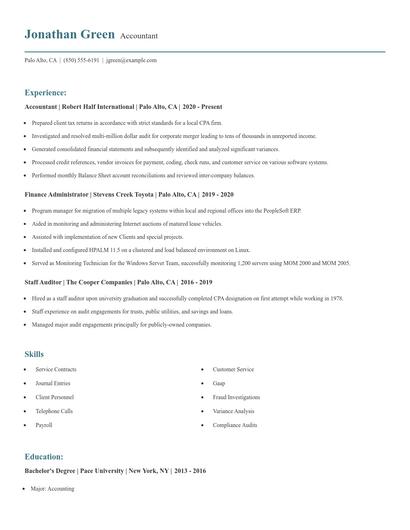
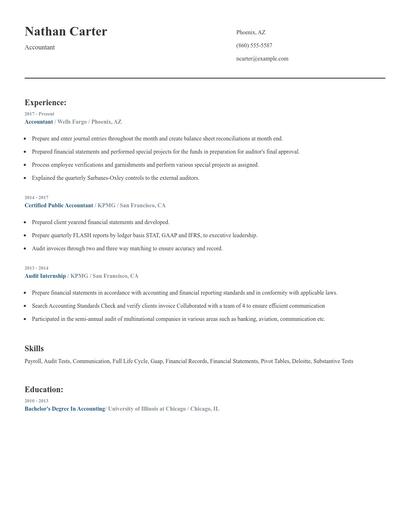
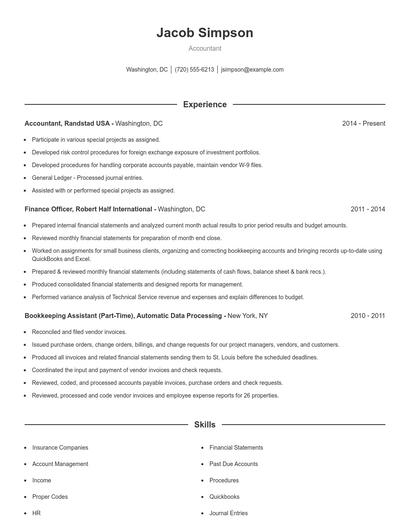
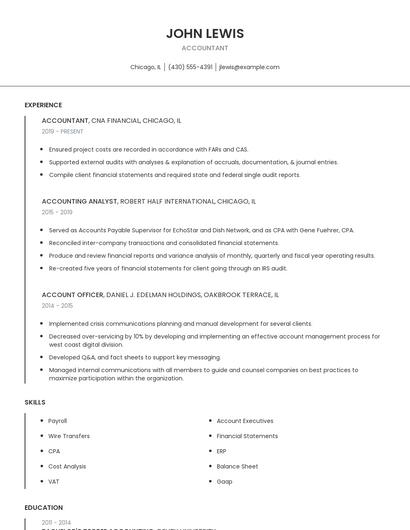
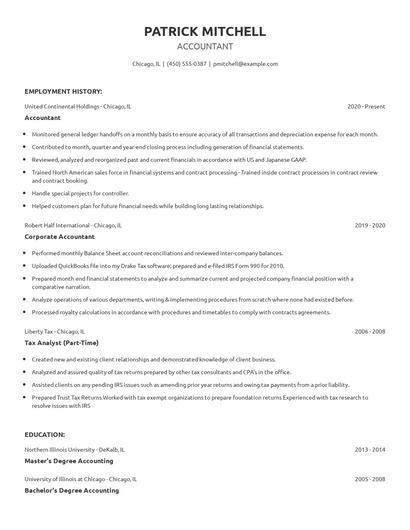
Choose from 10+ customizable resume templates
Zippia allows you to choose from different easy-to-use templates, and provides you with expert advice. Using the templates, you can rest assured that the structure and format of your resume is top notch. Choose a template with the colors, fonts & text sizes that are appropriate for your industry.