Explore jobs
Find specific jobs
Explore careers
Explore professions
Best companies
Explore companies
This question is about employer.
How to post a job on Indeed without including a salary
To post a job on Indeed without including a salary, you need to override the salary information. While you can avoid listing the specific salary of the role you are listing on Indeed, the career website will always provide a default salary estimate for job candidates viewing the job listing.
Here are the quick steps to posting a job on Indeed without including your specific salary information for your role:
Log into your Indeed account
Click on the Jobs page
Identify the role you wish to update salary information on
Select Edit Job
Find the Pay option
Click Edit on the pay option
Input your new salary details
Click Save Job
Remember, if you choose to enter no information in the job listings salary field, Indeed will automatically include a salary estimate for the role. So, technically you can not post a job on Indeed without a salary. However, you can elect to have Indeed posts the salary range estimate on your job listing instead.
Here are the three different options you have for posting a job on Indeed:
Free job postings
To post jobs for free on Indeed, you must first have an employer account. After posting the job listing, it is visible to Indeed users immediately. Free job postings will then appear in the search results when job seekers search for roles that line up with the details in your job posting. Free job postings on Indeed can include the following details:
Job description
Location
Skills requirements
Experience requirements
Qualification requirements
Free job posts are the most visible to Indeed users in the first two to three days after they have been posted. After this, the job posting falls in search results below more relevant jobs, meaning users have to scroll more or go through multiple job posting pages to find the listing. You also can not repost the same job within a short period of time to get around this.
Pay-per-click sponsored job postings
To attract more Indeed users to your job posting you can use their paid option. Indeed states that their pay-per-click sponsored job postings are four and half times more likely to find you the right candidate and result in a successful hire. This option dictates that you pay each time your job posting is "clicked on" by an Indeed user. Here are some details on this option:
Pay-per-click sponsored job postings can cost as little as $5 per day
You can determine how much you want to spend on an Indeed job posting
Indeed provides an application estimator tool that gives you info on how many job applications you can expect relative to your budget and duration
Each day when your daily budget is reached Indeed stops showing your posting among its sponsored jobs
This paid option is the most common paid option on the career website.
Indeed hiring platform option
This option functions much like an online recruiter by automating the recruitment practice. Indeed screens candidates for you based on your requirements and then schedules interviews with your hiring team with the most qualified professionals. Indeed is paid a 10% commission on the candidate's salary upon successful hiring, much like a normal recruiter.
This option also works as a type of online recruiting tool. Indeed uses its own data to look at over 200 million resumes that are uploaded on its platform in an attempt to find you the right candidate. There are two types of plans for this option:
The Standard plan costs $100 per month. This offers up to 30 contact credits each month you pay for the plan
The Professional plan costs $250 per month. This offers up to 100 contact credits each month you pay for the plan

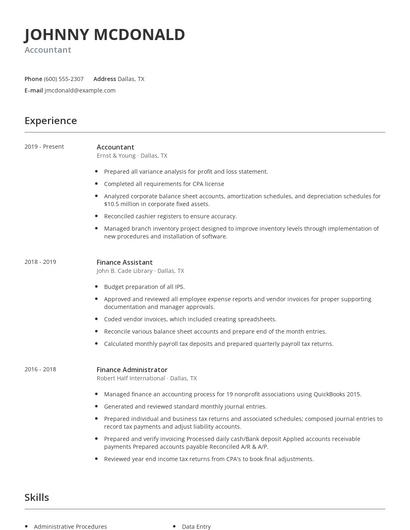
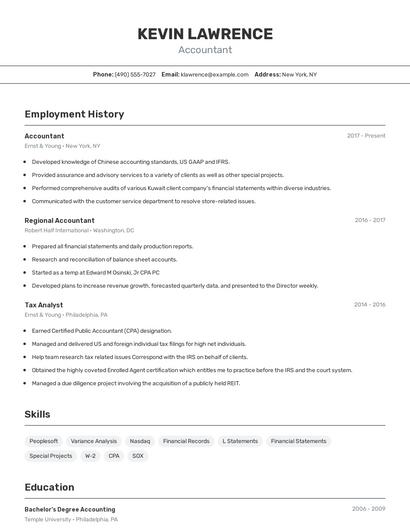
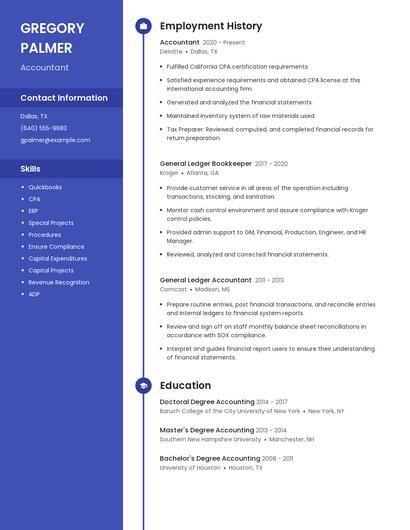
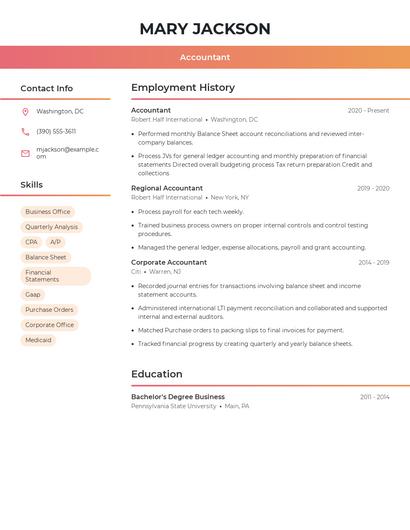
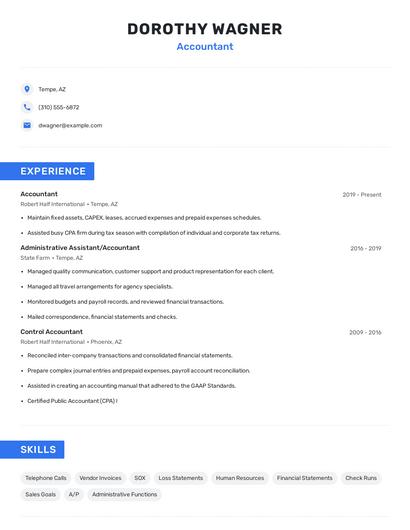
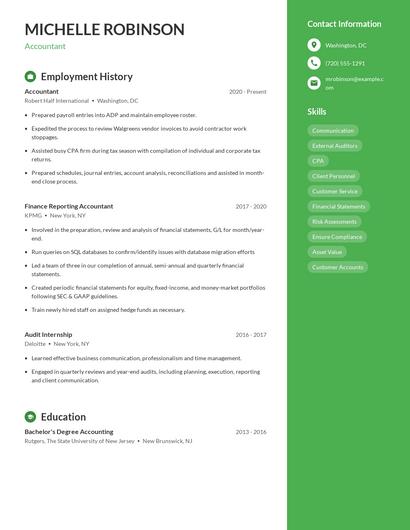
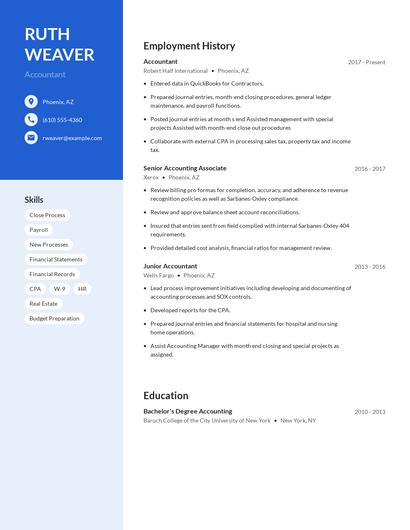
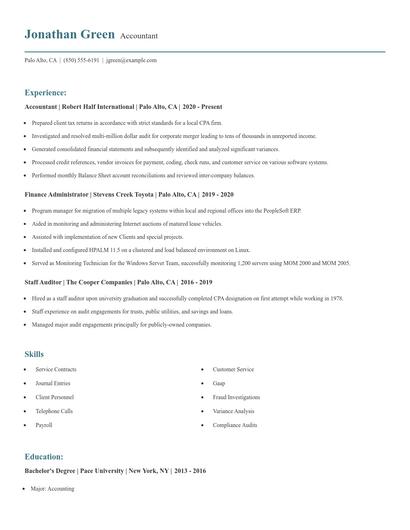
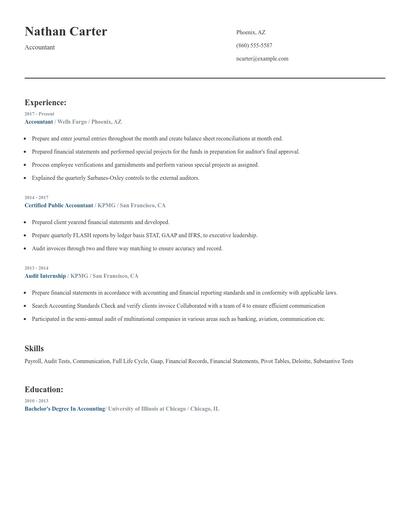
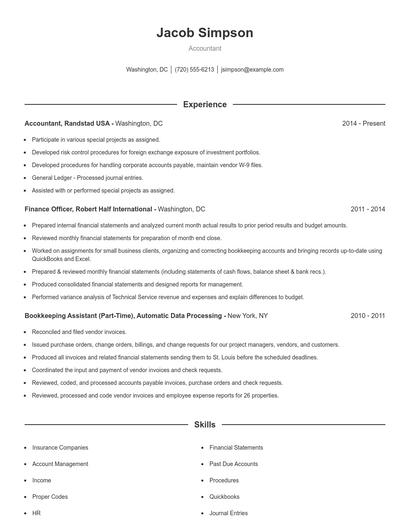
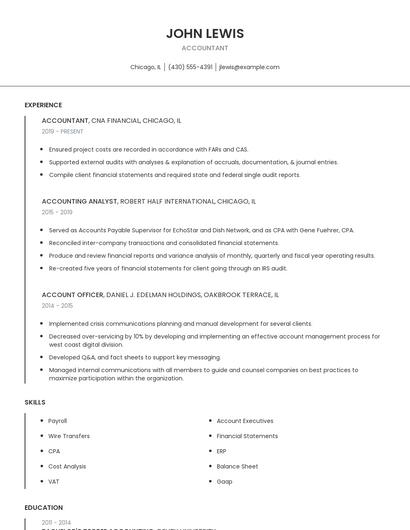
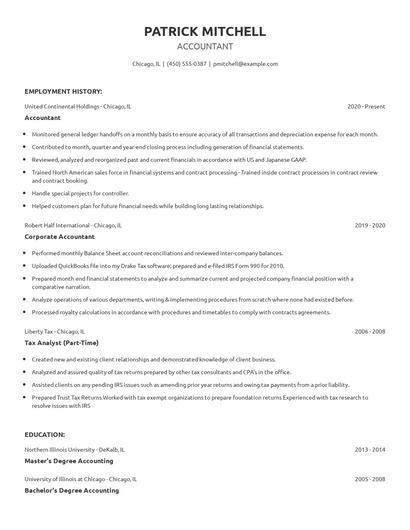
Choose from 10+ customizable resume templates
Zippia allows you to choose from different easy-to-use templates, and provides you with expert advice. Using the templates, you can rest assured that the structure and format of your resume is top notch. Choose a template with the colors, fonts & text sizes that are appropriate for your industry.