Explore jobs
Find specific jobs
Explore careers
Explore professions
Best companies
Explore companies
This question is about employer.
How to view resumes on LinkedIn?
To view a resume on Linkedin, you need to click on an item with a Document icon under Skills. From there, you should be able to view the resume that is associated with the document icon. The attachment should pop up in a window so that you can then access their resume.
Along with the resume that can be found under documents, you can also look at user profiles for resume information. Linkedin, unlike many other websites, has users create their profiles to basically be their resumes. They have work experience, education, special skills, volunteer experience, and other parts listed directly in the profile for others to view.
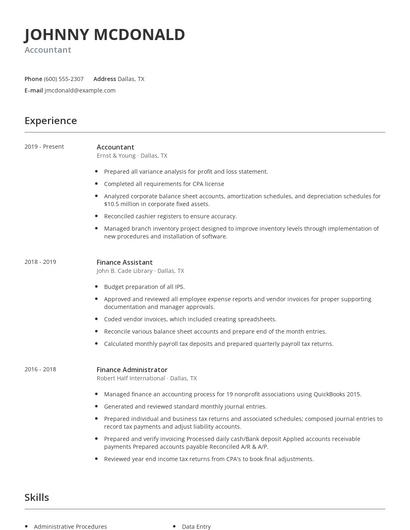
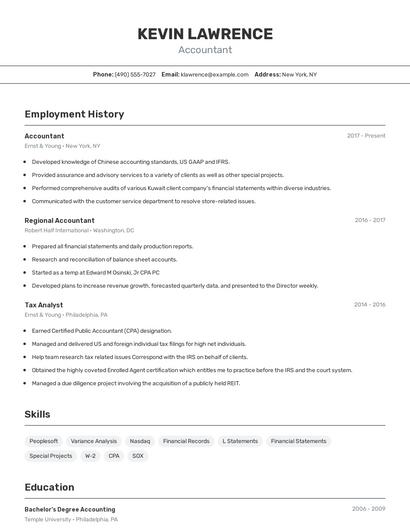
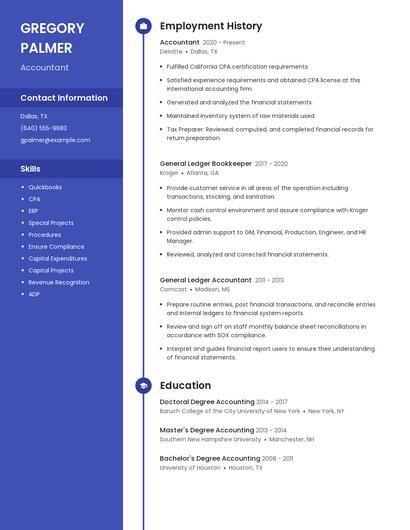
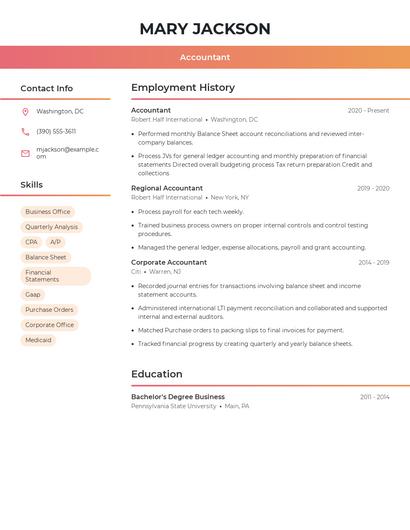
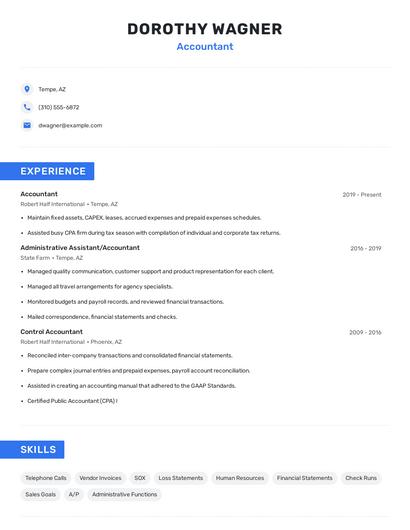
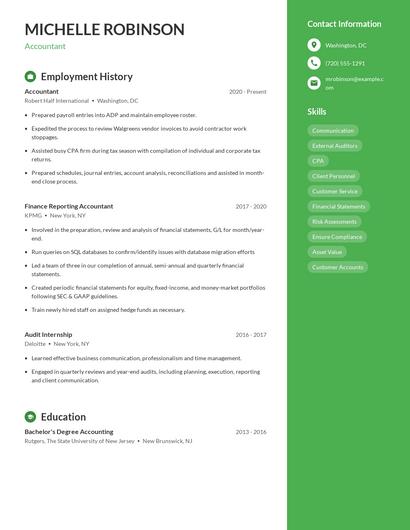
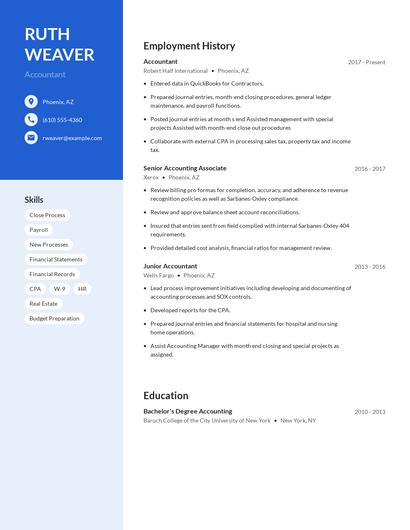
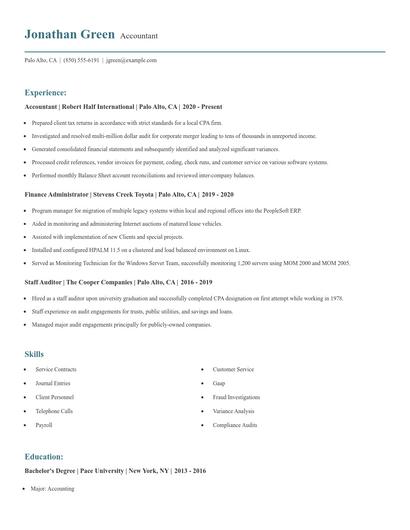
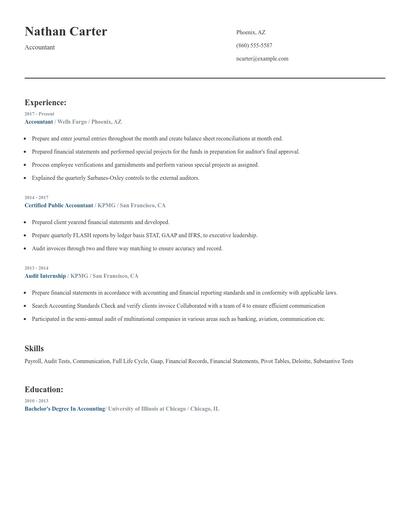
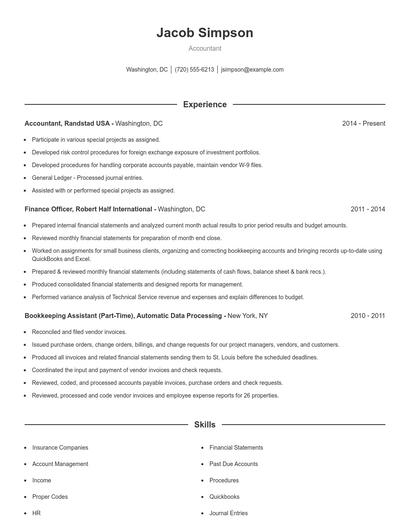
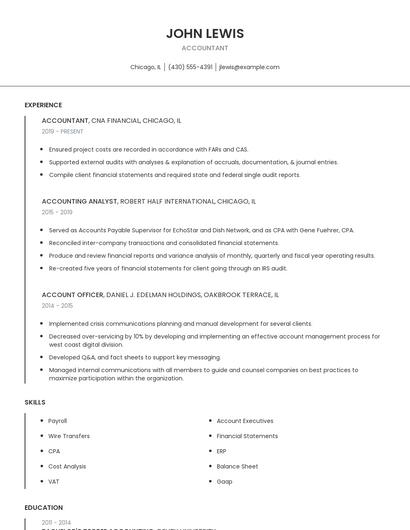
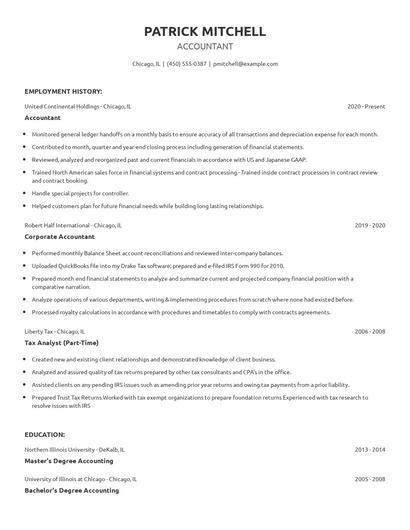
Choose from 10+ customizable resume templates
Zippia allows you to choose from different easy-to-use templates, and provides you with expert advice. Using the templates, you can rest assured that the structure and format of your resume is top notch. Choose a template with the colors, fonts & text sizes that are appropriate for your industry.