Explore jobs
Find specific jobs
Explore careers
Explore professions
Best companies
Explore companies
This question is about what a content creator does.
How to promote TikTok videos
To promote TikTok videos, you need to use the Promote tool on TikTok. You can navigate to the Promote tool in three different ways - from your Creator tools, straight from a TikTok video you want to promote, and on a Business Account from your Business Suite. Here Are the steps with each option:
Navigate from your Creator tools
Open the TikTok app. Select Profile on the bottom right of the screen. This takes you to your profile.
Select the 3-line icon in the top right of the screen. This takes you to settings.
Select Creator tools. Then select Promote.
Navigate straight from a TikTok video you want to promote
Record the TikTok video you want to promote.
From the video you want to promote, select (...) on the right of the screen.
Select Promote.
Navigate from your business account, from the Business Suite
Go to your Profile. Select the 3-line icon in the top right of the screen. This takes you to settings.
Then select Business Suite.
Select Promote.

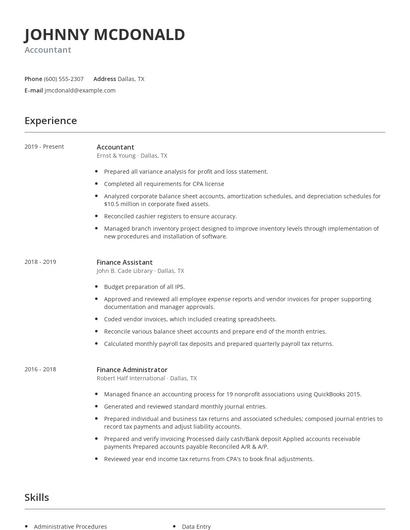
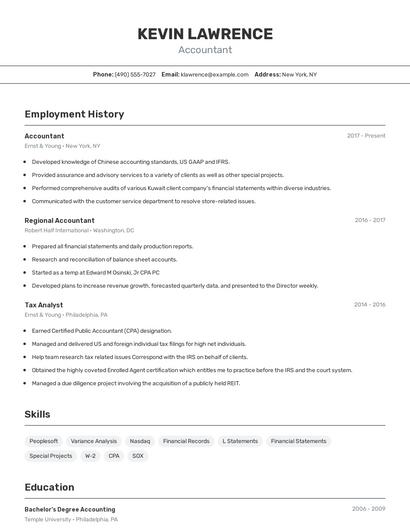
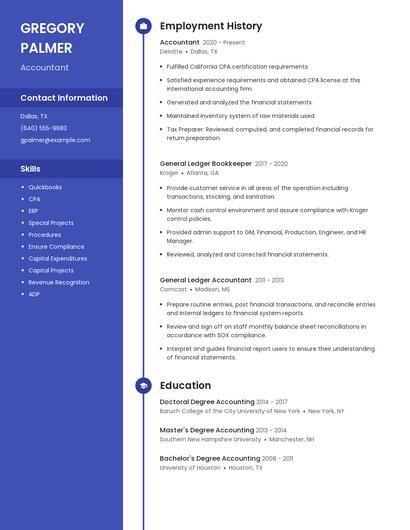
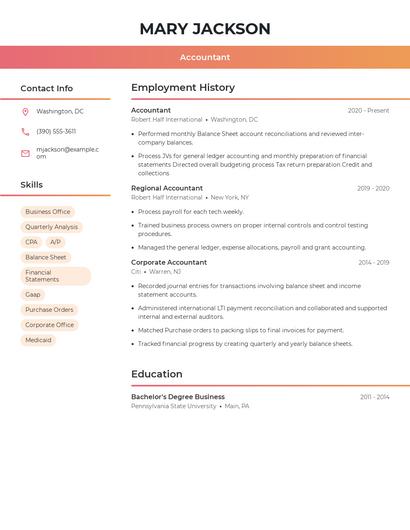
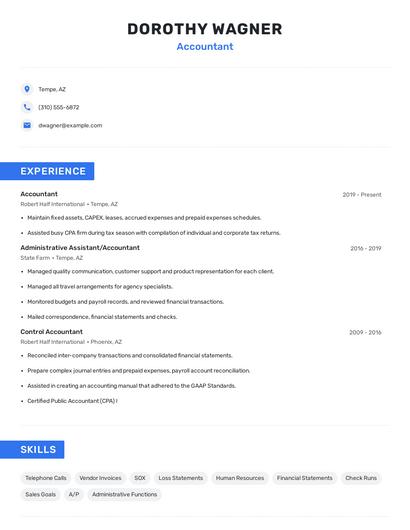
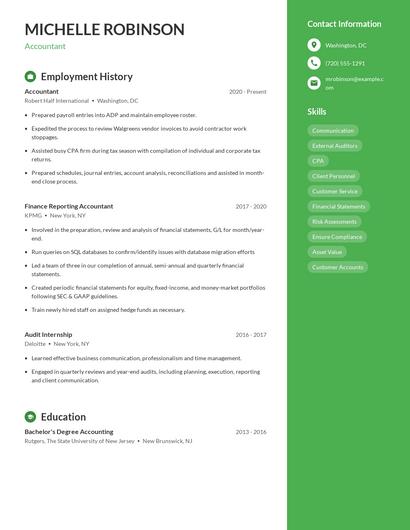
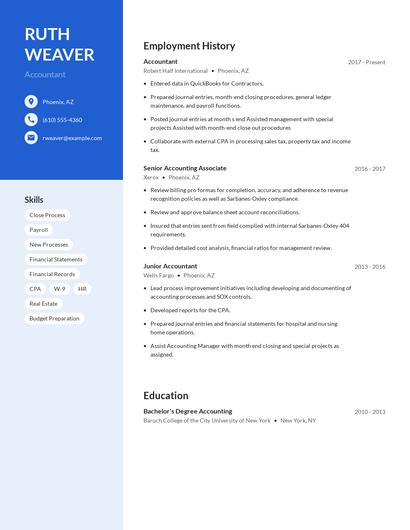
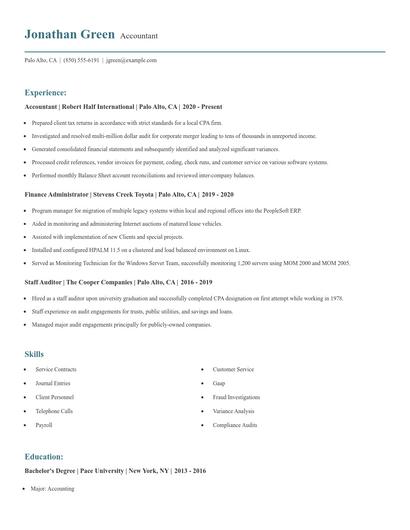
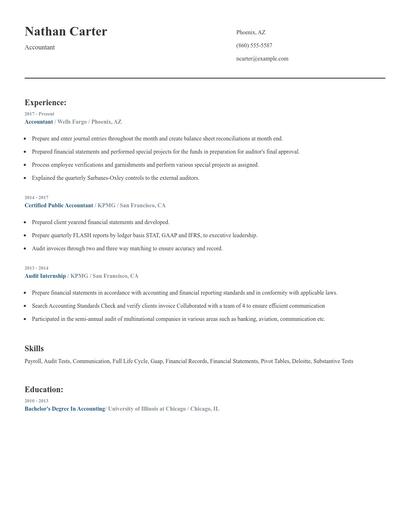
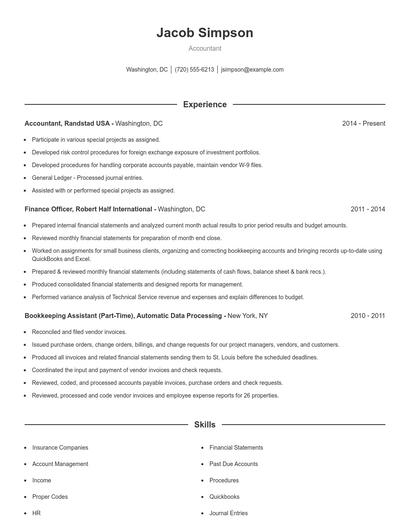
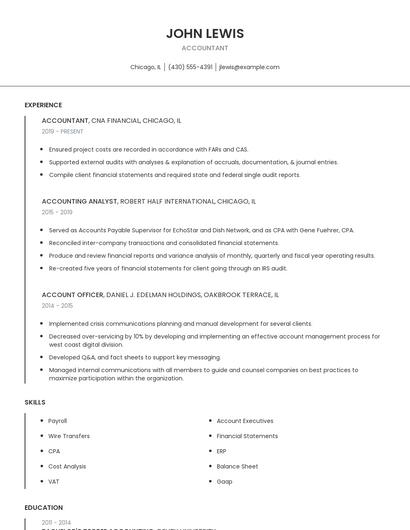
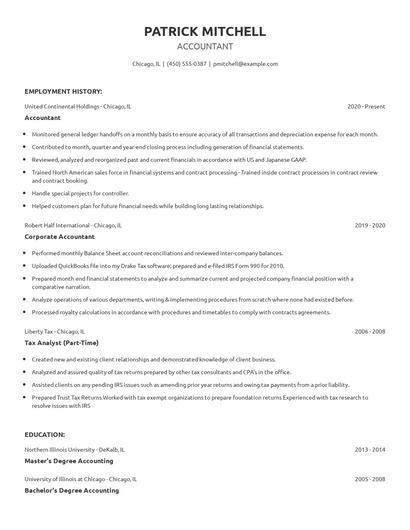
Choose from 10+ customizable resume templates
Zippia allows you to choose from different easy-to-use templates, and provides you with expert advice. Using the templates, you can rest assured that the structure and format of your resume is top notch. Choose a template with the colors, fonts & text sizes that are appropriate for your industry.